
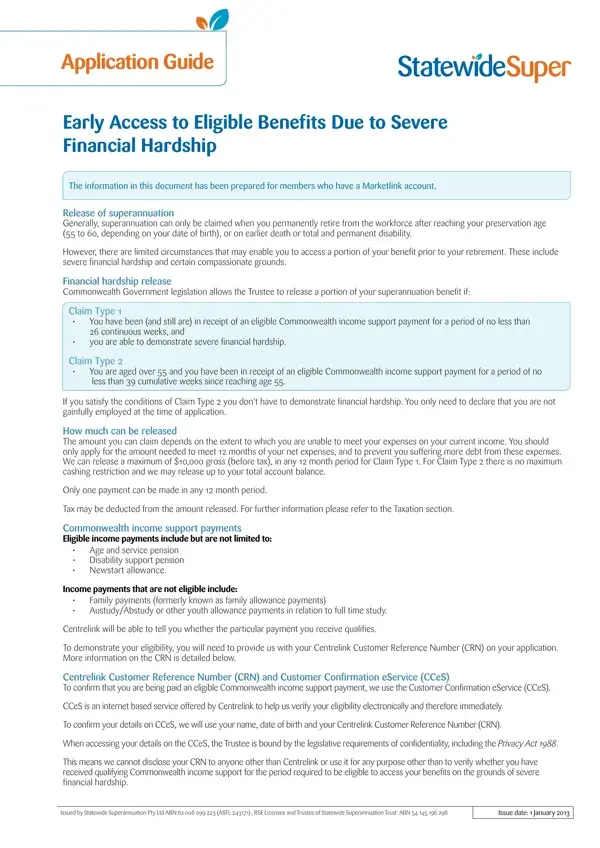
The Claiming Financial Hardship For Statewide Super form helps Marketlink account holders access their superannuation before retirement. This is permitted under severe financial hardship conditions set by Commonwealth Government legislation.
Two claim types are available. Claim Type 1 is for members who have received eligible Commonwealth income support for at least 26 consecutive weeks and cannot meet basic living expenses. The maximum release under Claim Type 1 is $10,000. Claim Type 2 is for members aged 55 or over who have received income support for at least 39 weeks since turning 55, with no need to prove financial hardship.
To apply, you will need your Centrelink Customer Reference Number (CRN). You must also list your income, assets and monthly expenses on the form. The fund reviews your application against the eligibility criteria before releasing any funds.
For guidance not covered under financial hardship, the Department of Human Services may provide additional support. Statewide Super recommends seeking independent financial advice before accessing your superannuation early.
| Question | Answer |
|---|---|
| Form Name | Claiming Financial Hardship For Statewide Super Form |
| Form Length | 10 pages |
| Fillable? | No |
| Fillable fields | 0 |
| Avg. time to fill out | 2 min 30 sec |
| Other names | statewide super withdrawal form, application hardship statewide, hardship claim form statewide super, early release of superannuation application form |