
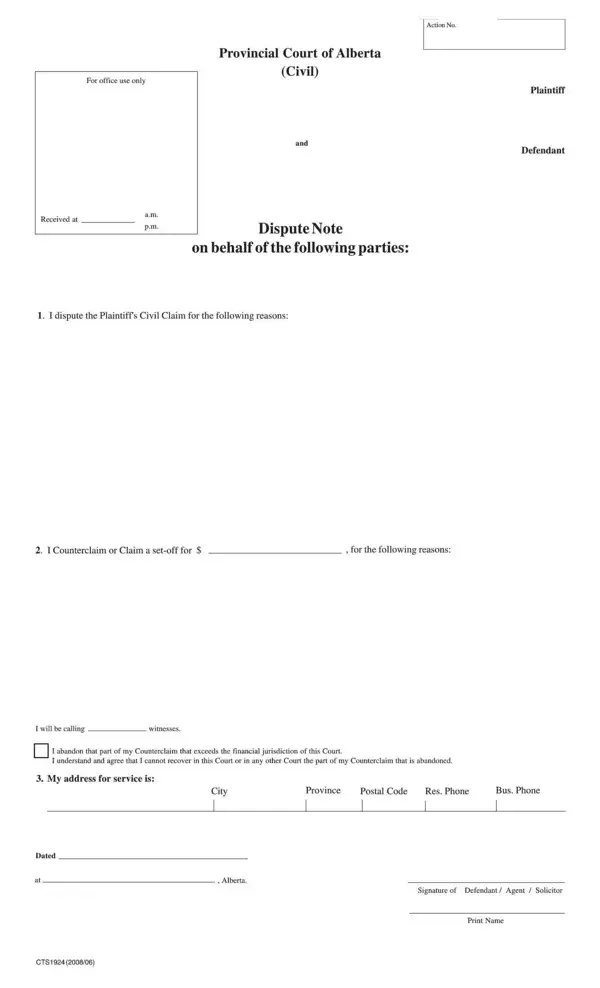
The CTS 1924 Dispute Note is a legal form issued by Alberta Courts for use in the civil division of Alberta’s Provincial Court system. It is the required written response when another party serves you with a Civil Claim (CTS 1923), alleging money is owed or a legal obligation was not met. Filing a complete Dispute Note is the mandatory first step in contesting the claim.
To fill out the Dispute Note correctly, you will need the claim number from the original Civil Claim document, your full legal name and mailing address, the date of the disputed event or transaction, a written summary of why you dispute the claim, and the amount of any counterclaim you intend to make against the plaintiff. All fields must be completed accurately to avoid delays at your scheduled hearing.
After filing, the court will send you a hearing date notice. Bring all supporting documents and evidence to the hearing. If the disputed amount exceeds the Provincial Court’s monetary jurisdiction, the matter may need to proceed in Court of Queen’s Bench instead.
| Question | Answer |
|---|---|
| Form Name | CTS 1924 Dispute Note |
| Form Length | 2 pages |
| Fillable? | No |
| Fillable fields | 0 |
| Avg. time to fill out | 30 sec |
| Other names | Alberta Dispute Note, Dispute Note form, civil claim response form, Alberta Provincial Court form, CTS1924 |
Cts 1924 Form isn’t the one you’re looking for?