
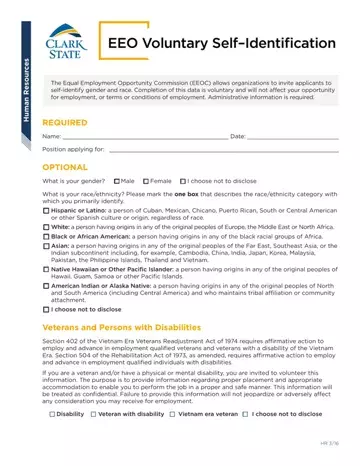
EEO Voluntary Self-Identification at a glance
What it is: EEO Voluntary Self-Identification, Human Resources.
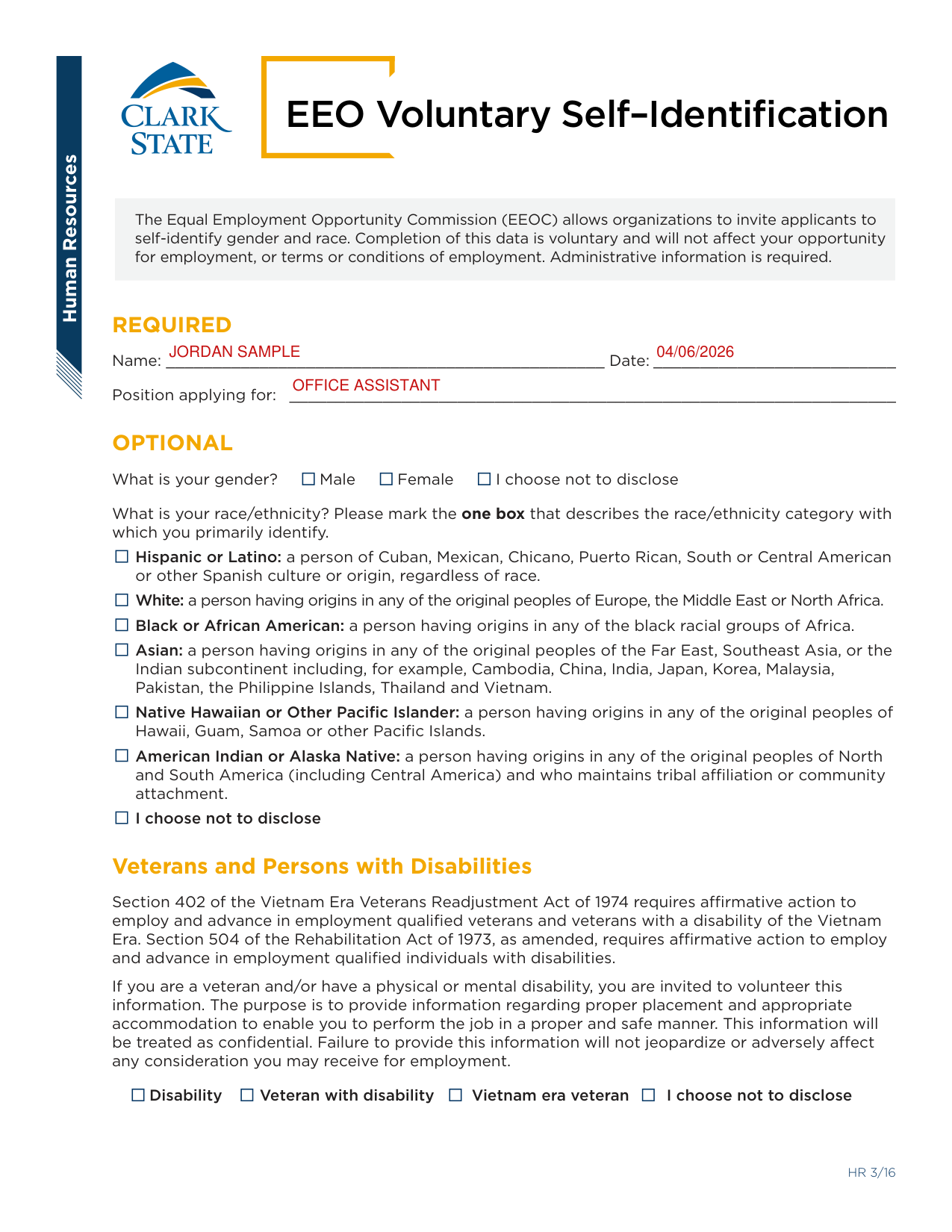
A filled-in EEO Voluntary Self-Identification example: an applicant fills in the required lines
How to fill out EEO Voluntary Self-Identification, box by box
Name, Date and Position applying for

The Equal Employment Opportunity Commission (EEOC) allows organizations to invite applicants to self-identify gender and race. Completion of this data is voluntary and will not affect your opportunity for employment, or terms or conditions of employment. Administrative information is required.
Enter your Name, the Date and the Position applying for.
Disability and veteran
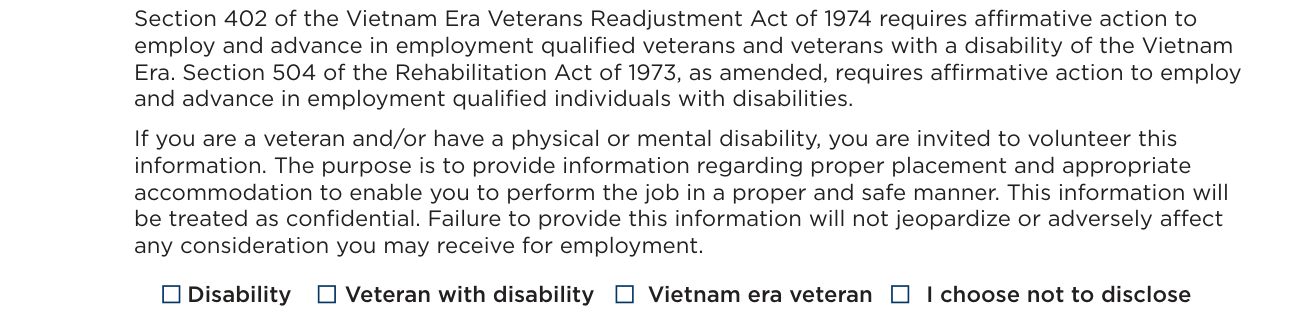
If you are a veteran and/or have a physical or mental disability, you are invited to volunteer this information. This information will be treated as confidential. Failure to provide this information will not jeopardize or adversely affect any consideration you may receive for employment.
The boxes are Disability, Veteran with disability, Vietnam era veteran and I choose not to disclose.
More rules for EEO Voluntary Self-Identification
What is your gender? Male, Female or I choose not to disclose.
Mark the one box that describes the race/ethnicity category with which you primarily identify. Choose from Hispanic or Latino, White, Black or African American, Asian, Native Hawaiian or Other Pacific Islander, American Indian or Alaska Native, and I choose not to disclose.
Sources
[1] EEO Voluntary Self-Identification, Human Resources, Clark State (the Official source link on this page).
