
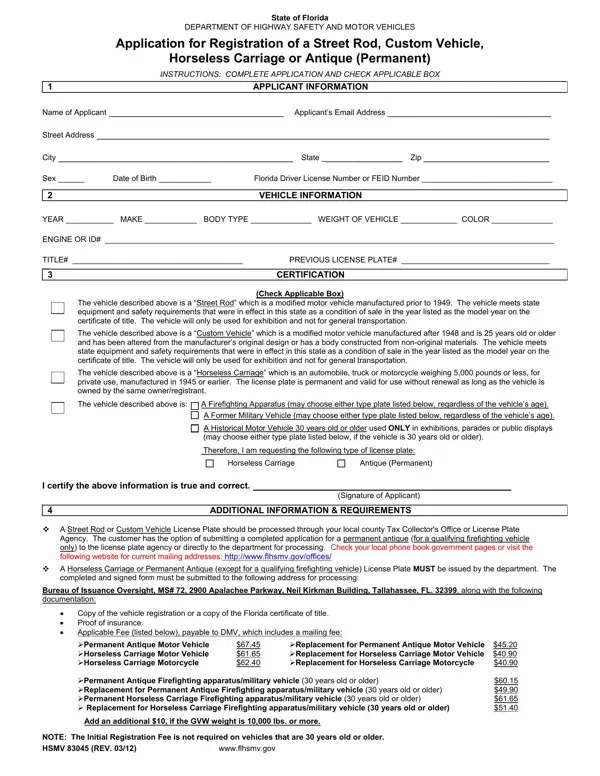

Form HSMV 83045 at a glance
What it is: The Florida Department of Highway Safety and Motor Vehicles prints this Application for Registration of a Street Rod, Custom Vehicle, Horseless Carriage or Antique (Permanent).
Where and when to file: Submit this form to your local tax collector office or license plate agency.
A filled-in Form HSMV 83045 example: a Historical Motor Vehicle application
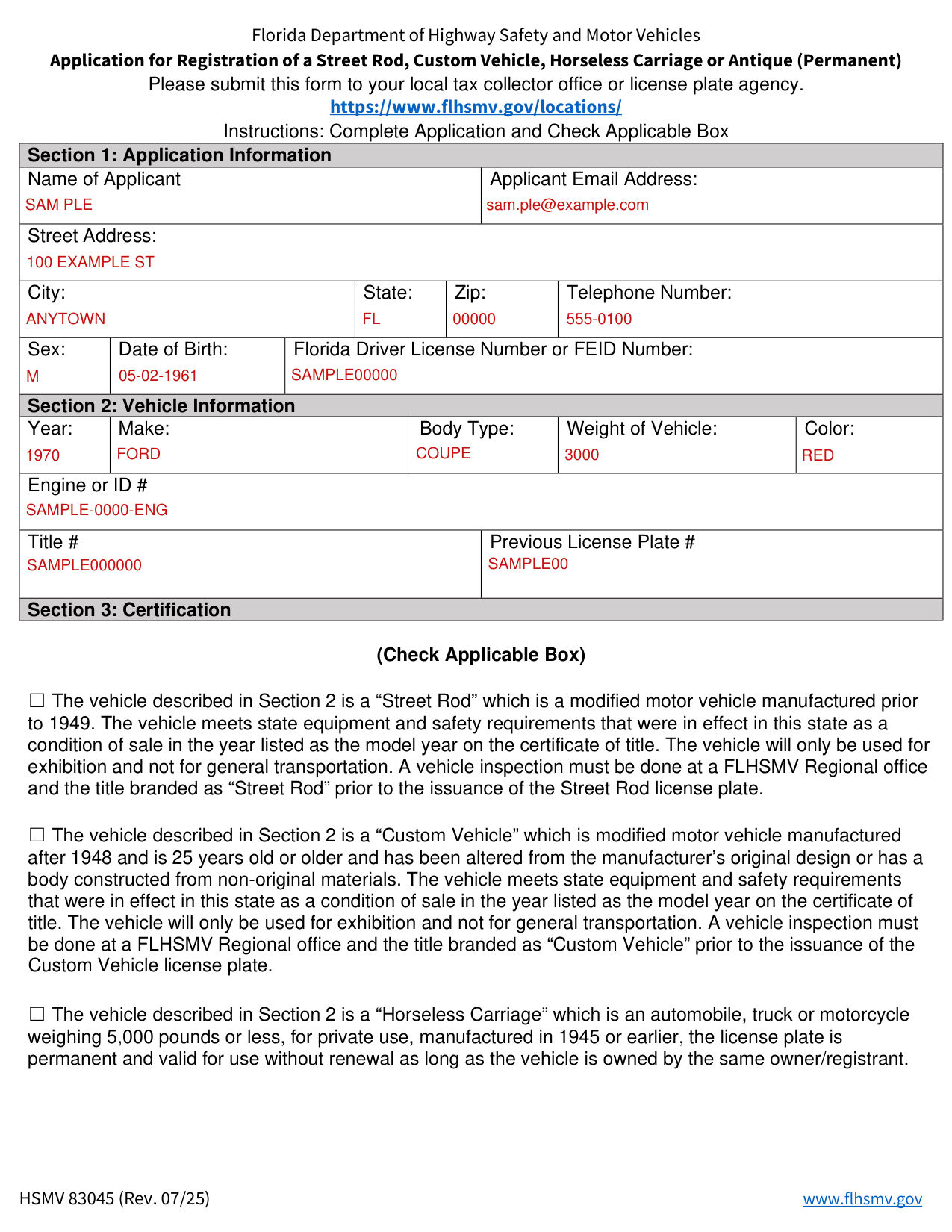
How to fill out Form HSMV 83045, box by box
Tap a group of boxes to open it, and a picture to see it full size.
Section 1: Application Information
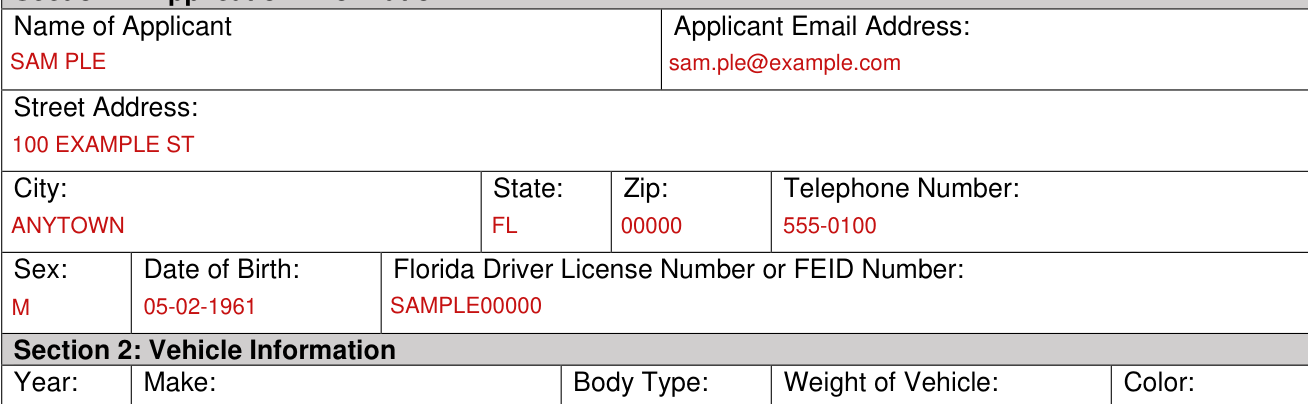
Complete the Application: under Section 1: Application Information fill out the Name of Applicant, Applicant Email Address, Street Address, City, State, Zip, Telephone Number, Sex, Date of Birth and Florida Driver License Number or FEID Number.
Section 2: Vehicle Information
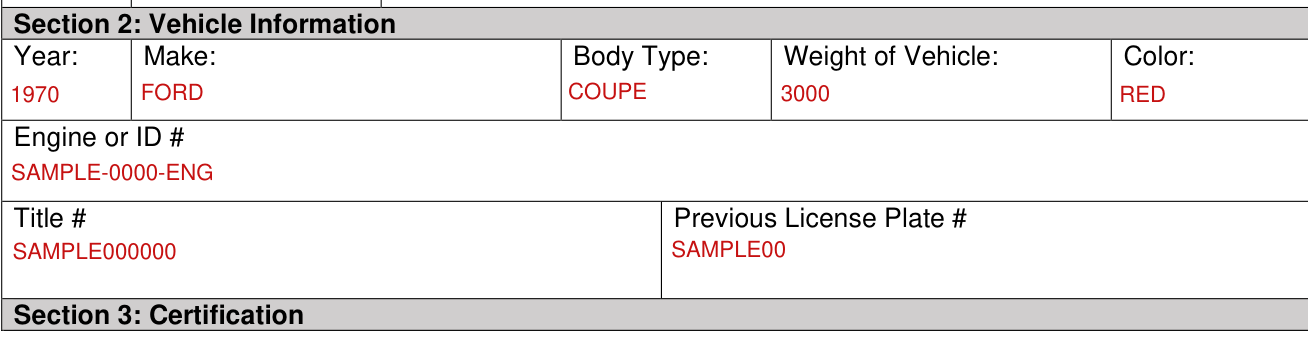
Under Section 2: Vehicle Information fill out the Year, Make, Body Type, Weight of Vehicle, Color, Engine or ID #, Title # and Previous License Plate #.
Section 3: Certification
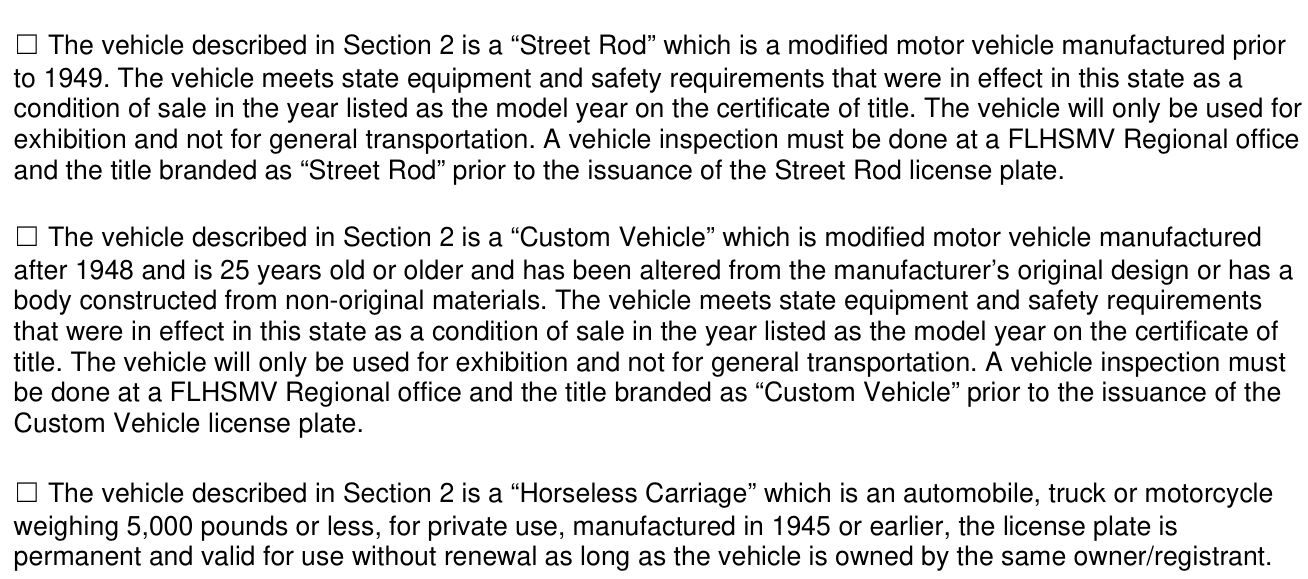
Check the “Street Rod” box if the vehicle described in Section 2 is a modified motor vehicle manufactured prior to 1949. Check it only if the vehicle meets state equipment and safety requirements that were in effect in this state as a condition of sale in the year listed as the model year on the certificate of title, and will only be used for exhibition and not for general transportation. A vehicle inspection must be done at a FLHSMV Regional office and the title branded as “Street Rod” prior to the issuance of the Street Rod license plate.
Check the “Custom Vehicle” box if the vehicle described in Section 2 is a modified motor vehicle manufactured after 1948, is 25 years old or older and has been altered from the manufacturer's original design or has a body constructed from non-original materials. The vehicle must meet state equipment and safety requirements that were in effect in this state as a condition of sale in the year listed as the model year on the certificate of title, and the vehicle will only be used for exhibition and not for general transportation. A vehicle inspection must be done at a FLHSMV Regional office and the title branded as “Custom Vehicle” prior to the issuance of the Custom Vehicle license plate.
Check the “Horseless Carriage” box if the vehicle described in Section 2 is an automobile, truck or motorcycle weighing 5,000 pounds or less, for private use, manufactured in 1945 or earlier; the license plate is permanent and valid for use without renewal as long as the vehicle is owned by the same owner/registrant.
Antique
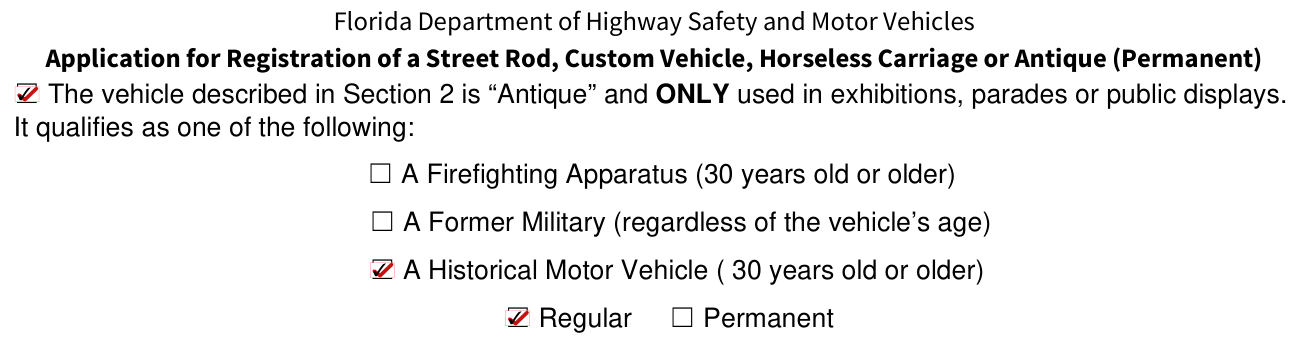
Check the “Antique” box if the vehicle described in Section 2 is “Antique” and ONLY used in exhibitions, parades or public displays.
It qualifies as one of the following: check A Firefighting Apparatus (30 years old or older), A Former Military (regardless of the vehicle's age), or A Historical Motor Vehicle (30 years old or older).
Check Regular or Permanent.
Signature of Applicant

Under Section 3: Certification, the applicant signs on the Signature of Applicant line to certify the above information is true and correct.
More rules for Form HSMV 83045
1. A Street Rod or Custom Vehicle License Plate should be processed through your local county Tax Collector's Office or License Plate Agency.
The customer has the option of submitting a completed application for a permanent antique (for a qualifying firefighting vehicle only) to your local County Tax Collector's office, the license plate agency, or directly to the department for processing.
2. A Horseless Carriage or Permanent Antique (except for a qualifying firefighting vehicle) License Plate MUST be issued by the department.
The completed and signed application along with a copy of the Florida vehicle registration, or a copy of the Florida title, and proof of insurance must be submitted to Direct Mail, MS# 72, 2900 Apalachee Parkway, Neil Kirkman Building, Tallahassee, FL. 32399.
A department employee will contact you via telephone to complete the processing and payment.
Horseless Carriage and Antique license plates are available for the following: Permanent Antique Motor Vehicle, Replacement for Permanent Antique Motor Vehicle, Horseless Carriage Motor Vehicle, Replacement for Horseless Carriage Motor Vehicle, Horseless Carriage Motorcycle, Replacement for Horseless Carriage Motorcycle, Permanent Antique Firefighting apparatus/military vehicle, Replacement for Permanent Antique Firefighting apparatus/military vehicle, Permanent Horseless Carraige Firefighting apparatus/military vehicle, Replacement for Horseless Carriage Firefighting apparatus/military vehicle.
Note: The initial Registration Fee is not required on vehicles that are 30 years old or older.
(5) A former military vehicle that is used only in exhibitions, parades, or public display is exempt from the requirement to display a license plate or registration insignia if the exemption is necessary to maintain the vehicle's accurate military markings.
However, the license plate and registration certificate issued under this section must be carried within the vehicle and available for inspection by any law enforcement officer.
(6) For purposes of this section, “former military vehicle” means a vehicle, including a trailer, regardless of the vehicle's size, weight, or year of manufacture, that was manufactured for use in any country's military forces and is maintained to represent its military design and markings accurately.
Common questions about Form HSMV 83045
Where do I file it?
Submit this form to your local tax collector office or license plate agency.
Sources
[1] Form HSMV 83045 (Rev. 07/25), Application for Registration of a Street Rod, Custom Vehicle, Horseless Carriage or Antique (Permanent), Florida Department of Highway Safety and Motor Vehicles (the Official source link on this page).