
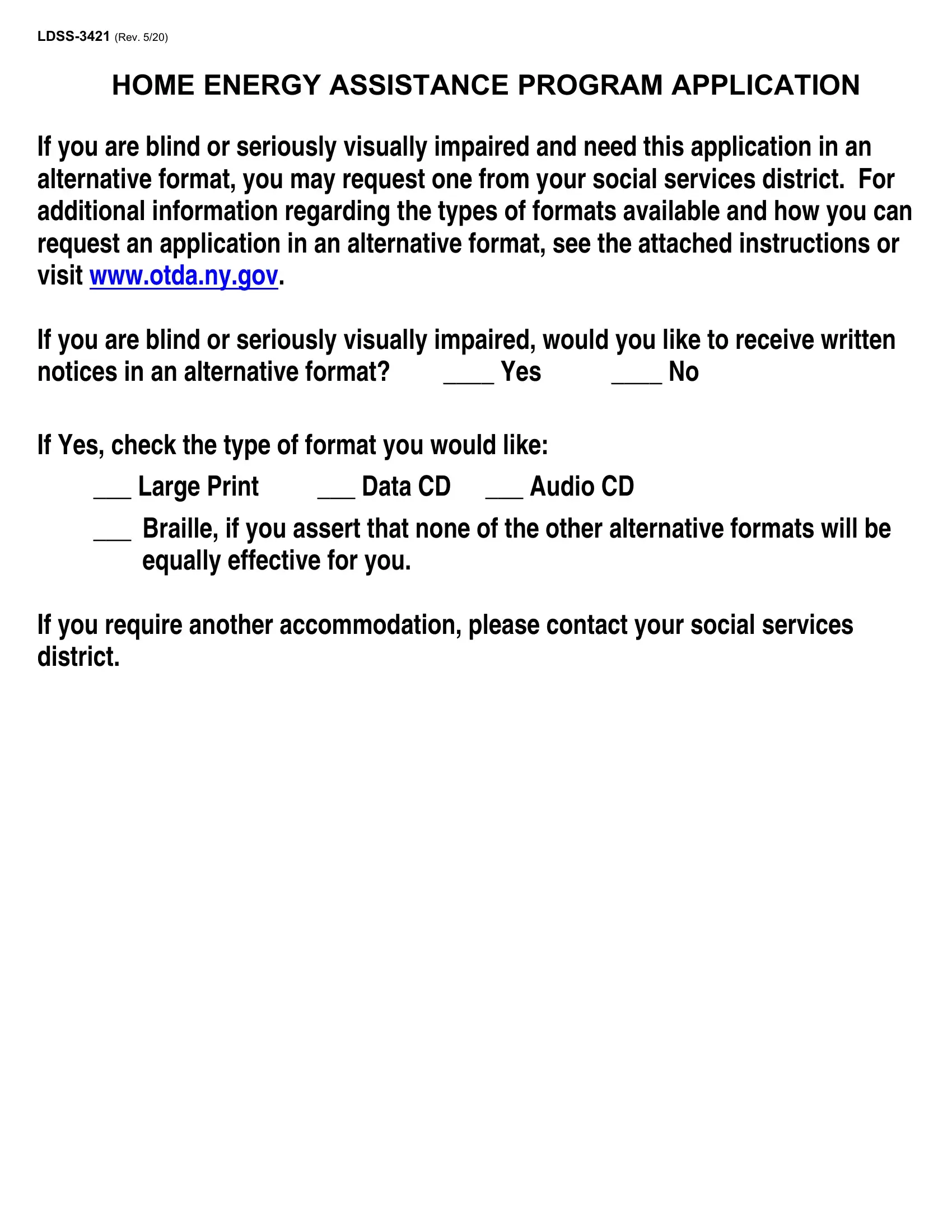


ldss 3421 fillable can be completed easily. Simply make use of FormsPal PDF editor to complete the job right away. To make our tool better and more convenient to work with, we consistently design new features, with our users' feedback in mind. By taking a few basic steps, you'll be able to begin your PDF journey:
Step 1: Access the PDF form in our tool by clicking the "Get Form Button" at the top of this page.
Step 2: Once you launch the editor, there'll be the document prepared to be filled out. Other than filling in various blanks, you might also perform various other things with the PDF, specifically writing any words, modifying the initial text, adding graphics, putting your signature on the form, and a lot more.
With regards to the blanks of this specific document, here is what you should consider:
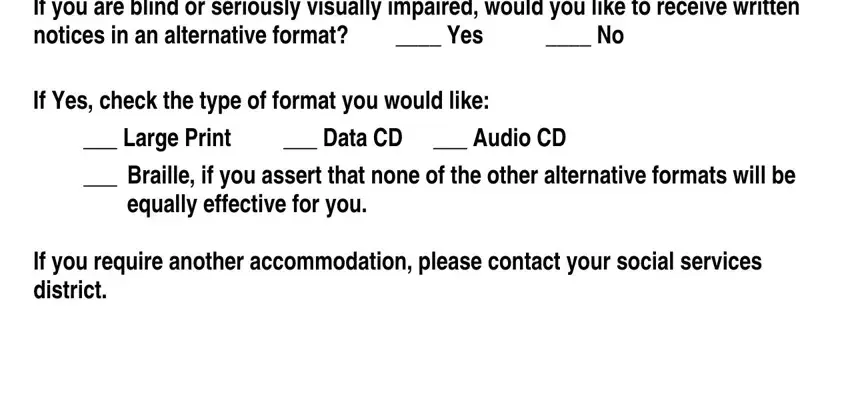
1. Complete the ldss 3421 fillable with a group of major blank fields. Consider all of the required information and be sure there's nothing overlooked!
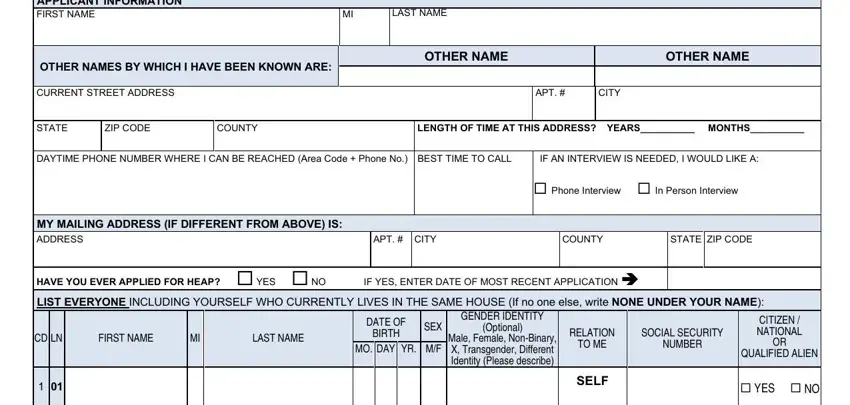
2. Once your current task is complete, take the next step – fill out all of these fields - APPLICANT INFORMATION FIRST NAME, LAST NAME, OTHER NAMES BY WHICH I HAVE BEEN, OTHER NAME, OTHER NAME, CURRENT STREET ADDRESS, APT, CITY, STATE, ZIP CODE, COUNTY, LENGTH OF TIME AT THIS ADDRESS, DAYTIME PHONE NUMBER WHERE I CAN, IF AN INTERVIEW IS NEEDED I WOULD, and Phone Interview In Person with their corresponding information. Make sure to double check that everything has been entered correctly before continuing!
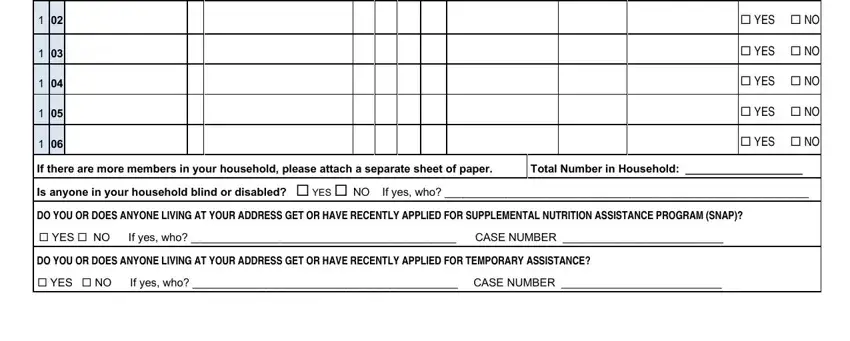
3. This next segment is about YES NO, YES NO, YES NO, YES NO, YES NO, If there are more members in your, DO YOU OR DOES ANYONE LIVING AT, YES NO If yes who CASE NUMBER, DO YOU OR DOES ANYONE LIVING AT, and YES NO If yes who CASE NUMBER - type in each of these fields.
4. This next section requires some additional information. Ensure you complete all the necessary fields - HOMEOWNER OTHER, Single Family House or Mobile Home, I live with someone else and share, Permanent hotelmotel Other living, RENTER, Private House Apartment or Mobile, SUBSIDIZED RENT, Private Subsidized Housing Public, Do you receive a HUD utility, MY MONTHLY RENT OR MORTGAGE, NONE, IF APPLICABLE THE NAME OF THE, DO YOU OR DOES ANYONE IN YOUR, YES, and SECTION HEAT AND UTILITY - to proceed further in your process!
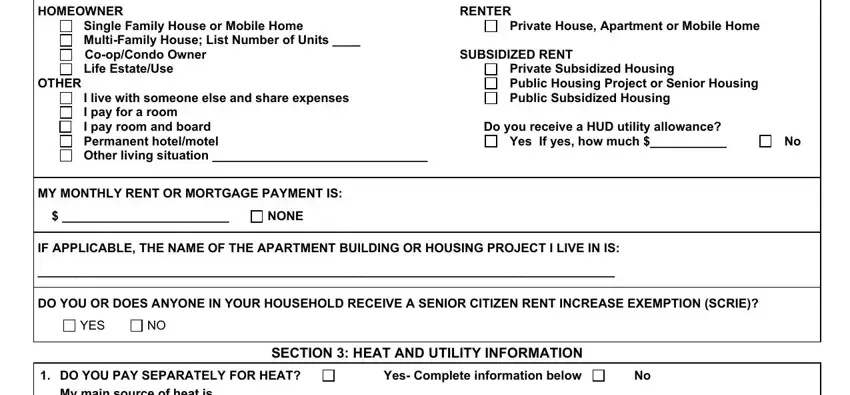
People frequently make some errors when filling in Single Family House or Mobile Home in this part. You need to revise whatever you type in right here.
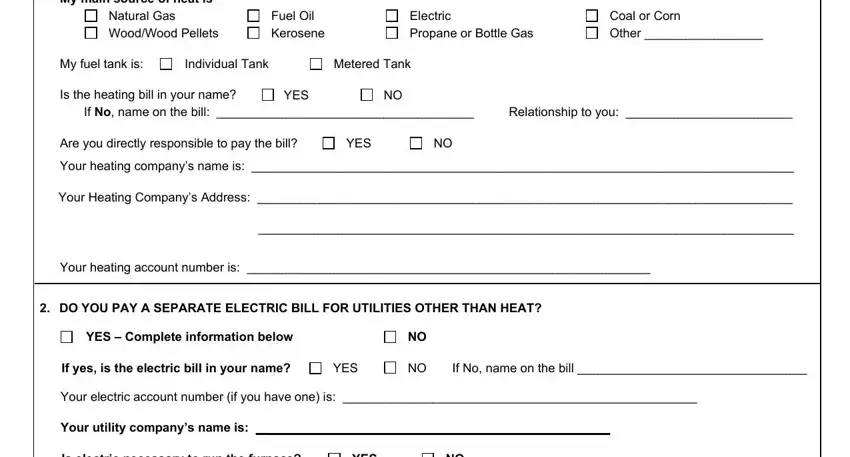
5. And finally, the following final portion is what you will have to wrap up prior to submitting the PDF. The fields under consideration are the next: DO YOU PAY SEPARATELY FOR HEAT My, Natural Gas WoodWood Pellets, Fuel Oil Kerosene, Electric Propane or Bottle Gas, Coal or Corn Other, My fuel tank is, Individual Tank, Metered Tank, Is the heating bill in your name, YES, If No name on the bill, Relationship to you, Are you directly responsible to, YES, and Your heating companys name is.
Step 3: As soon as you've looked once more at the information you filled in, press "Done" to finalize your document generation. Get your ldss 3421 fillable when you join for a 7-day free trial. Immediately view the pdf document from your FormsPal cabinet, along with any edits and changes conveniently synced! We do not sell or share any information that you enter while dealing with documents at our website.