
Sba Form 750 PDF Details

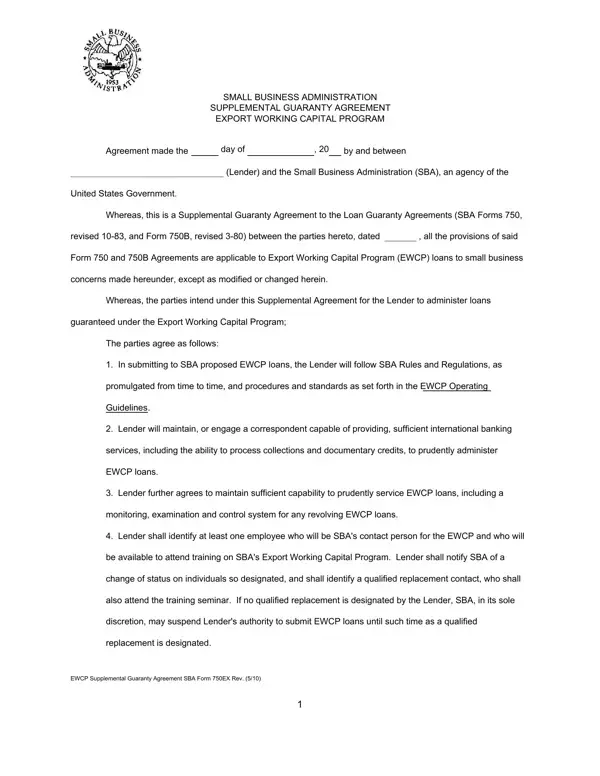
Entering the realm of small business support, the SBA 750 form plays a crucial role, especially for those seeking to expand their entrepreneurial efforts into the international market. This document, officially titled the Small Business Administration Supplemental Guaranty Agreement for the Export Working Capital Program (EWCP), serves as a binding agreement between lenders and the Small Business Administration (SBA), a noteworthy entity of the United States Government. The essence of this form lies in its function as a supplemental agreement to previous Loan Guaranty Agreements, aimed solely at facilitating loans under the EWCP to empower small businesses in their export activities. It outlines a structured agreement, wherein lenders commit to adhering to SBA's rules, maintaining adequate international banking services, and ensuring proficient loan administration to support export activities of small businesses. This agreement also specifies the obligations of lenders, such as designating a contact person for the EWCP and notifying the SBA of any status changes, ensuring a seamless communication channel. Moreover, it highlights conditions under which the agreement might be terminated and the process for modifications, ensuring both parties are well-informed and adaptable to changes. All these components are encapsulated within the SBA 750 form, making it not just a document but a foundational pillar for small businesses aiming to navigate and succeed in the global market.

QuestionAnswer
Form NameSba Form 750
Form Length2 pages
Fillable?No
Fillable fields0
Avg. time to fill out30 sec
Other namessba form 750 loan guaranty agreement, sba form 750 and 750b and 750ex, sba 750, form 750 sba

How to Edit Sba Form 750 Online for Free

sba supplemental loan agreement can be filled out online with ease. Just make use of FormsPal PDF editor to get it done in a timely fashion. Our tool is continually developing to grant the very best user experience possible, and that's thanks to our resolve for continual enhancement and listening closely to comments from customers. Getting underway is effortless! All you should do is stick to the following basic steps below:

Step 1: Just click the "Get Form Button" in the top section of this site to see our pdf form editing tool. There you'll find everything that is required to fill out your file.

Step 2: With our advanced PDF editor, you can do more than merely complete blank fields. Express yourself and make your docs look great with custom text incorporated, or modify the original content to excellence - all that accompanied by the capability to incorporate your personal graphics and sign it off.

This document will need specific details; in order to ensure consistency, please make sure to bear in mind the following recommendations:

1. The sba supplemental loan agreement usually requires particular information to be entered. Be sure the next blanks are completed:

sba form 750 loan guaranty agreement completion process clarified (stage 1)

2. The subsequent step would be to fill out these particular fields: ATTEST, INSTITUTION, ADDRESS INCLUDE ZIP CODE, SIGNATURE, NAME PRINTED OR TYPED, TITLE, US SMALL BUSINESS ADMINISTRATION, SIGNATURE, and NAME PRINTED OR TYPED.

Simple tips to fill in sba form 750 loan guaranty agreement part 2

As for US SMALL BUSINESS ADMINISTRATION and NAME PRINTED OR TYPED, make sure you get them right in this section. These are definitely the most important fields in this PDF.

Step 3: Make certain the details are accurate and click on "Done" to proceed further. Download the sba supplemental loan agreement the instant you join for a free trial. Conveniently access the pdf document within your FormsPal cabinet, with any modifications and changes conveniently kept! At FormsPal, we do our utmost to guarantee that all your information is maintained private.