
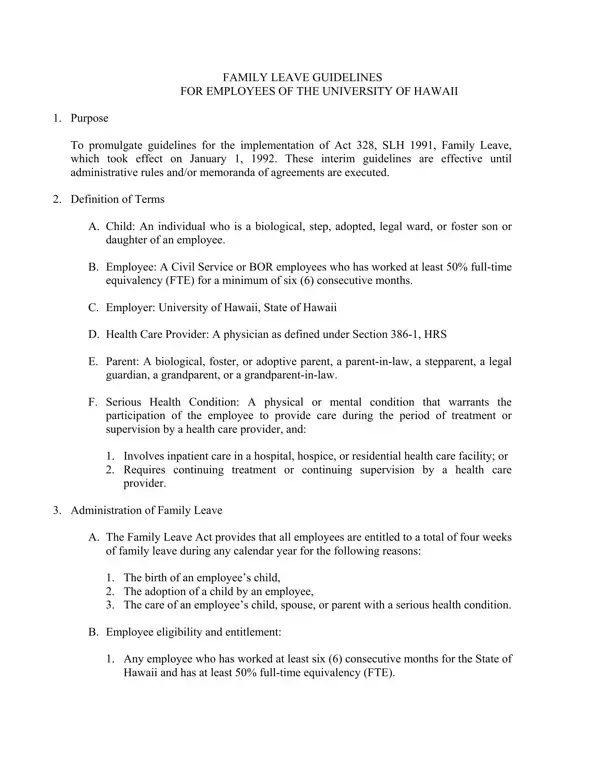
The University of Hawaii embraces a comprehensive approach to supporting its employees through significant life events, encapsulating this philosophy within the framework of the UH Form 46. This form acts as a cornerstone for the implementation of Act 328, SLH 1991, known as the Family Leave Act, which came into effect at the start of 1992. It aims to streamline the process for employees seeking family leave, whether for the joyous occasions of childbirth or adoption, or the more solemn duty of caring for a family member with a serious health condition. The guidelines detailed within the document serve not only as interim procedural instructions until further administrative or collective bargaining agreements are put in place but also outline definitions crucial for determining eligibility such as the nature of the employee's relationship to their loved one and the serious health condition warranting the leave. Furthermore, the form delineates the rights employees are entitled to during and after their leave—including job restoration, protection from discrimination, and the preservation of accrued benefits—while also setting forth the obligations of employees, such as providing timely notice and medical certification where necessary. Also included within its provisions are the parameters for the accrual of benefits during leave, prohibitions against employer retaliation, and mechanisms for dispute resolution, ensuring both parties are well-informed and protected throughout the leave process. Through UH Form 46, the University of Hawaii endeavors to fulfill its commitment to its employees' well-being and work-life balance, cementing its role as not just an educational institution, but as a supportive community.
| Question | Answer |
|---|---|
| Form Name | Uh Form 46 |
| Form Length | 4 pages |
| Fillable? | No |
| Fillable fields | 0 |
| Avg. time to fill out | 1 min |
| Other names | forms uh 46 uhm family leave froms form |