
Updated:
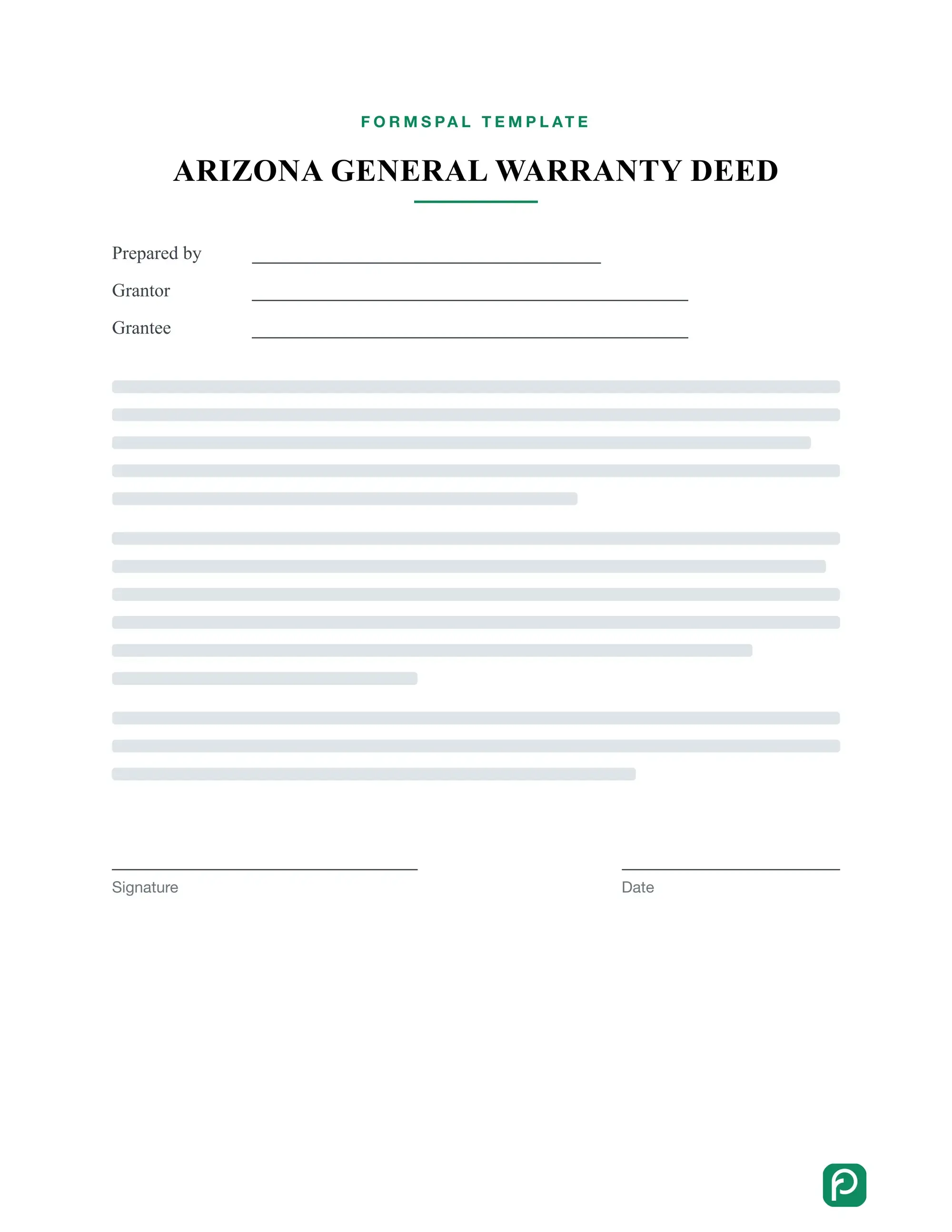
An Arizona general warranty deed is a document that transfers ownership of real estate from a seller, called the giver, to a buyer, called the recipient. Fill in the free form below, then save, print, and sign it.
Build Your Document
Answer a few simple questions to make your document in minutes
Save and Print
Save progress and finish on any device, download and print anytime
Sign and Use
Your valid, lawyer-approved document is ready
Among all the legal forms regarding the process of transferring an estate in Arizona, the Arizona general warranty deed is the one that guarantees participants that their legal rights and interests are safeguarded.
By signing the Arizona general warranty deed, recipients get a 100% written assurance that givers—otherwise known as vendors—in other words) transfer their estate to them with a transparent and clear title, and no other givers lay claim on the said estate.
Learn more about deed forms in our full article.
The form on this page helps you prepare the deed on your own computer. Gather the names of both sides, the property address, and the legal description from your closing papers before you begin. Having these details nearby keeps the process quick and helps you avoid typing mistakes.
A few terms come up again and again in a deed. Knowing what each one means makes the form easier to fill in and easier to read later. Here are plain-language meanings of the terms you will see on this page and in the form.
A deed is a legal document, so small details matter. Read each point below carefully before you sign, and ask the county recorder or a licensed attorney if anything is unclear.
The Arizona Revised Statutes is a legal paper containing all essential laws and requirements regarding completing the Arizona general warranty deed. You can find the necessary info on the estate transfer process in the chapters and articles of Title 3, dedicated to estate matters.
According to the Arizona Revised Statutes, including A.R.S. 33-402, the legal requirements for the Arizona general warranty deed form completion are as follows:
Both the givers (with their spouses, if any) and the recipients—otherwise known as buyers—must sign the completed form in the presence of a notary public agent, after which the notary certifies it with an official state seal.
If the givers are married, their spouses must also sign the completed free fillable warranty deed form. By doing so, they commit to agreeing with the terms of the estate transfer deal and assure the recipient that they will not have any claim on it in the future.
As stated in the Arizona Revised Statutes, both the estate transfer process parties must record the form at the County Recorder’s Office.
Following the Arizona Revised Statutes, the givers (or vendors) and recipients (or buyers) have to pay a filing fee at the County Recorder’s Office. Failure to do this would render the estate transfer process null.
Recipients can fill out the form in two ways. They can follow the steps below on their own, or use the FormsPal form builder and answer a few questions. Regardless of the option they choose, they do not require any special skills or knowledge.
If you are the recipient and want to fill in the form yourself, use these steps.
Before you start, have these details ready:
Enter Basic Information
Enter the name of the person preparing the deed, followed by their current address with city, state, and ZIP code. On this form, that person is the recipient, also called the buyer.
Repeat the recipient's full name and current address once more. This is the address where the completed deed will be returned.
Provide the Details
Enter the name of the county where the sale takes place. Write the payment amount the recipient pays the giver, both in numbers and in words.
Next, add the giver's name and current address, including city, county, and state.
Then type in the name or names of the recipients who receive the property and pay that amount. Add their physical address with city, county, ZIP code, and state.
Enter the Property's Legal Description
Describe the property in detail, including the county where it is located. The legal description is the formal wording that identifies the land, not just its street address.
If you have the current deed, copy the legal description from it exactly as written.
Provide the Required Signatures
Both estate givers have to leave their signatures and type their current addresses, including state, city, and zip code.
By doing this, they agree on the terms of the estate transfer process.
Notarize the Form
As mentioned above, a notary public agent must verify the form by attaching a notary seal, signing the document, typing the County’s name, and mentioning recipients and givers.
The notary should also register the verification date and the commission expiration date.
Deliver the Signed Documents
Once the form is signed, recipients and givers should deliver it to the County Recorder’s Office.
The responsible Office representative will record the form after both parties of the estate transfer process pay a filing fee.
This table shows how a finished entry can look. Every name, address, and amount is made up, so replace each one with the real details of your own sale when you fill in the form.
| Field | Sample entry |
|---|---|
| Giver (seller) | Anna Baker, 123 Main Street, Phoenix, Maricopa County, AZ |
| Recipient (buyer) | Ben Carter, 456 Oak Avenue, Tucson, Pima County, AZ |
| County of the sale | Maricopa County |
| Payment amount | $250,000 (two hundred fifty thousand dollars) |
| Property description | Lot 12, Block 4, Sample Heights subdivision, Maricopa County, AZ |
Most problems with a deed come from small slips, such as a misspelled name or a missing county. Go through this list once before you print the deed, and fix anything that applies.
Keep a signed copy of the finished deed for your records.
Most questions about this form come down to names, addresses, and the property description. Use the answers below to gather the right details, finish the form, and keep a clean copy for your records.
Have the names and mailing addresses of the giver and the recipient, the county, the payment amount, and the property's legal description on hand. The form builder asks for each item in turn, so you can answer one question at a time.
Yes. The form builder saves your progress, so you can pick up where you left off on any device. When the deed is complete, download it and print it whenever you need a copy.
You answer a few questions about the giver, the recipient, and the property. The form builder places your answers in the deed, and you can review everything before you save or print it.
Read every entry slowly and compare it with your closing papers. At a minimum, look at these three things:
Check the current deed to the property first. Copy the legal description exactly as written, including every number and abbreviation, so the new deed describes the same land.
General information, not legal or tax advice.
