
Updated:
An employment contract is a written job agreement between an employer and an employee. The contract sets out the job, duties, pay, benefits, time off and how employment ends. Employers use it when hiring, especially for a fixed term or a confidential role.
This page explains each part of this business agreement form, walks through the FormsPal employment contract section by section, shows a filled-in sample and compares it with an independent contractor agreement. You can also browse all employee forms and related documents.
Key facts

Build Your Document
Answer a few simple questions to make your document in minutes
Save and Print
Save progress and finish on any device, download and print anytime
Sign and Use
Your valid, lawyer-approved document is ready
An employment contract is a business agreement form for one job: it names the employer and the employee and sets out the duties, pay, benefits, time off and the way the job can end.
The employment contract differs from other business agreement forms, such as a partnership agreement or a service contract, because one party works for the other as an employee. A contract of employment, an employee contract and an employment agreement are the same document under different names.
The agreement gives both sides one place to check the terms they agreed on. When a question comes up about pay, hours or notice, the signed contract answers it.
An employment contract fits any hire of an employee where the employer and the employee want the job terms written down and signed by both sides, whether the job has an end date or not.
The contract is most useful for a fixed-term job, a role with access to confidential business information, a job with bonuses or commissions, and a hire with a probationary period. Hiring a self-employed contractor for a project? Use an independent contractor agreement instead. The section Employment Contract vs Independent Contractor Agreement below sets the two side by side.
The term section of the employment contract offers a choice between at-will and fixed-term employment, and that choice shapes how the job can end.
An employment contract usually includes the parties, the term, the job title and duties, the place of work, the pay, benefits, time off, a probationary period, termination rights and a confidentiality clause. Each point below matches a section of the FormsPal template.
The parties section of the contract opens with the company name and address and the employee name and address. The position section names the job title and lists the tasks. A clear job description lets both sides see what the role involves and what it does not.
The place of employment section names the office, site or sites where the employee works, or says the work is remote.
The probationary period clause sets a trial period at the start of the job when the employer checks that the new hire fits the role. The clause gives its length, the pay during it and what changes when it ends. The template has one box to use a probationary period and another to leave it out.
The termination rights section explains how either side can end the job: under the at-will box, or early with notice under the term box, and the number of notice days if any. How and when a job may end also depends on the rules where the employee works, and those rules differ from place to place, so check them before choosing the at-will box. A separate section lets the Company add other termination rights, and a promise of severance pay belongs here too.
A confidentiality clause protects the company’s trade secrets, client lists and other private business information. The employer can also use a separate confidentiality agreement and attach it to the contract.
A non-compete clause limits work for the company’s competitors, and a non-solicitation clause limits approaches to the company’s clients or staff. Whether such a clause holds depends on where the employee works, so get local legal advice before you check the noncompetition box.
Filling out the employment contract takes one pass through the blanks and boxes in page order, from the parties on the first page to the signatures on the last; the pictures show sample entries.
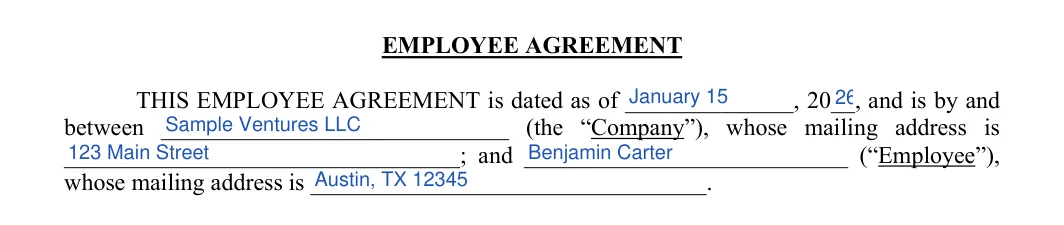
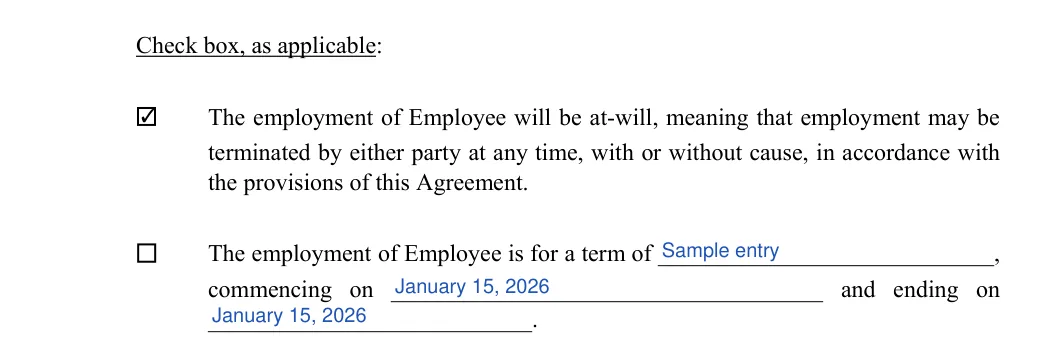
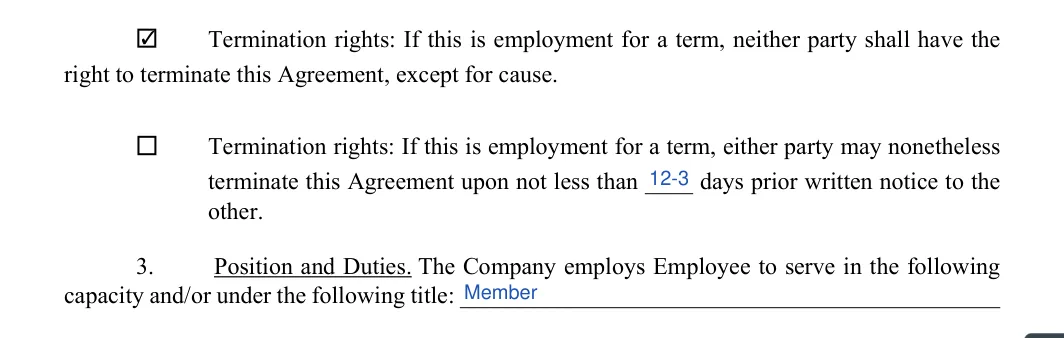
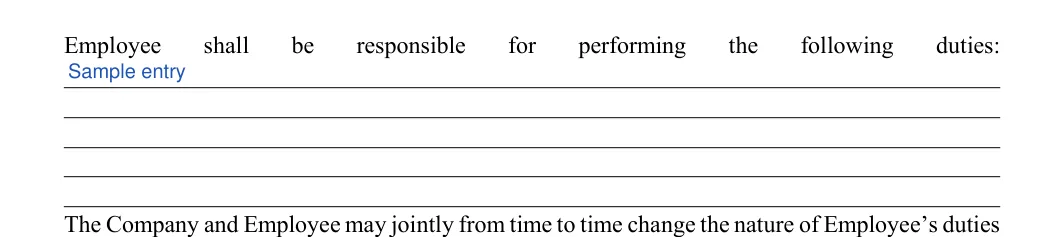
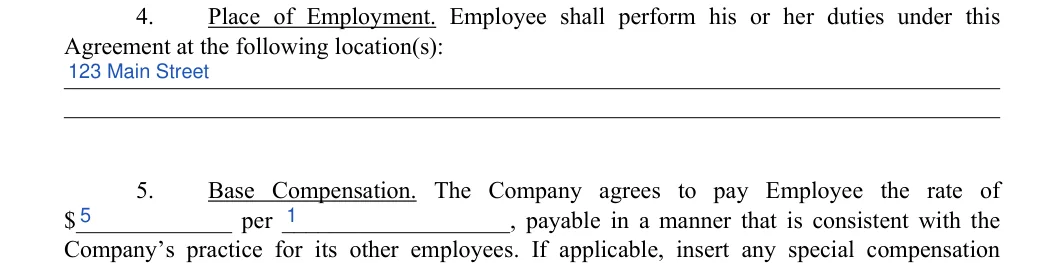



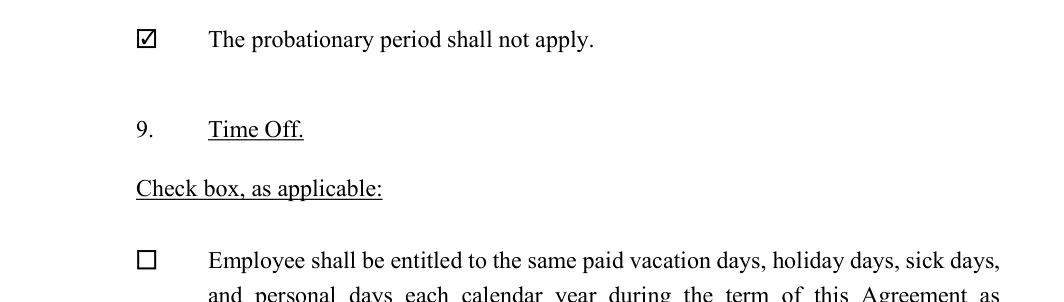
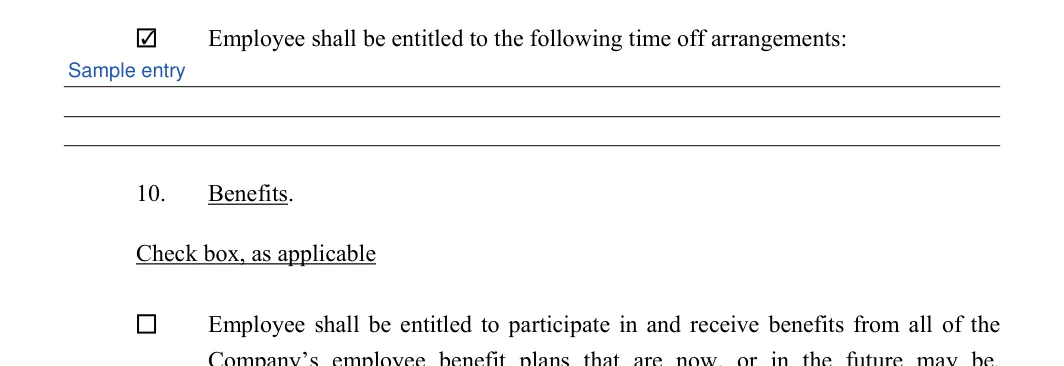
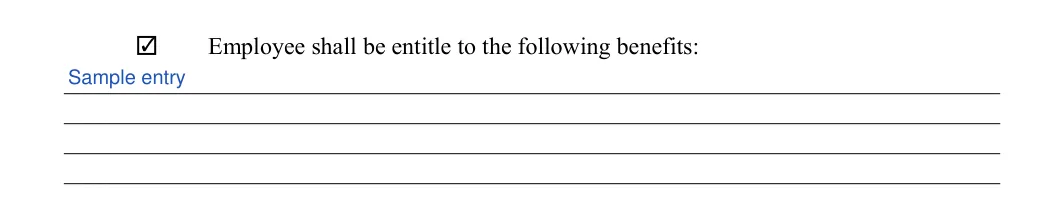
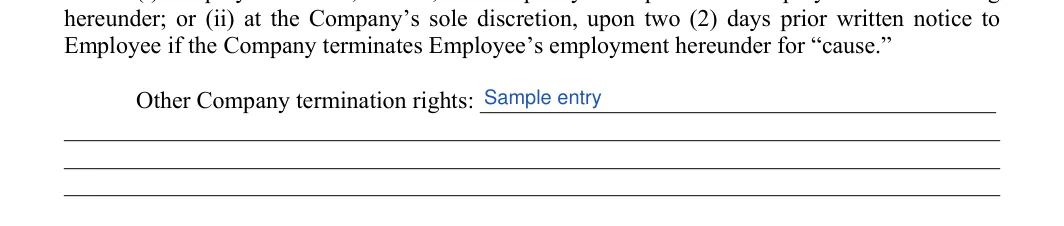
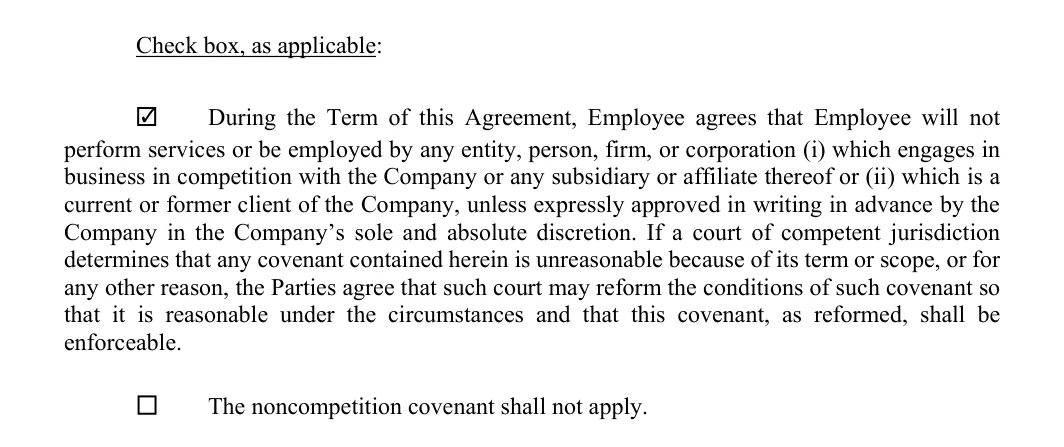

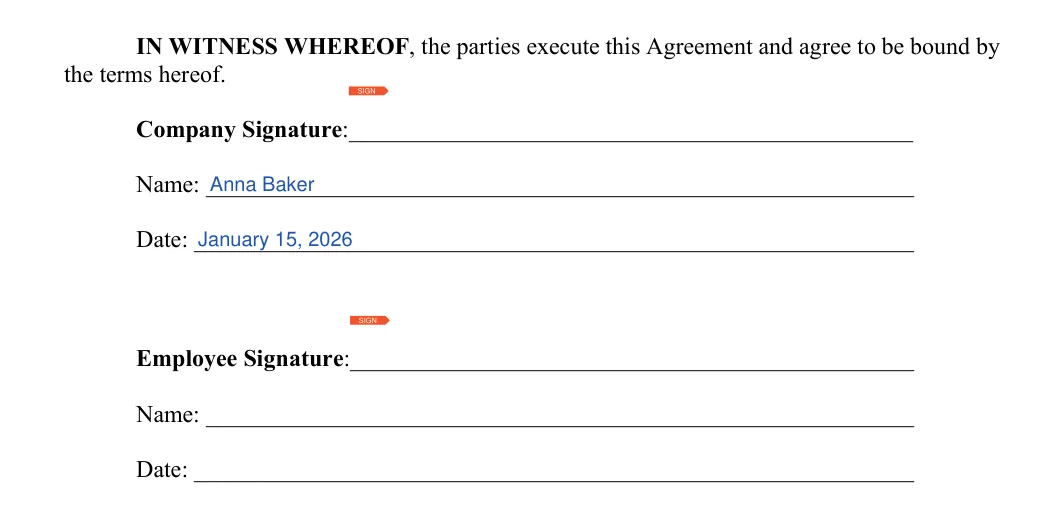
Signing an employment contract comes after a full review: both the employer and the employee read every section, fix any blank, wrong name or wrong amount, and then sign and date the agreement on the last page.
An employment contract sample shows the blanks of the agreement filled in for one hire, so you can see how each section reads before you complete your own. The entries below are made up for a fixed-term supervisor job.
Sample entries (fictional)
The sample is fictional. Replace every entry with the real names, dates, pay and duties of your hire.
An employment contract is for a worker you hire as your employee, and an independent contractor agreement is for a self-employed person or business you hire for a job; decide which one the worker is before you pick the document. Under the IRS, Independent Contractor (Self-Employed) or Employee?, all information that provides evidence of the degree of control and independence must be considered.
| What the document records | Employment contract | Independent contractor agreement |
|---|---|---|
| Who is hired | An employee, full-time, part-time, seasonal or temporary | A self-employed person or a business |
| The work | Job title, duties and place of employment | The project or result to deliver |
| Pay | Base pay and the period it covers, plus other pay | The fee and how it is invoiced |
| Benefits | The benefit plans the contract names | Whatever the agreement names, if anything |
| Ending it | The at-will or term box and the termination rights sections | The end terms the agreement names |
The IRS, Independent Contractor (Self-Employed) or Employee? page sorts the facts of control and independence into three categories: behavioral, financial and type of relationship.
Under the IRS, Independent Contractor (Self-Employed) or Employee? page, if a worker’s status is still unclear, either the business or the worker may file Form SS-8, and the IRS reviews the facts and determines the worker’s status.
A contract for a contract employee is this employment contract with the term box checked, when the person works on your payroll for a set period. Hiring a “contract employee” for a set period as your own employee? Use this template and check the term box with the commencing and ending dates. A worker placed by a staffing agency, or a self-employed contractor, works under a different agreement.
The IRS, Hiring Employees page tells employers to ask all new employees for a signed Form W-4 when they start work; see our Form W-4 page for the form.
The main types of employees are full-time, part-time, seasonal and temporary workers, and the same employment contract template works for each one once you pick the right term, hours, pay and benefits.
A contract for a full-time hire sets out the company’s full weekly schedule, the salary or hourly rate, and the benefit plans the employee can join, such as health insurance, paid vacation or a retirement plan. Write the expected hours in the duties or pay section.
A part-time employee works fewer hours than the company’s full-time schedule, is usually paid by the hour, and often receives fewer benefits than full-time staff. The employer decides how many hours a part-time job covers and writes that in the duties or pay section. Part-time work suits people who study, care for family or hold a second job.
A seasonal employee is hired for a busy time of year, such as the holiday rush in retail or the summer peak in tourism, and the job ends with the season. A fixed-term employment contract fits this hire, with the commencing and ending dates set to the season. The contract should say which benefits, discounts or paid time off a seasonal hire receives, if any.
A temporary employee, or temp, is hired on a fixed-term contract for a project or to cover for someone who is away, and unlike a seasonal hire, the job does not follow the calendar. The term lasts as long as the project or the absence it covers. Interpreters, administrative assistants, couriers and groundskeepers are often hired this way, either directly or through a staffing agency.
The pay, benefits and time off sections of the contract set out what the company offers the employee, and government wage, safety, benefit plan and leave rules apply to many jobs alongside them.
Before you enter the base pay, check the current minimum wage and overtime rules for the job and its location with the U.S. Department of Labor’s Wage and Hour Division or your local labor agency.
Under OSHA, Worker Rights and Protections, the employer must keep the workplace free from known safety and health hazards, and a worker can report safety concerns without being punished, report an injury or illness, and file a confidential complaint with OSHA and ask them to inspect it.
The benefits and time off sections of the contract should match the benefit plans and the leave policy the company actually runs, such as health insurance, a retirement plan, family or medical leave and paid vacation. If you offer paid vacation, write the number of days into the time off section of the contract.
Severance pay is money paid to an employee when the job ends, most often when the employer ends it. If you promise severance, write how it is worked out, for example by length of service, in the termination section.
Hiring an employee runs in this order: announce the job, screen the applications, check the finalists’ background, interview them, and then prepare and sign the employment contract with the person you choose.

These quick answers cover what people ask most about the employment contract.
A basic employment contract covers the terms most small businesses need: parties, term, duties, pay, time off and termination. Add the optional clauses, such as non-compete or extra benefits, only when the job calls for them.
Yes, an employment contract can be changed when both sides agree. Write the change in a short amendment, have the employer and the employee sign and date it, and keep it with the original contract.
An offer letter invites a candidate to take the job and states the headline terms, such as the title, the pay and the start date. An employment contract sets out the full terms both sides sign, including duties, benefits, time off and how the job ends.
An employment contract lasts for the period between the commencing date and the ending date when the term box is checked. When the at-will box is checked, it runs until one side ends it on the terms the termination rights section sets, within the rules where the employee works, which differ from place to place and limit when and why a job may end.
The termination rights section of the contract decides what happens: the term box options say whether either side can end the job early and how many days of notice they give. Write those terms clearly before signing, since the contract is what both sides will check.
Under the IRS, Independent Contractor (Self-Employed) or Employee? page, an individual working remotely is your employee under the common-law rules if you can control what will be done and how it will be done, even if the worker can choose to work remotely.
General information, not legal or tax advice.
