
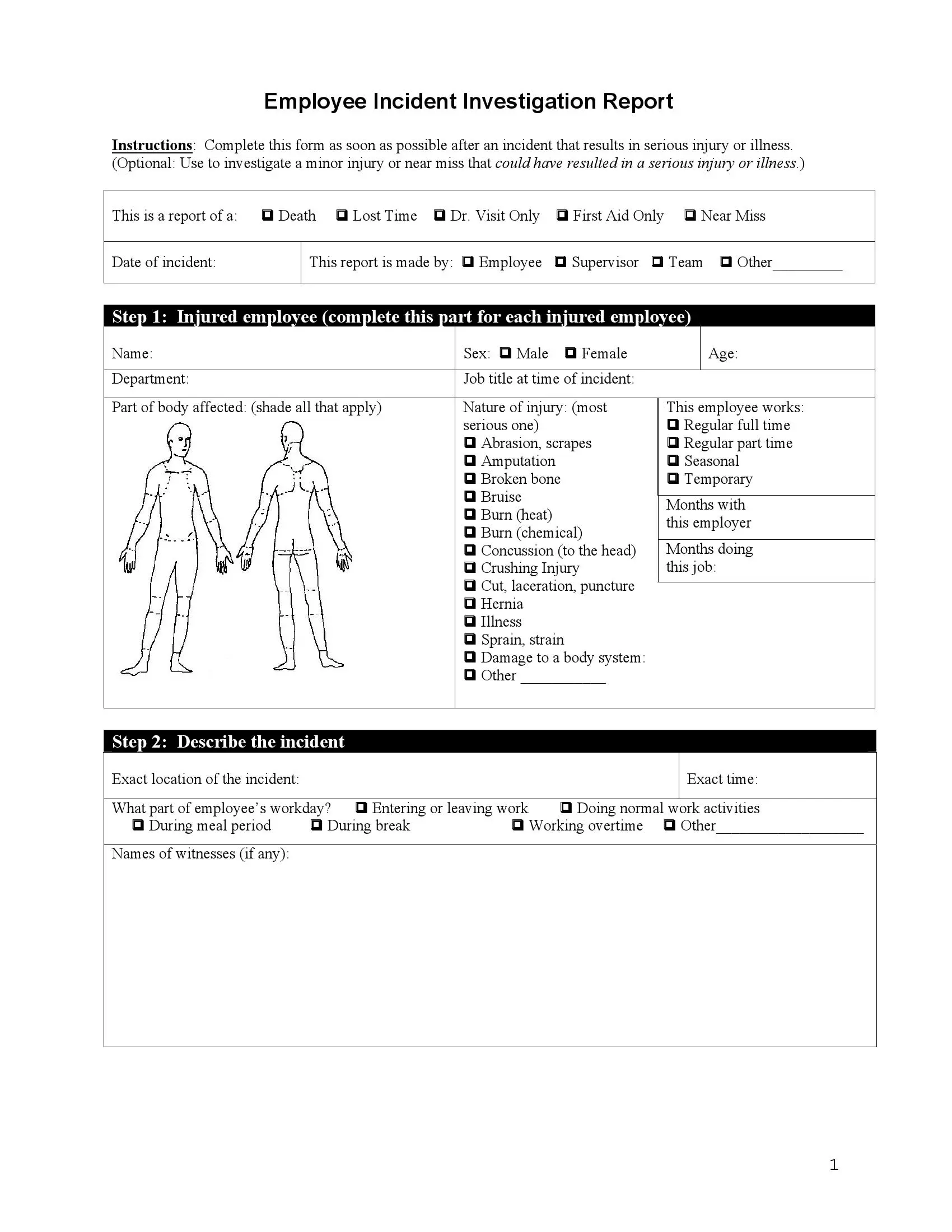
An employee accident report form is a document that records what happened when a worker gets hurt on the job. This free three-page template lets an employee, a coworker or a supervisor describe the incident, name any witnesses and list what may have caused it. It also helps the team decide how to prevent a similar incident in the future.
Last Updated: October 2026. This guide is reviewed and updated regularly to reflect current law. If you notice an error or outdated information, please contact us.
An employee accident report is a written record of a workplace accident, whether minor or severe. It shows who was involved, what happened, and when and where it took place. Employees, supervisors and safety teams use it to understand the incident and to decide what to change.
Organizations must thoroughly investigate these incidents to ensure the safety of their workforce and, in some cases, to satisfy legal requirements.
Medical care for the injured person always comes first. The paperwork comes next, once everyone is safe.
The form fits a wide range of workplace accidents. Use it to report:
The three-page template offers six reasons to choose from, four ways to show who is reporting and ten prevention actions to pick from. A clear report helps a company build a safer workplace and take steps to prevent similar incidents.
The U.S. Department of Labor (DOL) plays a significant role in workplace safety and incident reporting through its various agencies, particularly the Occupational Safety and Health Administration (OSHA). OSHA is responsible for establishing and enforcing workplace safety standards and regulations in the United States.
Adhering to OSHA regulations and guidelines when reporting incidents helps organizations maintain compliance, protect their employees, and foster a safe work environment.
The form has ten steps, from choosing the reason for the report to signing it. Work through them in order and answer each question as fully as you can. Stick to facts you know first-hand, and use short, plain sentences.
Get the free template from FormsPal with our form-building software. It lets you download a ready-to-use incident report in seconds.
Read the instructions at the top of the form. They explain when to complete it. Then start filling it out.

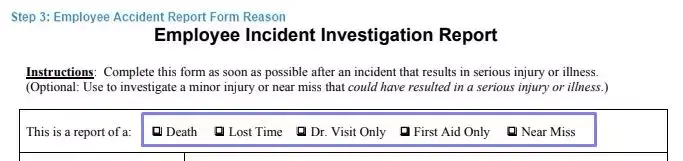
Pick the reason for the report from the six options in the chart.
Enter the date the incident took place.

Next to that, you will see four options that show who is creating the report. The form can be signed by:
If none of these fits, use the “other” line at the bottom to say who is reporting.

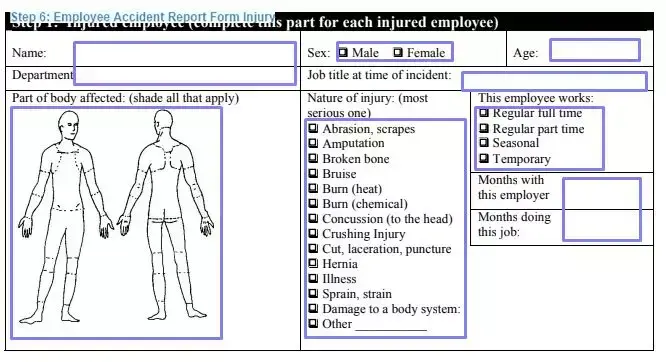
Fill in the information about the injured employee and the injury. If more than one employee was hurt, fill out a separate form for each person.
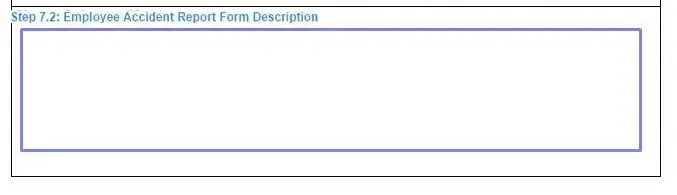
Give a detailed account of what happened. Answer each question in the space provided and add anything else that matters.

Add the names of any witnesses. If witnesses wrote statements, or if you have photos or drawings such as maps, write the number of each in the space provided.

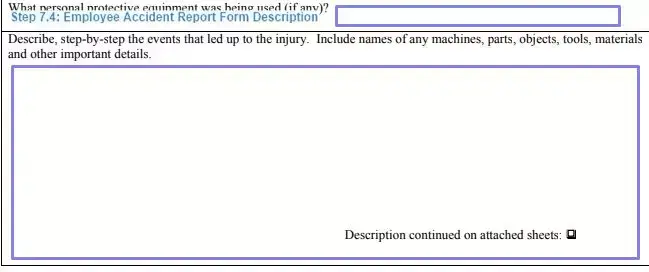
Say whether the employee was using any personal protective equipment when the incident happened. Then describe, step by step, the events that led up to it. Name the tools, machines and other key objects involved. If you need more space, you can attach a sheet or two to the form.
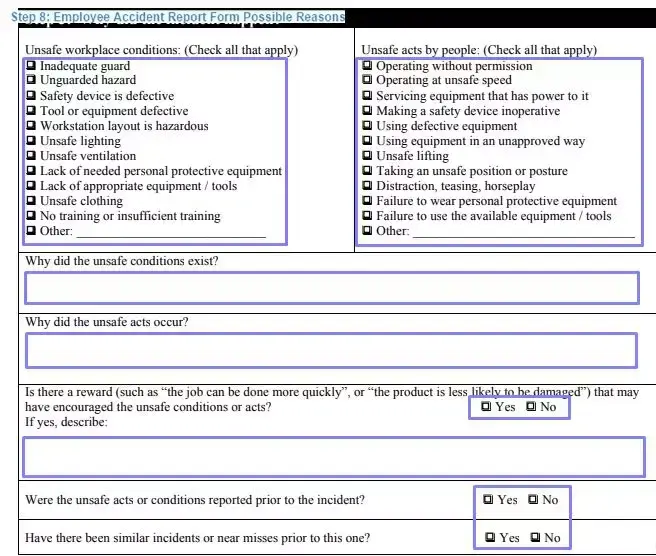
Choose from the lists of unsafe working conditions and unsafe acts by people. Explain why each choice may have contributed to the incident. Then answer the “yes or no” questions about the employee’s workplace.
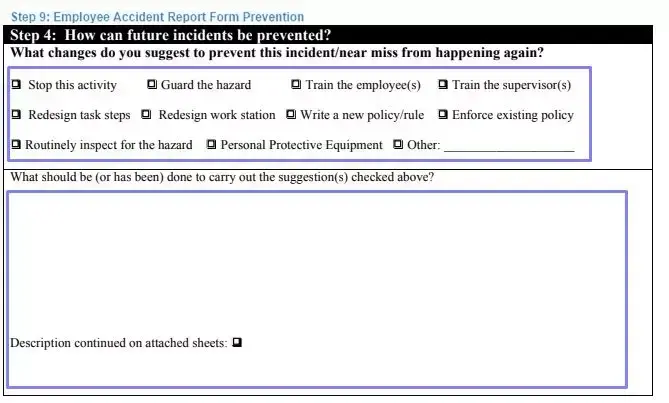
Choose from the ten options or suggest your own actions to prevent a similar incident. Then describe in detail how to carry out each action you chose.
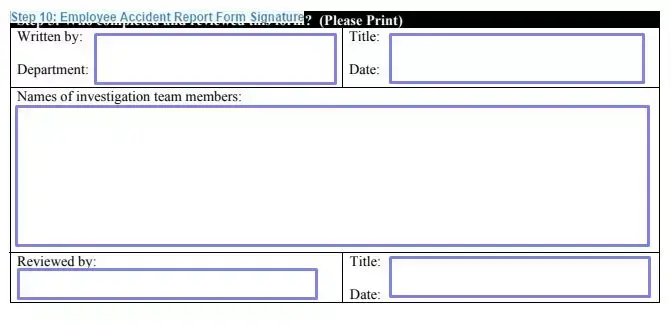
After completing the form, sign it and add your name, title and department. If it applies, ask the investigation team members, the reviewing supervisor or human resources staff to sign the “reviewed by” section and add the day they signed.
Once the form is complete and reviewed, it will be forwarded to the investigation team to determine employee compensation and any necessary changes to working conditions.
Accuracy matters because the report should match the events as they happened. Careful answers help everyone who reads it later, from the investigation team to the employee who was hurt. Accurate information does four things:
Supporting documents make a report more credible and give readers a fuller picture of the event. Attach the ones that apply to your case, and write their numbers in the matching spaces on the form. Common examples include:
Together, these documents give a more reliable account of the incident. They also help the investigation team choose the right corrective actions.
A completed incident report is more than a record. Safety managers can review reports over time to track trends, find repeat hazards and decide where to invest in training or equipment. Good data makes risk management easier for any business.
Small businesses and large organizations can use the same template to keep every incident report consistent, which makes the data easier to analyze.
A clear write-up is easy to read and easy to check. These simple tips help you write one that gives the investigation team a full picture of the incident, even if the reader was not there.
If you do not know a detail, write “unknown” instead of leaving the space blank or guessing.
Most problems with an incident report come from rushing. Check your form against the list below before you hand it in, and fix anything that looks incomplete, unclear or out of order.
Read the whole form once more before you sign it.
Run through this checklist before you hand in the completed incident report. It takes a minute and helps you catch missing information while the incident is still fresh in everyone’s mind.
It is a three-page template that records a workplace incident. It covers the injured employee, the events, what may have caused it and ideas to prevent a repeat. Coworkers and supervisors can fill it out too.
The employee, the employee’s supervisor or a team member can fill it out. The form also has an “other” line for anyone else who is reporting.
Fill out a separate form for each injured employee.
Attach the items you have:
Write the number of each item in the space on the form.
You can attach a sheet or two to the form for extra information.
Tell the story step by step, in the order it happened. Name the tools and machines involved and say whether the employee wore protective equipment.
They review them to find the root causes, choose corrective actions and track trends over time.
General information, not legal or tax advice.
