
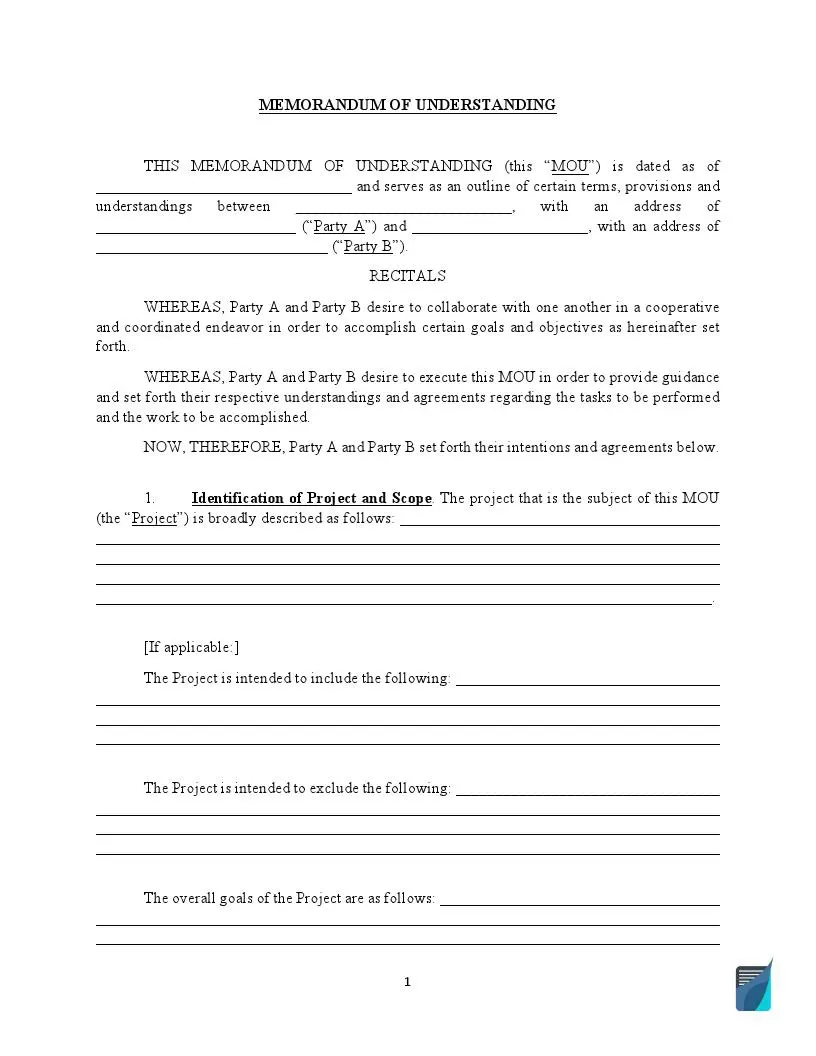
A memorandum of understanding (MOU or MoU) is a document between two or more parties defining the expectations, roles, conditions, and warranties within a mutual project. Usually, it is not legally enforceable, but the parties, if desired, may use one as a binding document in certain cases. Use our free memorandum of understanding template below as a sample, then add your own terms.
Last Updated: October 2026. This guide is reviewed and updated regularly to reflect current law. If you notice an error or outdated information, please contact us.
Build Your Document
Answer a few simple questions to make your document in minutes
Save and Print
Save progress and finish on any device, download and print anytime
Sign and Use
Your valid, lawyer-approved document is ready
A memorandum of understanding is one of the most popular agreements. Since it does not usually belong to binding contracts, it takes less time to prepare. Therefore, people avoid the red tape of preparing a long-term contract.
Even so, an MOU is a strong statement that partners plan to work together. The most common ways to use an MOU agreement are listed here.
A memo of understanding is the first step to broad cooperation. It’s filling the gap between a formal handshake and a binding agreement. Terms of memorandum depend on the occasion when it’s used. It can be brief or more detailed, but each memo should include the next components:
Writing a comprehensive memorandum of understanding can require a lot of effort. The steps below follow the FormsPal template, one part of the form at a time, so you can fill in each blank in order. If you have questions along the way, ask an attorney for legal advice.
The screenshots under each step show the FormsPal Memorandum of Understanding template filled with sample entries in blue, so you can see where each answer goes. The names, addresses, dates and amounts are examples only.
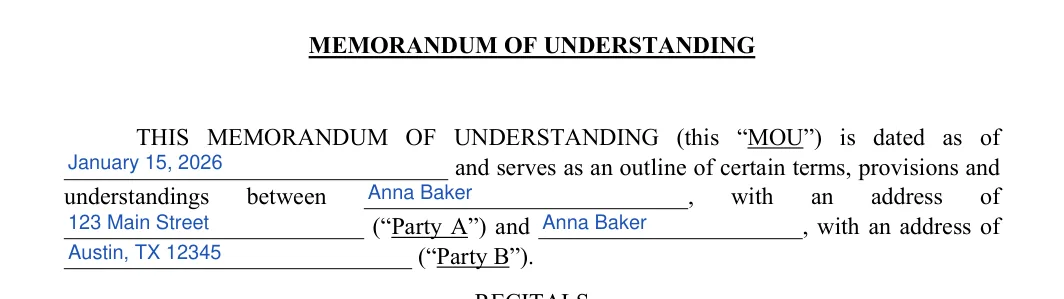
Date and parties. On page 1, enter the date the MOU is dated as of. Then add the name and address of Party A and of Party B in the opening paragraph. Check that each name matches the ID or business papers of that party.

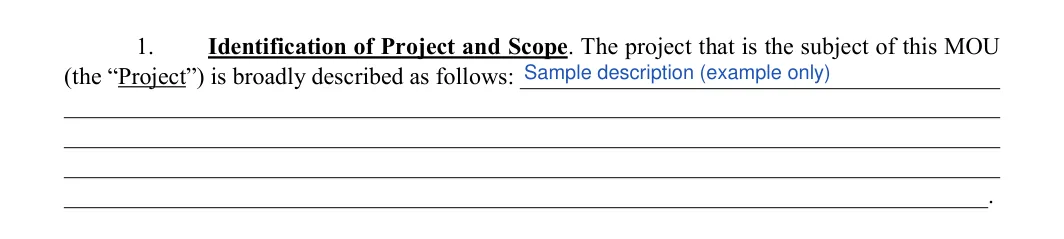
Describe the Project. In Section 1, write a broad description of the Project on the lines after "is broadly described as follows". A few plain sentences are enough.

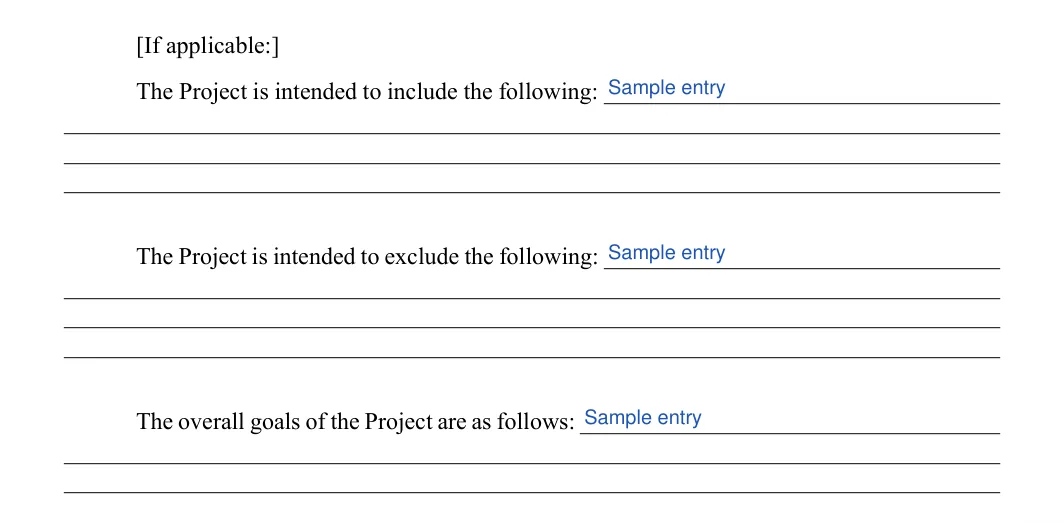
Include, exclude and goals. Under the "If applicable" note, list what the Project is intended to include, what it is intended to exclude, and the overall goals. Leave a line blank if it does not apply.
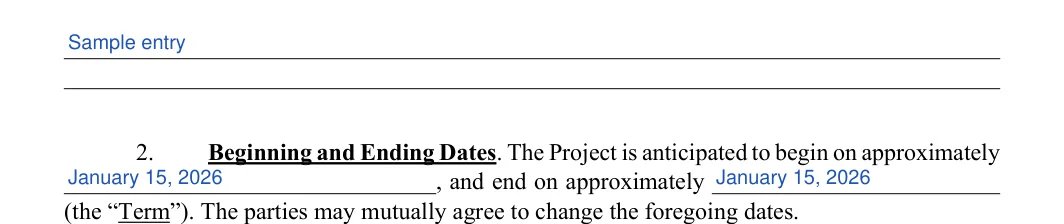
Goals continued and the Term. On page 2, finish the goals lines if you need more room. In Section 2, enter the approximate beginning date and ending date of the Project.

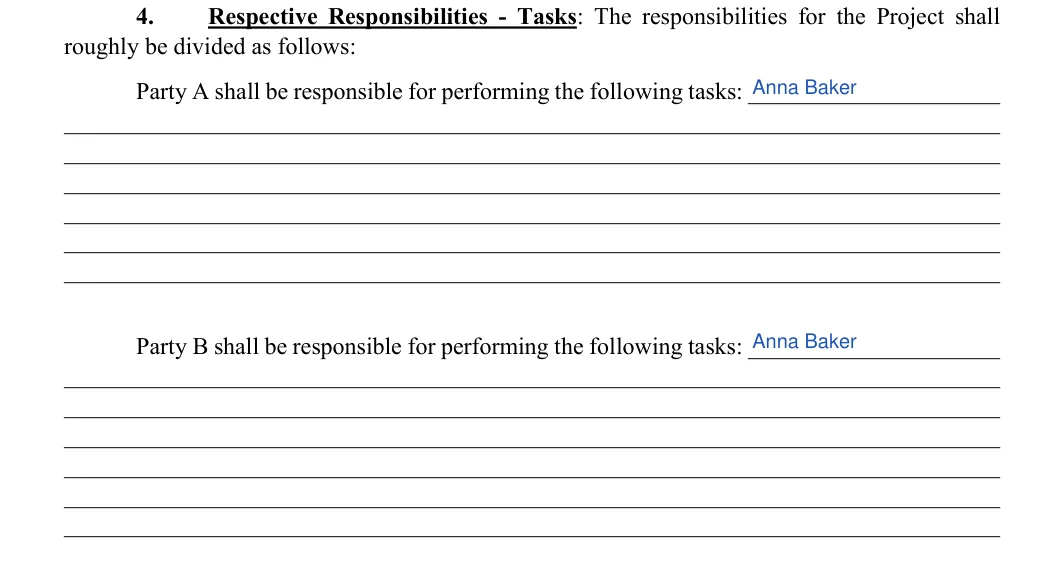
Tasks for each party. In Section 4, Respective Responsibilities, list the tasks Party A will perform, then the tasks Party B will perform, one task per line. This section might be the most extensive. Talk the tasks through with the other party before you write them down.

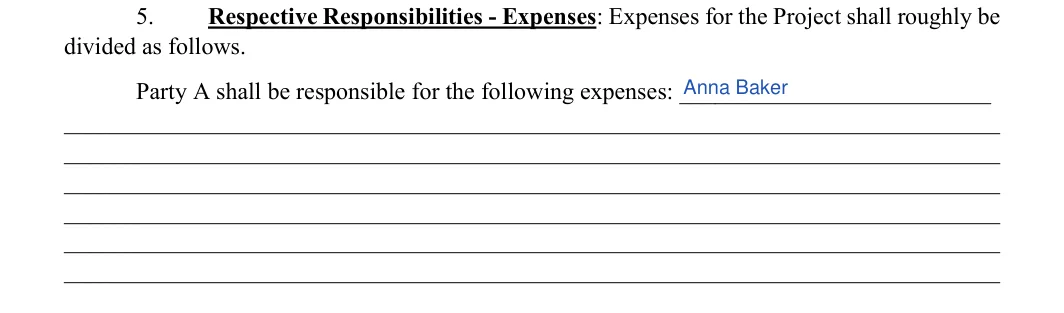
Party A expenses. At the foot of page 2, in Section 5, list the expenses Party A will cover on the Party A expenses line.
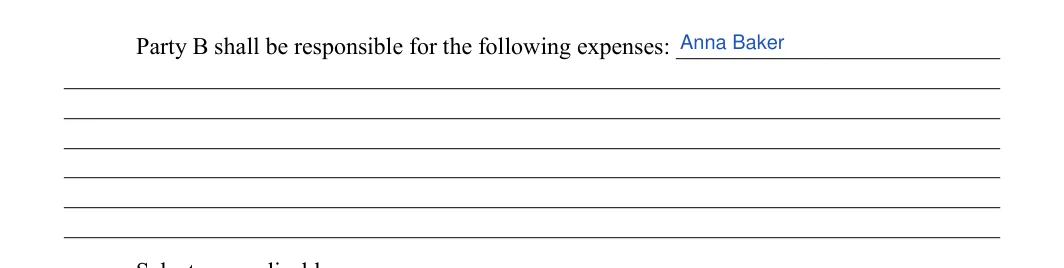
Party B expenses. At the top of page 3, finish the Party A lines if you ran out of room. Then list the expenses Party B will cover.
Personal funds or reimbursement. Under "Select, as applicable", check the first box if neither party is expected to spend personal funds. Check the second box if costs will be reimbursed, and write the name of the party who reimburses them in the blank.
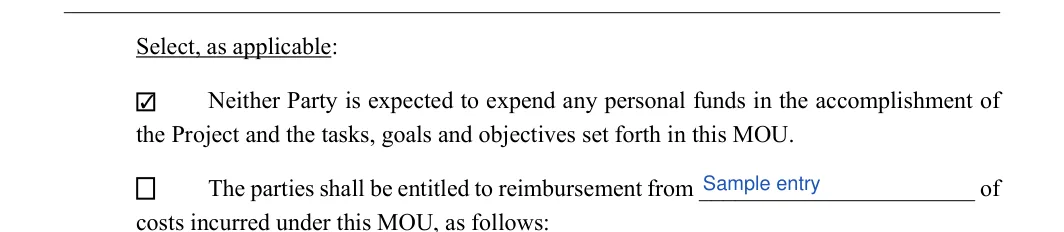
Reimbursed costs. If you checked the reimbursement box, list the costs to be reimbursed on the lines after "as follows". Leave them blank otherwise.

Non-binding option. In Section 6, the form asks you to select one option. Check the first box only if the MOU is to be the non-binding version printed beside it.
Do not forget to include disclaimers about the memorandum’s financial aspects and general compliance with the state law. Also, if you do not refer to the memo as a binding document, try to make it clear. Otherwise, in case of any breach of the agreement, the court may treat it like a legal contract.


Binding option. Check the second box instead of the first only if the MOU is to be the binding version. Do not check both.

Contact information. In Section 7, enter a phone number and an email address for Party A and for Party B in their columns.
Mediation office location. On page 4, in Section 9, fill in the "located at" line with the address of the mediation office named in the clause. The rest of the page is pre-printed.


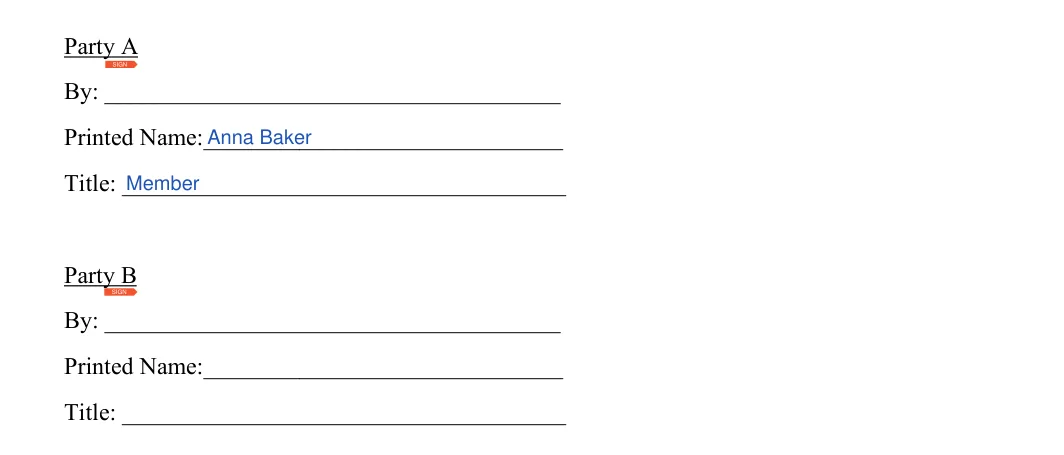
Signature blocks. On page 4, each party has a By line, a Printed Name line and a Title line. Fill in the printed name and title for Party A and Party B. Leave the By lines empty until the parties sign.
Once the blanks are filled in, a few more steps turn the template into a finished MOU. Work through them in order, together with the other party, so nothing is missed before anyone signs.
Review the finished MOU. Read the whole document once more with the other party. You can add the term about governing law or notice requirements. Check that every blank is filled in or marked as not applicable and that the names match on every page.
Sign the memorandum. Do not forget to leave the space for all the authorized parties to sign the agreement. Signing the memorandum is important because it demonstrates the commitment of all partners to work together to support and achieve the project’s goals.

Keep a signed copy. Give each party a copy of the signed MOU. Store the paper copy in a safe place and keep a scan on your device.
Usually, it’s not legally binding. The reason partners sign such an agreement is to prepare themselves for further cooperation and provide all the details related to the future contract. However, if the agreement does not clearly state that it does not constitute a contract, the court may treat it as an enforceable document should some claims in connection to the agreement arise.
Although sometimes these documents are used interchangeably, they are not the same. Like a memorandum, a letter of intent regards exchanging ideas and sets out the commitments about all matters relating to the partnership. However, an LOI serves as a ” written handshake” and cannot be legally binding.
Yes. Use the Create My Document button at the top of the page, answer a few simple questions, then save or print the result. You can also download the PDF and fill it in with the FormsPal PDF editor.
Gather these details first, so you can fill in the template in one sitting.
Read it slowly from start to finish and write down your questions. If the draft is a PDF, you can ask questions about the PDF to understand it before you sign.
The template runs four pages. It covers the parties, the project, the dates, the tasks, the expenses, the choice between a binding and a non-binding MOU, the contacts, the mediation office and the signature blocks.
General information, not legal or tax advice.
