




Through the online editor for PDFs by FormsPal, you are able to fill out or edit ky 10a100 right here and now. We at FormsPal are dedicated to providing you the absolute best experience with our editor by regularly presenting new capabilities and improvements. With these improvements, working with our editor gets better than ever before! Here's what you'd want to do to get started:
Step 1: Access the form inside our tool by clicking the "Get Form Button" at the top of this page.
Step 2: This editor allows you to modify your PDF document in various ways. Transform it by writing any text, adjust original content, and add a signature - all within several clicks!
It is easy to fill out the document following this helpful tutorial! Here's what you must do:
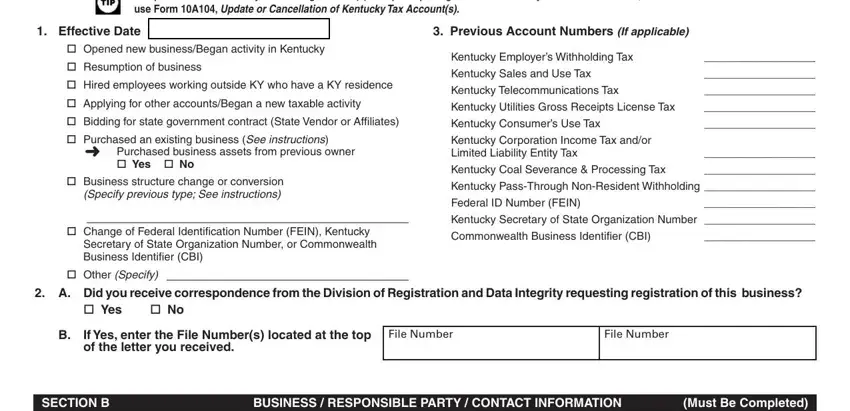
1. The ky 10a100 involves specific information to be inserted. Make sure the next blank fields are completed:
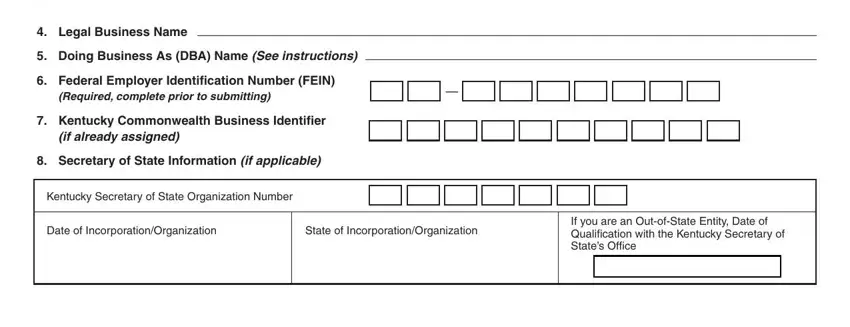
2. Soon after this array of blanks is done, proceed to enter the relevant details in all these: Legal Business Name Doing, Required complete prior to, if already assigned, Kentucky Secretary of State, Date of IncorporationOrganization, State of IncorporationOrganization, and If you are an OutofState Entity.
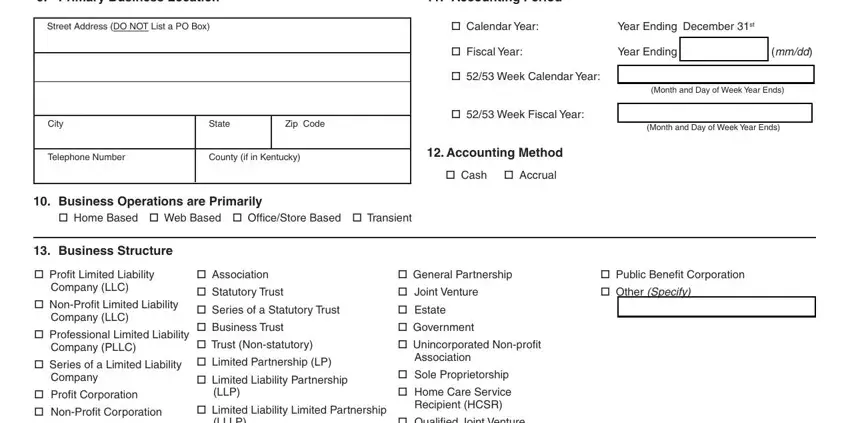
3. This 3rd part is relatively simple, Primary Business Location, Street Address DO NOT List a PO Box, City, Telephone Number , State, Zip Code, County if in Kentucky, Business Operations are Primarily, Home Based Web Based OfficeStore, Accounting Period, Calendar Year, Year Ending December st, Fiscal Year, Year Ending mmdd, and Week Calendar Year - all these blanks will need to be completed here.
4. To go forward, your next step requires typing in several blanks. Examples include Profit Limited Liability Company, Association Statutory Trust , LLLP, General Partnership Joint, Married Couple, How Will You be Taxed for Federal, Sole Proprietorships HCSRs, Partnership Corporation , Single Member Disregarded Entity, Check below how the Member will be, OWNERSHIP DISCLOSURERESPONSIBLE, See instructions regarding, Full Legal Name First Middle Last, Full Legal Name First Middle Last, and Social Security Number REQUIRED, which you'll find vital to going forward with this document.
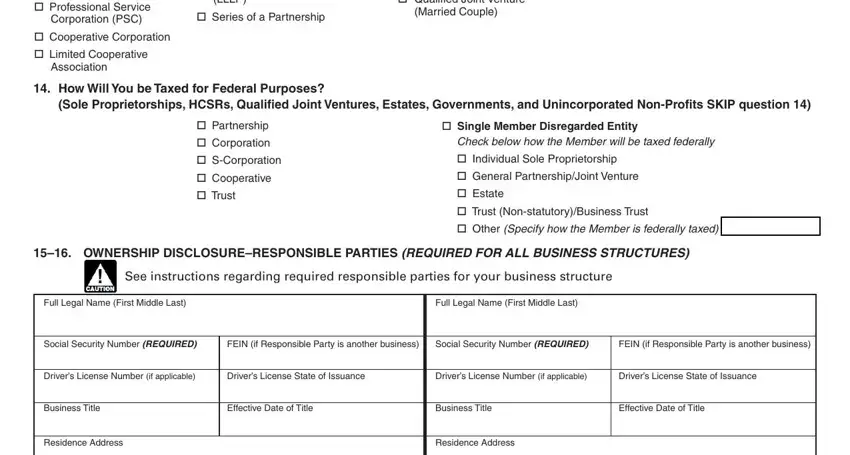
It is possible to get it wrong when filling in the LLLP, hence be sure you reread it prior to deciding to submit it.
5. The document must be wrapped up by filling in this part. Here there is a detailed set of blanks that need correct information in order for your form submission to be faultless: City, Telephone Number, State, Zip Code, County if in Kentucky, City, Telephone Number, State, Zip Code, and County if in Kentucky.

Step 3: Prior to finishing your form, check that all blank fields were filled out the right way. When you’re satisfied with it, press “Done." Create a free trial account with us and obtain instant access to ky 10a100 - which you'll be able to then start using as you wish inside your FormsPal account. With FormsPal, you can fill out forms without having to worry about database leaks or entries being shared. Our secure system helps to ensure that your private information is stored safely.