
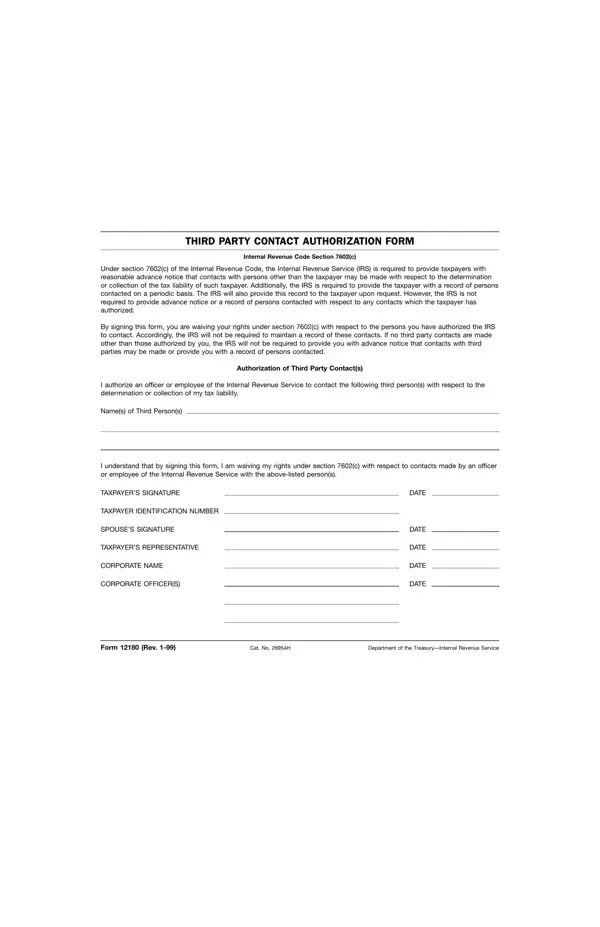
IRS Form 12180, the Third Party Contact Authorization, operates under Section 7602(c) of the Internal Revenue Code, which ordinarily requires the IRS to notify taxpayers before making any third-party contact to gather information about their tax liabilities. Form 12180 serves as an explicit waiver, permitting the IRS to contact designated third parties without prior notification. By signing, taxpayers streamline IRS determination or collection of tax liabilities through direct communication with specified individuals or entities such as banks, employers, or financial advisors. Once signed, the IRS is not required to maintain or provide a contact log unless the taxpayer specifically requests one. This form is typically presented during IRS audits, collection enforcement proceedings, and examination interviews. Taxpayers should carefully consider which contacts they authorize under Form 12180, as signing waives key statutory rights under Section 7602(c) of the Internal Revenue Code. See the IRS 9465 installment agreement and the IRS Power of Attorney 2848 for related IRS options on FormsPal.
| Question | Answer |
|---|---|
| Form Name | 12180 Form |
| Form Length | 1 pages |
| Fillable? | No |
| Fillable fields | 0 |
| Avg. time to fill out | 15 sec |
| Other names | irs 12180, irs 12180 form, third party authorization form 12180, 12180 authorization form |
12180 Form isn’t the one you’re looking for?