
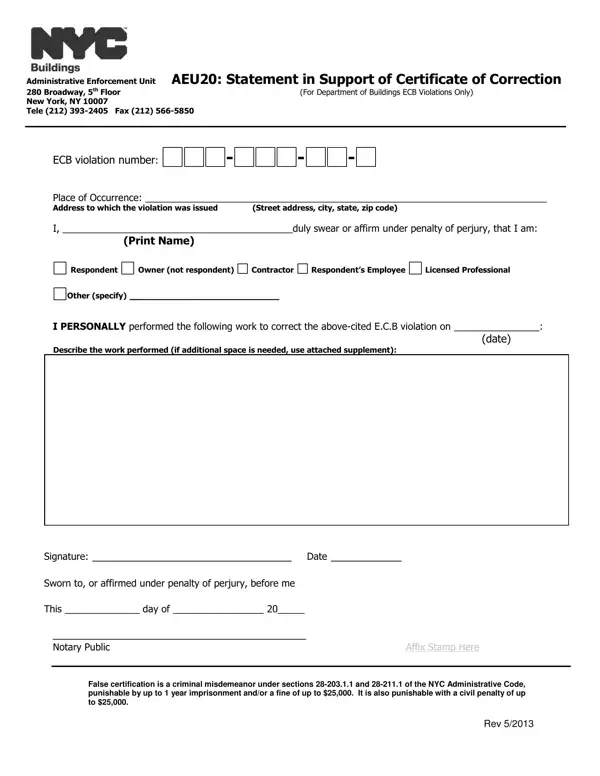
If completed by the property owner or the respondent, and the work was not performed by either, an additional statement from the person who performed the work is required.
Who completes: the person who corrected the violating condition(s).
Steps taken: describe the steps taken to correct the violating condition(s) and reference all relevant permit numbers, job applications or other records.
Supplement: if additional space is needed, use attached supplement.
Submitting: use an eFiling account to login to DOB NOW and select the BIS Options portal.
| Question | Answer |
|---|---|
| Form Name | Form AEU20 |
| Form Length | 2 pages |
| Fillable? | Yes |
| Fillable fields | 22 |
| Avg. time to fill out | 4 min |
| Edition | Rev. 7/21 |
| Matches the agency's file | Yes, checked October 4, 2026 |
| Other names | AEU20, Form AEU20, Statement in Support of Certificate of Correction |
| Official source | Form AEU20 (Rev 7/21), New York City Department of Buildings |
Aeu20 Form isn’t the one you’re looking for?