
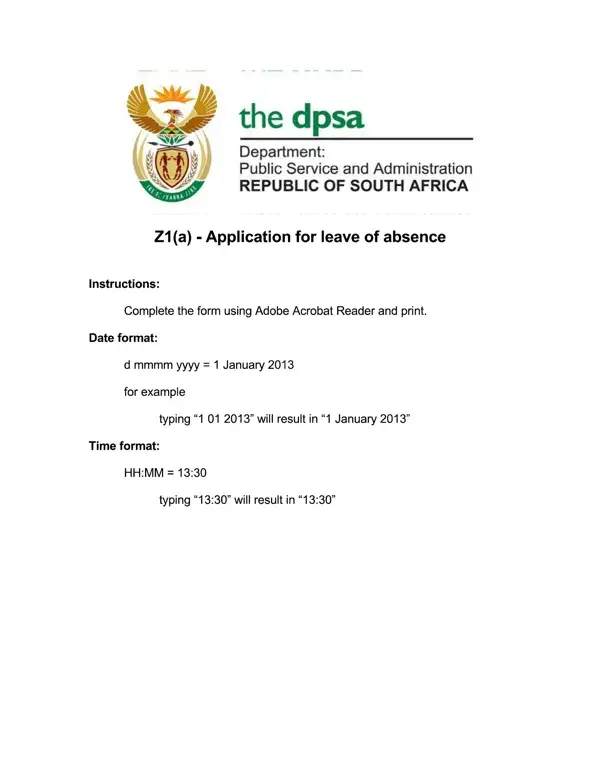
Many employees need to change an approved leave request after submitting it. A shift in medical appointments, extended recovery time, or a change in travel dates are all common reasons for filing an amended leave request. The form ensures that updated information is officially recorded by HR, payroll, and management.
Submit this form as soon as you know your leave details are changing. Waiting until after your original leave period begins can create complications with payroll processing and scheduling coverage. Common scenarios include:
A standard amended leave form asks for your full name, employee ID, department, supervisor name, original leave dates, updated leave dates, type of leave, and a brief explanation for the change. Both employee and supervisor signatures are typically required before HR processes the amendment.
If you have not yet submitted an initial leave request, start with our employee leave request form. For extended leave situations, the leave of absence request form may be more appropriate.
| Question | Answer |
|---|---|
| Form Name | Amended Leave Form |
| Form Length | 3 pages |
| Fillable? | No |
| Fillable fields | 0 |
| Avg. time to fill out | 45 sec |
| Other names | z1 leave form 2021, leave form template south africa, z1 leave form word, dpsa leave form 2021 |
Amended Leave Form isn’t the one you’re looking for?