
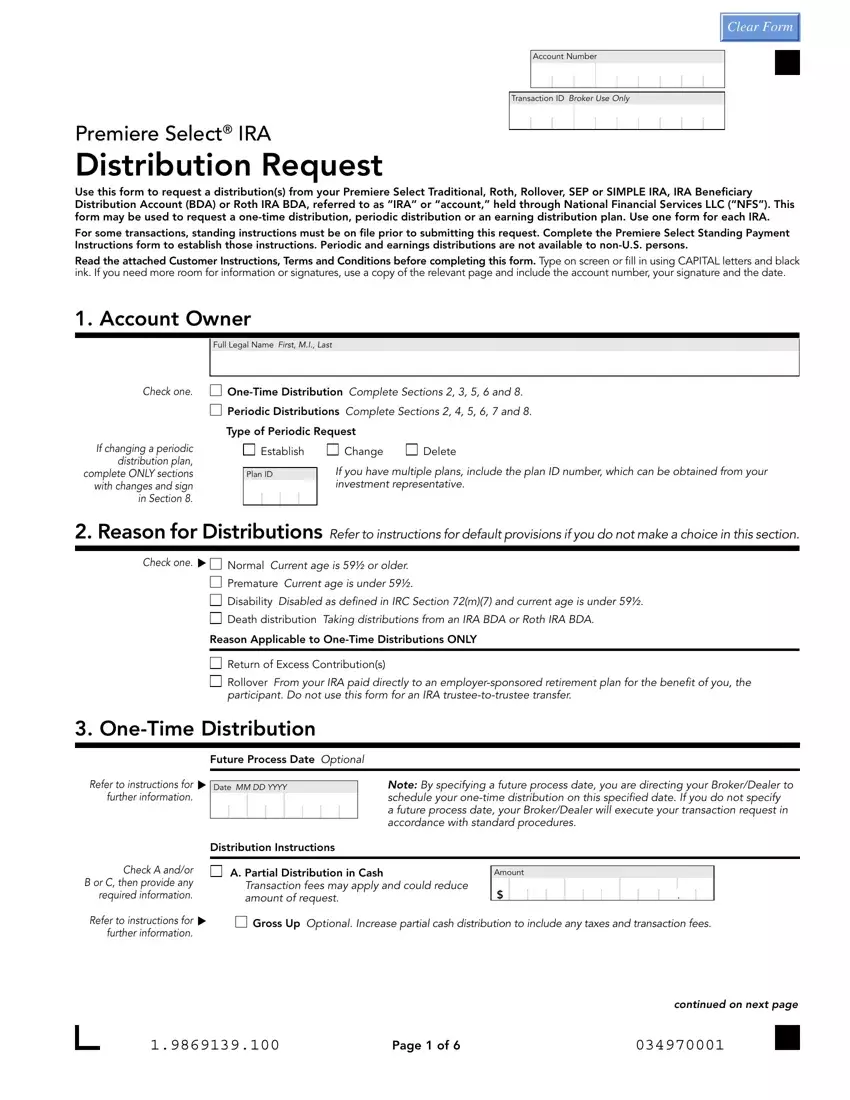
The Premiere Select IRA Distribution Request allows account holders to withdraw funds from IRAs managed by National Financial Services LLC (NFS). It supports Traditional, Roth, Rollover, SEP, and SIMPLE IRA accounts, as well as IRA Beneficiary Distribution Accounts (BDAs) and Roth IRA BDAs.
You need this form if you hold a Premiere Select IRA through NFS. Common reasons to use it include:
The form supports three main distribution options:
Select one of these delivery methods when completing the form:
When filling out the form, pay attention to these required fields:
If you are modifying an existing periodic plan, enter the Plan ID in the designated field and complete only the sections that are changing. You do not need to fill out the entire form again.
Related forms: Ally Bank IRA transfer form for account transfers, the Charles 401k distribution form for 401(k) withdrawals, and the AXA distribution form for other retirement accounts.
| Question | Answer |
|---|---|
| Form Name | Premiere Select IRA Distribution Request |
| Form Length | 11 pages |
| Fillable? | No |
| Fillable fields | 0 |
| Avg. time to fill out | 2 min 45 sec |
| IRA Types Covered | Traditional, Roth, Rollover, SEP, SIMPLE, BDA |
| Other names | bank IRA distribution form, NFS IRA distribution request, principal bank IRA contribution form |
