Please rate Broome Count Pistol Permit Ppb 3 Rev 11 24

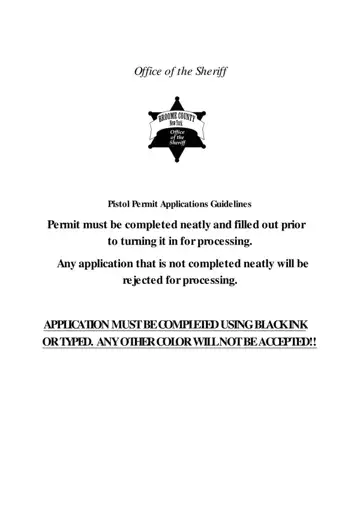
The Broome County Sheriff’s Office manages all handgun licensing for county residents. Applicants must be at least 21 years old and provide personal information along with character references from non-relatives who have known them for a minimum of three years. Those who have lived in the county for less than three years must also provide references from prior residences.
All applications must be completed in black ink or typed, and must include recent passport-sized photographs, a mental health inquiry form, and other required documents. A personal statement is required for those seeking an unrestricted carry license. Fingerprinting is completed at no additional charge, and an application fee must be submitted with the paperwork. The review process typically spans several months before a determination is issued.
Applicants may opt out of the Freedom of Information Law (FOIL) to keep their information out of public records. For assistance with the application, contact the Identification Division of the Sheriff’s Office directly. Related forms: Jefferson County pistol permit and Mobile County pistol permit.
| Question | Answer |
|---|---|
| Form Name | Broome County Pistol Permit |
| Form Length | 12 pages |
| Fillable? | Yes |
| Fillable fields | 474 |
| Avg. time to fill out | 3 min |
| Other names | nys pistol permit broome county, broome county concealed carry permit |
Broome Count Pistol Permit isn’t the one you’re looking for?
Please rate Broome Count Pistol Permit Ppb 3 Rev 11 24
