
A California notary acknowledgement is a certificate in which a notary public or other officer confirms the identity of the person who signed a document. California Civil Code § 1189 sets its statutory form and requires a boxed notice at the top. The officer verifies only who signed, not whether the document is truthful, accurate, or valid.[1] Create your free California notary acknowledgement form below.
Last Updated: October 2026. This guide is reviewed and updated regularly to reflect current California law. If you notice an error or outdated information, please contact us.
Build Your Document
Answer a few simple questions to make your document in minutes
Save and Print
Save progress and finish on any device, download and print anytime
Sign and Use
Your valid, lawyer-approved document is ready
California gives an acknowledgment certificate a fixed shape. Cal. Civ. Code § 1189 sets a statutory form for an individual signer and requires a notice at the top of the certificate, in an enclosed box. The notice must be legible.[1]
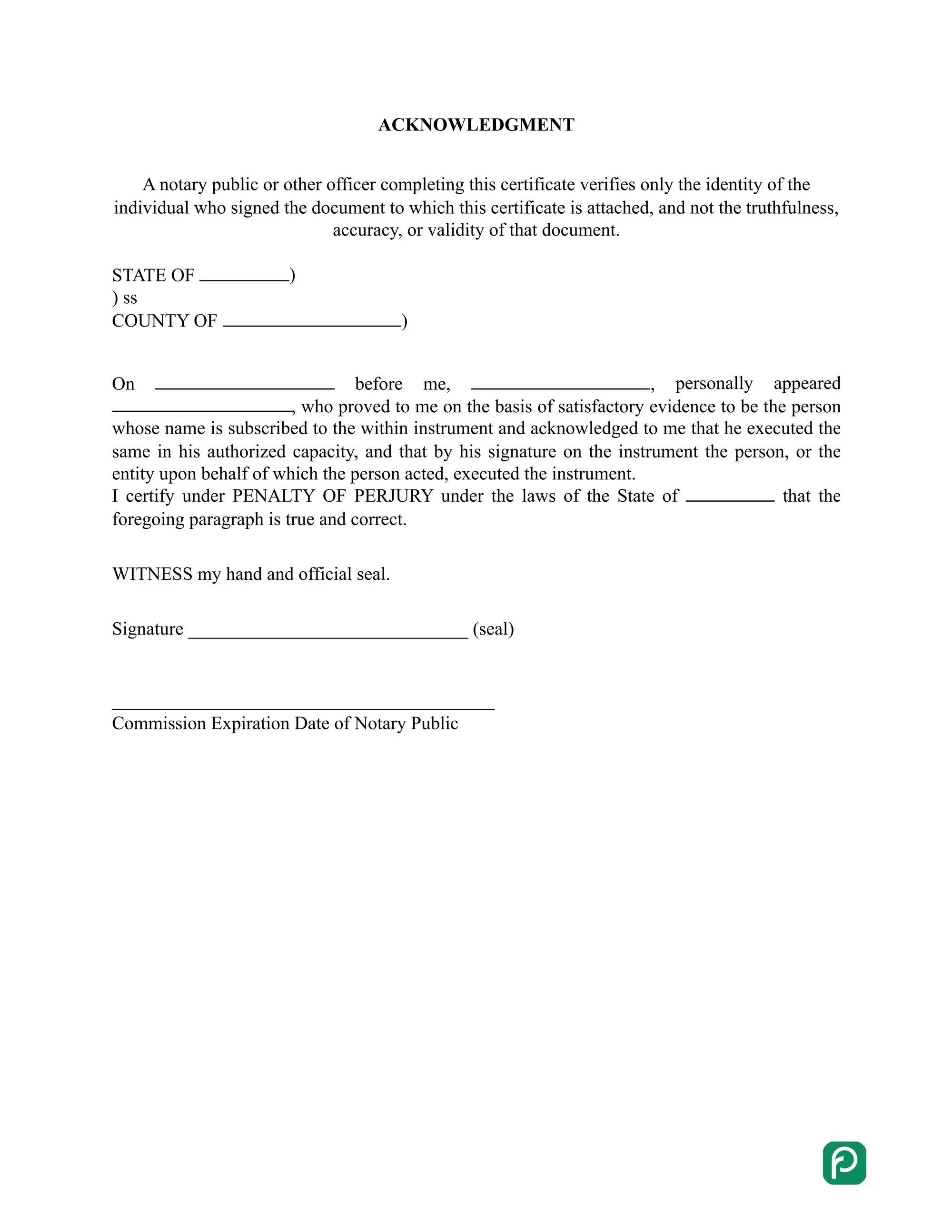
A notary public or other officer completing this certificate verifies only the identity of the individual who signed the document to which this certificate is attached, and not the truthfulness, accuracy, or validity of that document.
An individual acting in his or her own right may acknowledge a document. The statutory form for that case has these parts:[1]
An acknowledgment and a jurat are two different notary certificates. The form on this page is an acknowledgment. A jurat is used for a document signed under oath, and California Government Code § 8202 supplies its wording.[2]
The jurat wording certifies that the named person subscribed the document and swore to it before the officer on a stated date. The table shows how the two certificates differ.
| Detail | Acknowledgment | Jurat |
|---|---|---|
| Law | Cal. Civ. Code § 1189[1] | Cal. Gov. Code § 8202[2] |
| Used for | An individual acting in his or her own right who acknowledges a document | A document signed under oath or affirmation |
| Key wording | "Personally appeared, who proved to me on the basis of satisfactory evidence ... and acknowledged to me that he/she/they executed the same in his/her/their authorized capacity(ies)" | "Subscribed and sworn to (or affirmed) before me on this ___ day of ___, 20__, by ___, proved to me on the basis of satisfactory evidence to be the person(s) who appeared before me" |
| Opening notice | The officer verifies only the identity of the signer, not the truthfulness, accuracy, or validity of the document. | The statute opens the jurat wording with the same notice. |
Getting a document notarized in California usually takes one short visit to a notary public. The steps below walk you through that visit. The next section shows how the acknowledgment form itself is filled in.
California notaries public cannot yet perform remote online notarizations, so signers must appear in person.[3] Under Government Code section 8231, online notarization cannot begin before the Secretary of State completes its technology project, which is due by January 1, 2030 unless the Secretary of State tells the Legislature and the Governor in writing by January 1, 2029 that it is incomplete.[4]
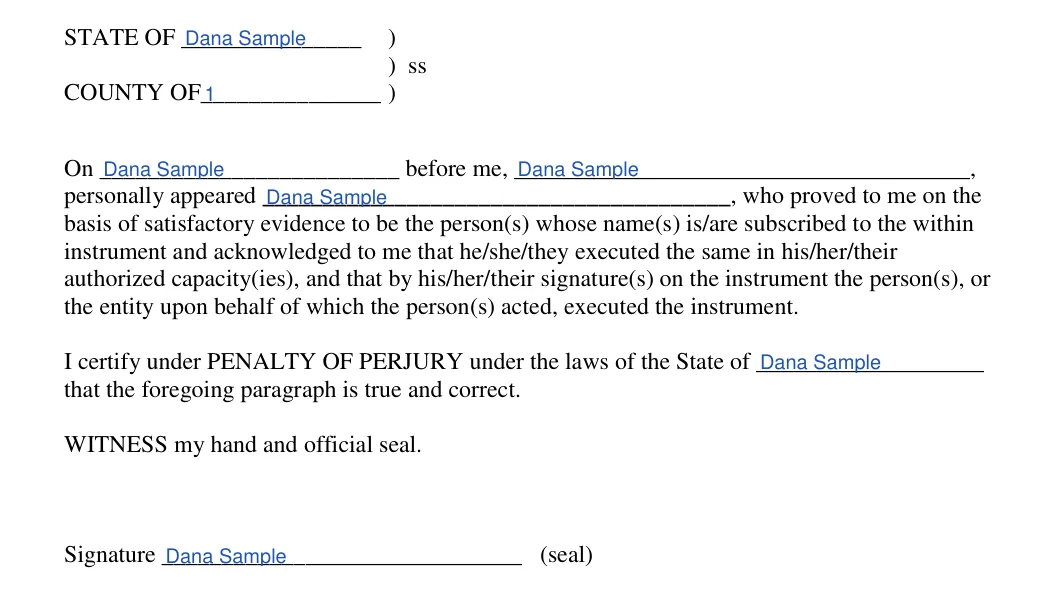
The FormsPal form has two pages. Page 1 holds the acknowledgment. Page 2 holds the statutory wording, including the boxed notice. Work through the two parts in order, and use the same State and County on both pages.
The screenshots under each step show the FormsPal California notary acknowledgement template filled with sample entries in blue, so you can see where each answer goes. The names, addresses, dates and amounts are examples only.

California Civil Code § 1189 also covers acknowledgments taken in other states, acknowledgments made before 1993, and civil penalties for a notary's false statements. The answers below summarize those rules in plain language.[1]
A certificate of acknowledgment taken within California includes a notice at the top, in an enclosed box. The notice says the officer verifies only the identity of the signer, and not the truthfulness, accuracy, or validity of the document. The notice must be legible, and the wording follows the statutory form.[1]
Yes. A certificate of acknowledgment taken in another place is sufficient in California if it is taken in accordance with the laws of the place where the acknowledgment is made.[1]
Yes, if it conformed to the rules then in force. An acknowledgment provided before January 1, 1993 can still have effect, but it must conform to the applicable provisions of former Sections 1189, 1190, 1190a, 1190.1, 1191, and 1192. It then has the same force and effect as if Chapter 335 of the Statutes of 1990 had not repealed those sections.[1]
A notary public who willfully states as true any material fact that he or she knows to be false is subject to a civil penalty of up to $10,000.[1]
Two kinds of officials can bring the action:
The penalty is enforced as a civil judgment. A public prosecutor must inform the secretary of state of any civil penalty imposed.[1]
General information, not legal or tax advice.
