
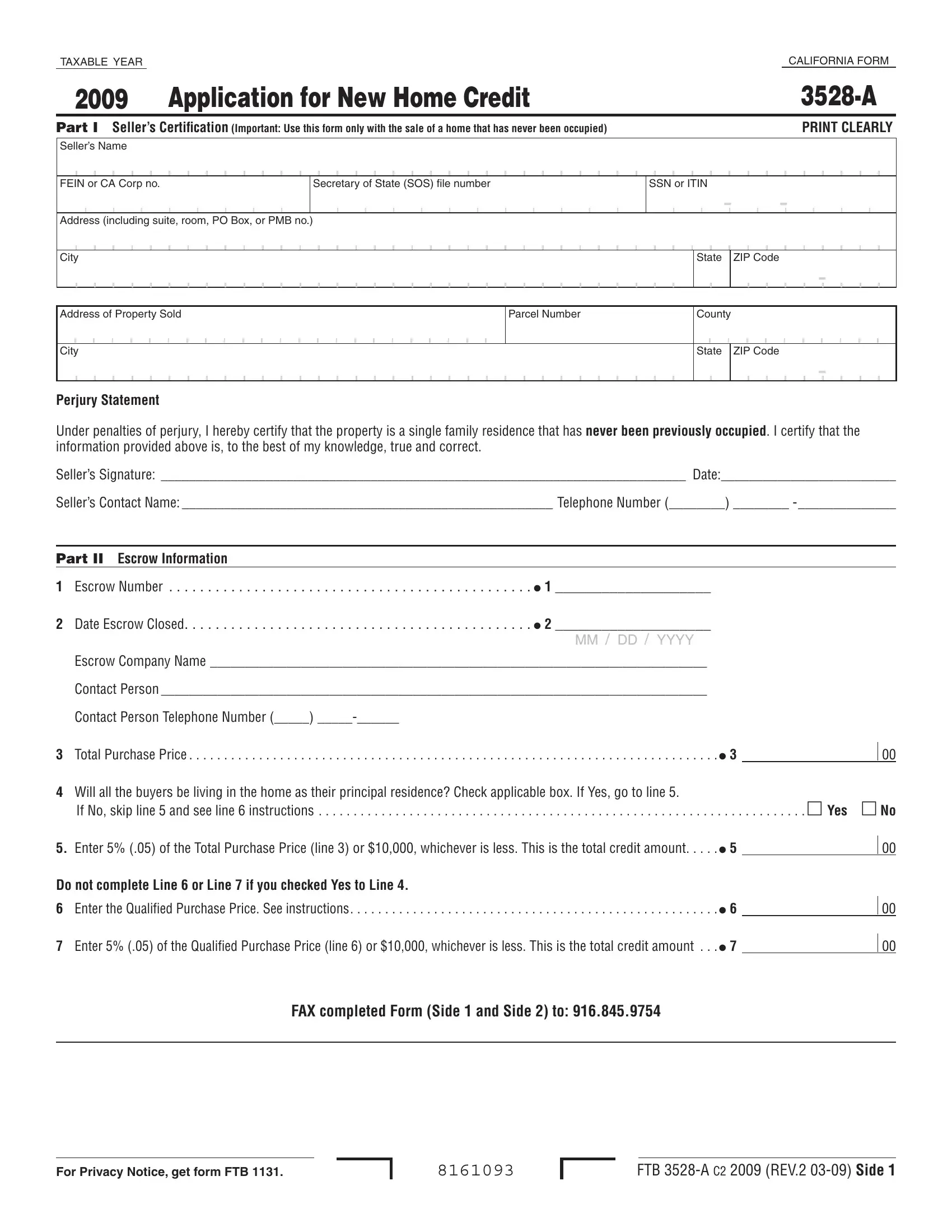

RTC can be completed with ease. Just use FormsPal PDF editor to do the job quickly. Our tool is consistently evolving to give the best user experience achievable, and that's because of our dedication to constant enhancement and listening closely to feedback from users. It just takes a couple of easy steps:
Step 1: Just press the "Get Form Button" in the top section of this page to see our form editing tool. This way, you will find all that is needed to fill out your document.
Step 2: With the help of our online PDF tool, you're able to do more than simply fill in blank form fields. Express yourself and make your documents seem high-quality with customized text put in, or tweak the file's original input to excellence - all that comes with an ability to incorporate any kind of pictures and sign the file off.
This PDF requires particular info to be typed in, thus you must take some time to provide exactly what is required:
1. Whenever filling in the RTC, make certain to include all needed fields in its corresponding area. It will help speed up the process, which allows your details to be processed quickly and accurately.
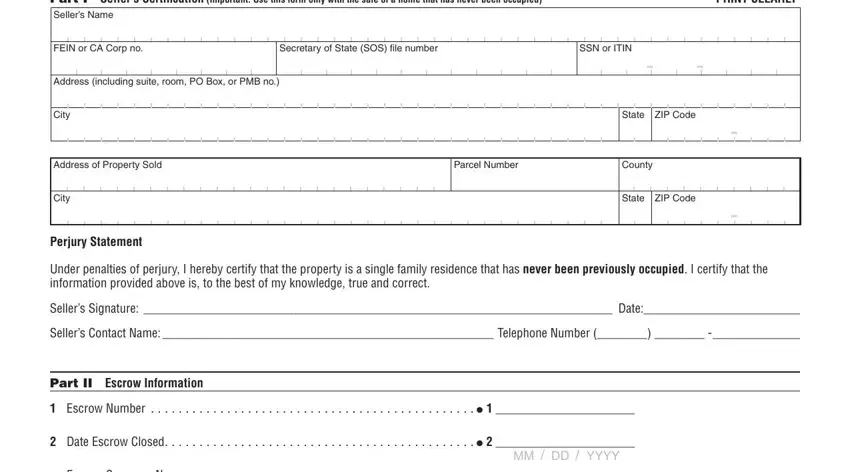
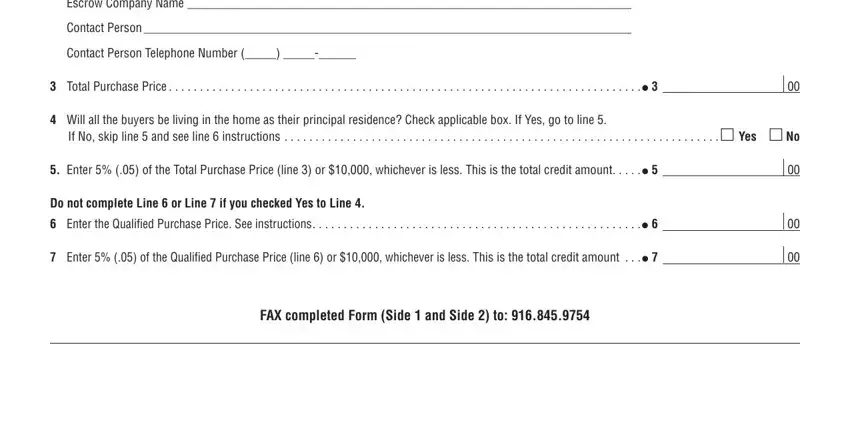
2. Your next part would be to complete the next few blanks: Escrow Company Name , Contact Person , Contact Person Telephone Number , Total Purchase Price , Will all the buyers be living in, If No skip line and see line , Enter of the Total Purchase, Do not complete Line or Line if, Enter of the Qualified Purchase, and FAX completed Form Side and Side .
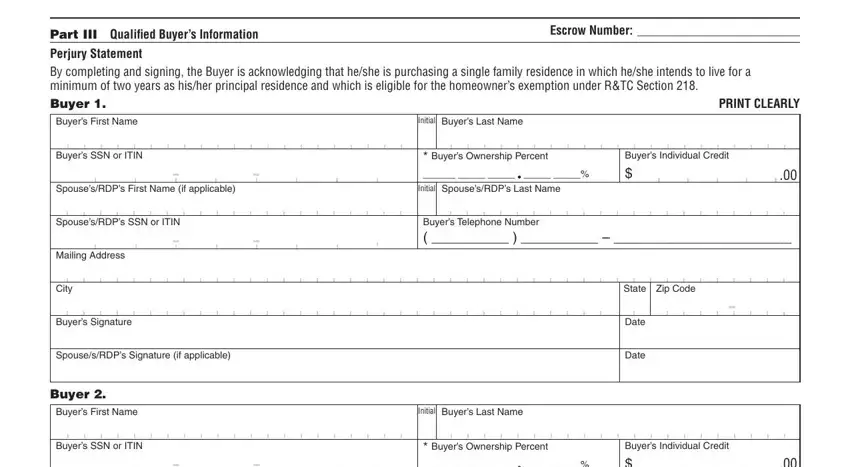
3. The next step should also be quite uncomplicated, Part III Qualiied Buyers, Escrow Number , Perjury Statement By completing, PRINT CLEARLY, Buyers First Name, Buyers SSN or ITIN, SpousesRDPs First Name if, SpousesRDPs SSN or ITIN, Mailing Address, City, Buyers Signature, SpousesRDPs Signature if applicable, Buyer , Buyers First Name, and Buyers SSN or ITIN - each one of these empty fields will have to be filled in here.
4. To move onward, the following form section will require filling in a few form blanks. These include SpousesRDPs First Name if, SpousesRDPs SSN or ITIN, Mailing Address, City, Buyers Signature, SpousesRDPs Signature if applicable, Buyer , Buyers First Name, Buyers SSN or ITIN, SpousesRDPs First Name if, SpousesRDPs SSN or ITIN, Mailing Address, Initial SpousesRDPs Last Name, Buyers Individual Credit , and Buyers Telephone Number , which you'll find key to going forward with this form.
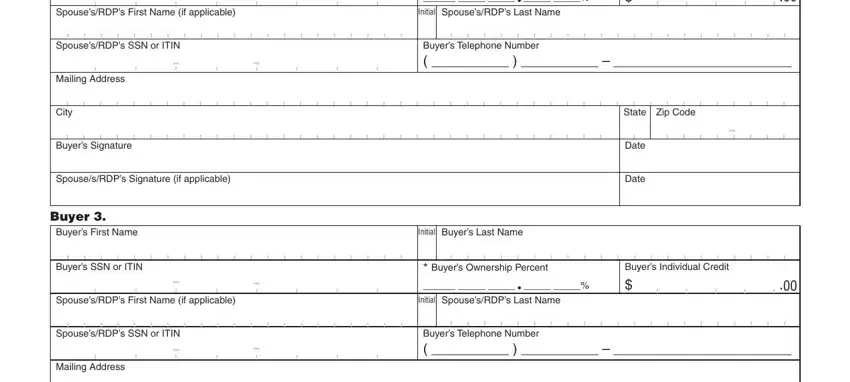
Regarding Initial SpousesRDPs Last Name and Buyers SSN or ITIN, ensure that you double-check them here. The two of these are the most significant ones in the form.
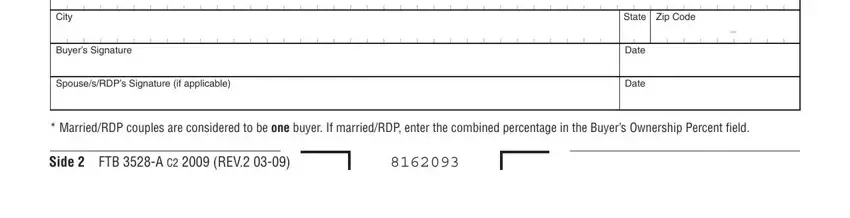
5. To wrap up your form, this final part includes some additional blanks. Filling in City, Buyers Signature, SpousesRDPs Signature if applicable, State Zip Code, Date, Date, MarriedRDP couples are considered, and Side FTB A C REV will certainly wrap up the process and you will be done very quickly!
Step 3: Always make sure that the information is right and press "Done" to progress further. Right after starting afree trial account here, it will be possible to download RTC or email it at once. The PDF will also be available in your personal account with your adjustments. We don't share any details that you use whenever working with forms at our website.