
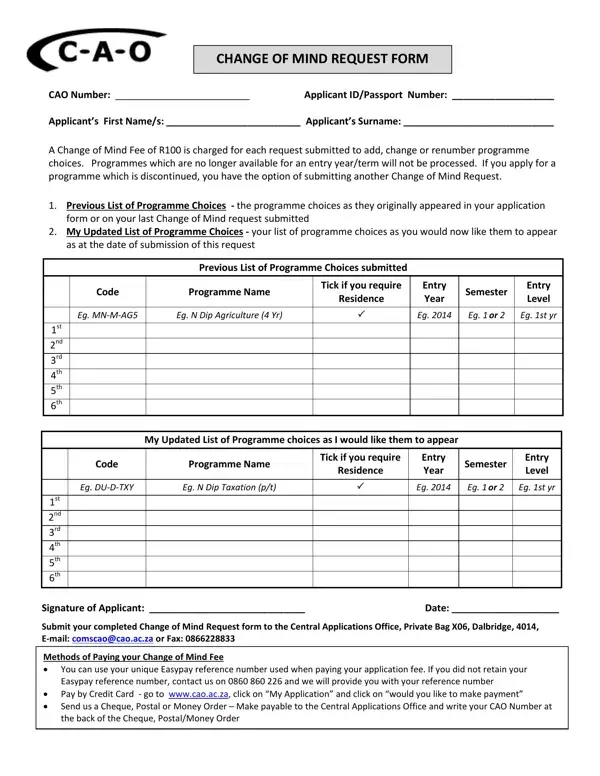
The Change of Mind request lets applicants update their programme selections after the initial CAO application deadline. You can add, reorder, or remove course choices using this form. A processing fee applies to each request. For the South African CAO, the fee is R100 per submission. Applicants must provide both their original and updated programme preferences, listing the programme code, name, entry semester, and study level for each entry. The Central Applications Office will not process changes to discontinued or unavailable programmes. Submit the completed form by post, email, or fax. Payment methods include an Easypay reference number, credit card, cheque, or postal order. The annual Change of Mind period typically runs from April to July. Submit before the published closing date to ensure your choices are confirmed before course offers are released.
| Question | Answer |
|---|---|
| Form Name | Change of Mind Form |
| Form Length | 1 |
| Fillable? | No |
| Fillable fields | 0 |
| Time to fill | 15 sec |
| Submission | Post, email, or fax |
| Other names | cao 2021, change of mind request |