
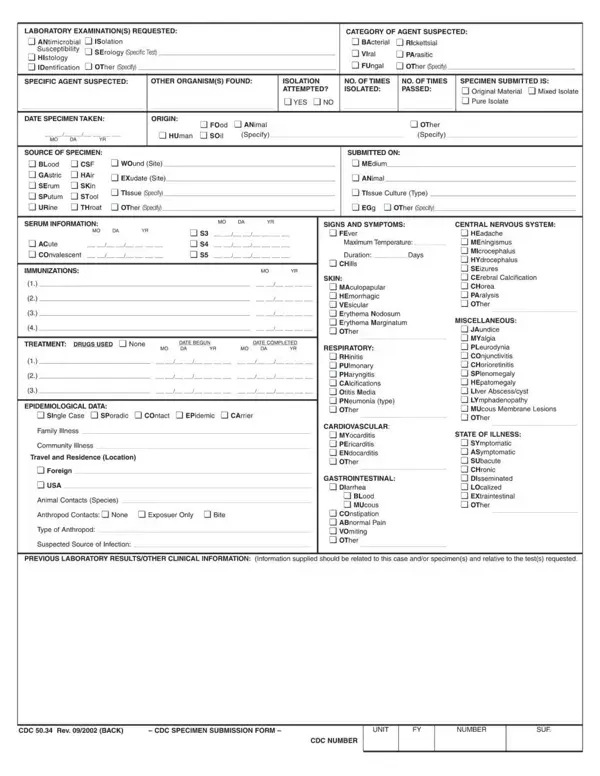
The CDC 50 34 form is an official two-page pdf document issued by the Centers for Disease Control and Prevention (CDC). Health professionals, clinical laboratories, state and local public health departments, and hospitals use this cdc form application to submit biological specimens for laboratory testing and to document specific notifiable disease conditions. The form collects information about the specimen or condition being submitted, patient identification data including birthdate and geographic location, and the submitting facility's credentials and contact details. Accurate completion of all form fields is essential for proper disease surveillance and public health tracking by the cdc. Once completed, the CDC 50 34 form pages are submitted directly to the appropriate CDC public health laboratory along with the specimen or as part of a disease notification. Health agencies also use this form to document compliance with specific federal health standards. The form has been used across multiple public health programs including disease outbreak investigations, specimen submission for testing, and documentation of notifiable conditions. For related official health documents, see the CDC US Standard Certificate of Death or the DHR CDC 739 form.
| Question | Answer |
|---|---|
| Form Name | CDC 50 34 Form |
| Form Length | 2 pages |
| Fillable? | No |
| Fillable fields | 0 |
| Avg. time to fill out | 30 sec |
| Other names | cdc form 50 34, form 50 34 cdc, cdc specimen submission form |
Cdc 50 34 Form isn’t the one you’re looking for?