
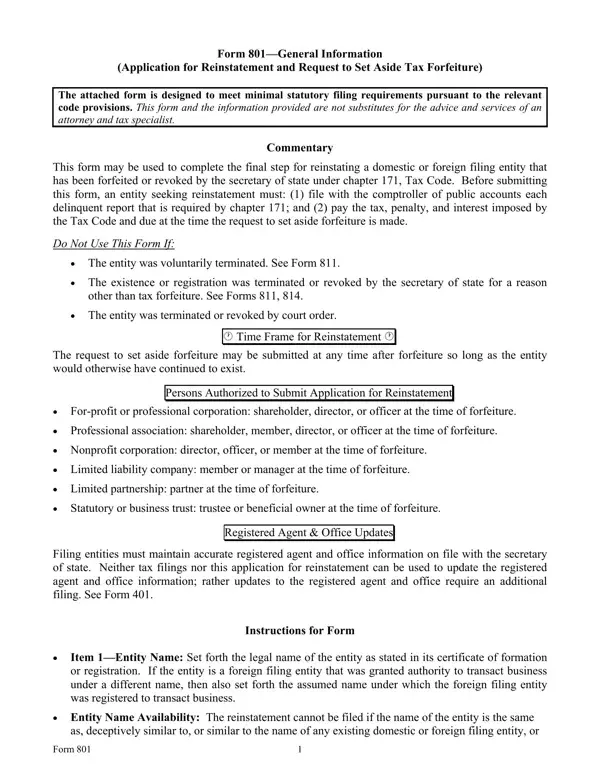
The form lists the Comptroller of Public Accounts Tax Clearance Letter under Additional Required Documentation or Filings.
Additional documents: Letter of Consent or Amendment to Certificate of Formation or Application for Registration (Required when entity name is no longer available).
Fictitious: for a foreign entity required to obtain its registration under a name that differs from the legal name, the fictitious name under which it is registered.
File number: the file number issued to the filing entity by the secretary of state.
Forfeiture: the entity was forfeited or revoked under the provisions of the Texas Tax Code on: mm/dd/yyyy.
| Question | Answer |
|---|---|
| Form Name | Form 801 |
| Form Length | 1 page |
| Fillable? | Yes |
| Fillable fields | 11 |
| Avg. time to fill out | 2 min |
| Edition | Rev 09/26 |
| Matches the agency's file | Yes, checked October 3, 2026 |
| Other names | 801, Form 801, TX 801, Texas Form 801, Application for Reinstatement, Request to Set Aside Tax Forfeiture |
| Official source | Form 801 (Rev 09/26), Texas Secretary of State |
Form 801 isn’t the one you’re looking for?