
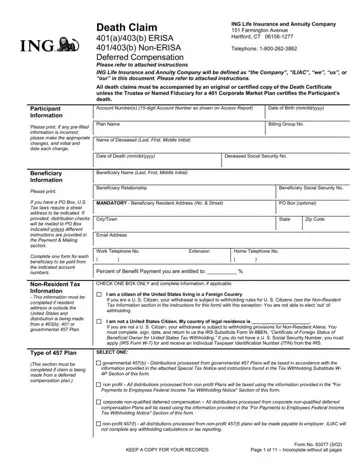
When it comes to managing the paperwork associated with the passing of a loved one, the 83077 form serves as a critical document for handling claims relating to 401(a)/403(b) ERISA, 401/403(b) Non-ERISA, and Deferred Compensation within the ING Life Insurance and Annuity Company. Located at 151 Farmington Avenue, Hartford, CT, this form guides beneficiaries through the process of claiming death benefits, ensuring compliance with U.S. tax laws, and making appropriate elections for the receipt of funds. It requires detailed information about the deceased, including their account number(s), date of birth, and social security number, as well as comprehensive beneficiary details. The form distinguishes between different types of plans, including governmental 457(b), non-profit, and corporate non-qualified deferred compensation plans, each with unique taxation and withholding considerations. Additionally, it addresses situations involving non-U.S. citizens and residents, specifying the need for IRS Form W-8BEN and, if applicable, an Individual Taxpayer Identification Number (ITIN). Payment and mailing information sections allow for the specification of the preferred method of payment receipt, including direct rollovers to eligible retirement accounts and electronic deposits to U.S. bank accounts. Moreover, the form mandates the completion of Substitute W-4P for tax withholding elections and provides an anti-fraud statement to deter fraudulent claims. The completion of this form, including requisite authorized signatures and certification by the employer, trustee, or named fiduciary for ERISA and employer-controlled plans, underscores its comprehensive nature in facilitating the efficient processing of death claims.
| Question | Answer |
|---|---|
| Form Name | Form 83077 |
| Form Length | 11 pages |
| Fillable? | No |
| Fillable fields | 0 |
| Avg. time to fill out | 2 min 45 sec |
| Other names | unlimited claim form, the unlimited death claim form, unlimited death form, rollovers |
