
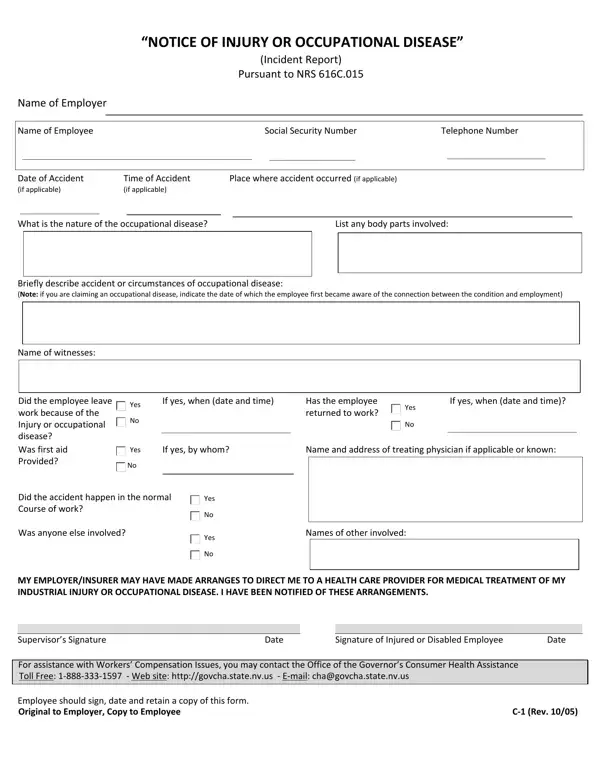

Form C-1 at a glance
What it is: The form is the "NOTICE OF INJURY OR OCCUPATIONAL DISEASE" (Incident Report) Pursuant to NRS 616C.015.
Who signs: Sign and date on the Signature of Injured or Disabled Employee line and the Supervisor's Signature line.
A filled-in Form C-1 example: an employee reports a wrist injury
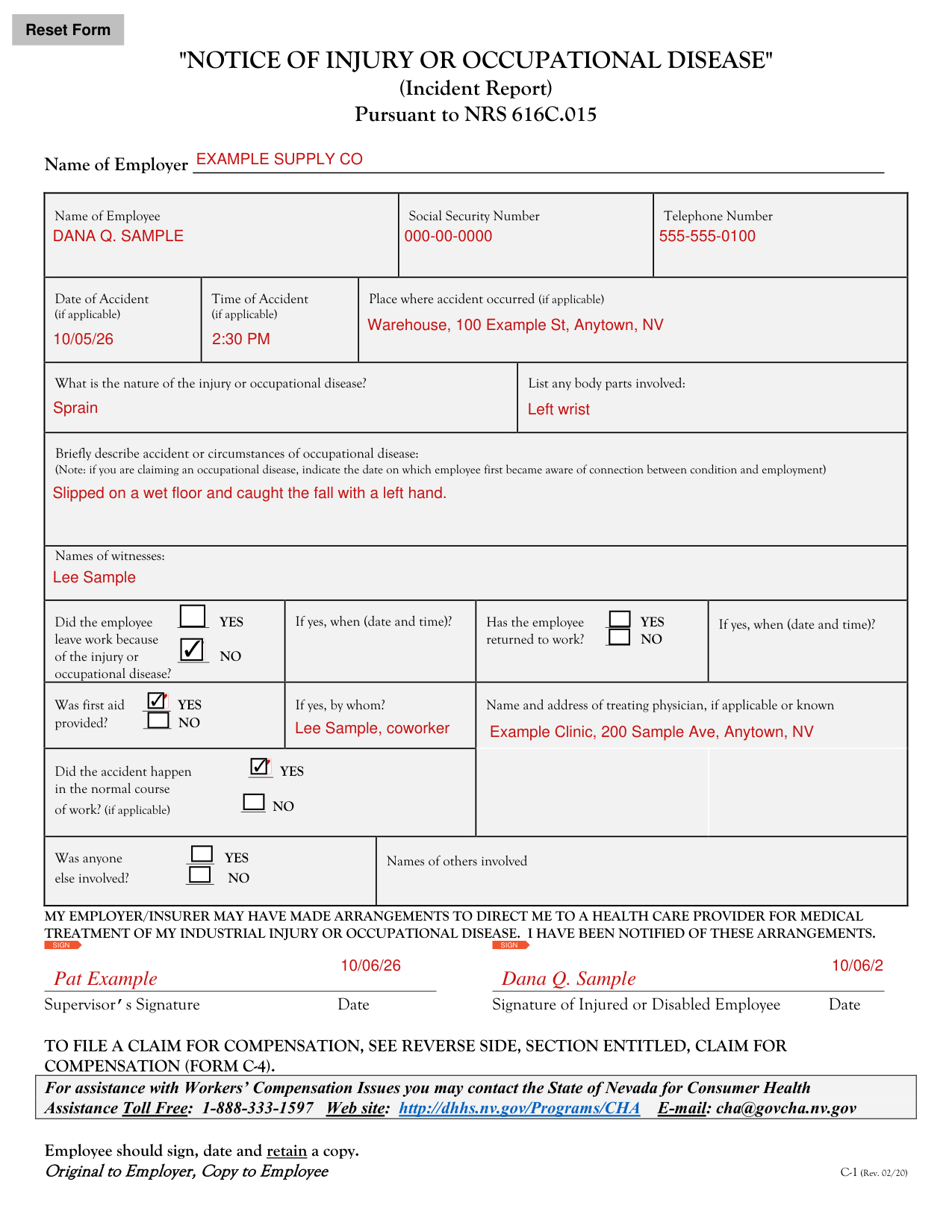
How to fill out Form C-1, box by box
Employer, employee and accident
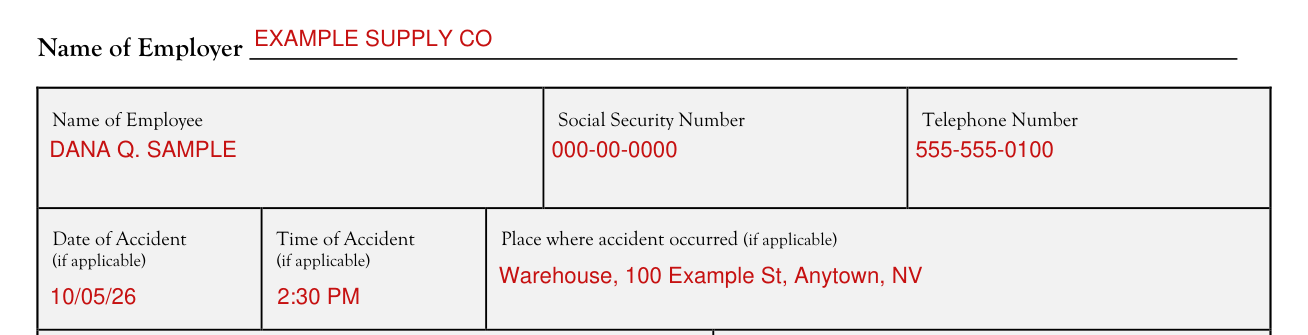
Enter the Name of Employer.
Enter the Name of Employee, the Social Security Number and the Telephone Number.
Enter the Date of Accident, if applicable.
Enter the Time of Accident, if applicable.
Enter the Place where accident occurred, if applicable.
The injury or occupational disease
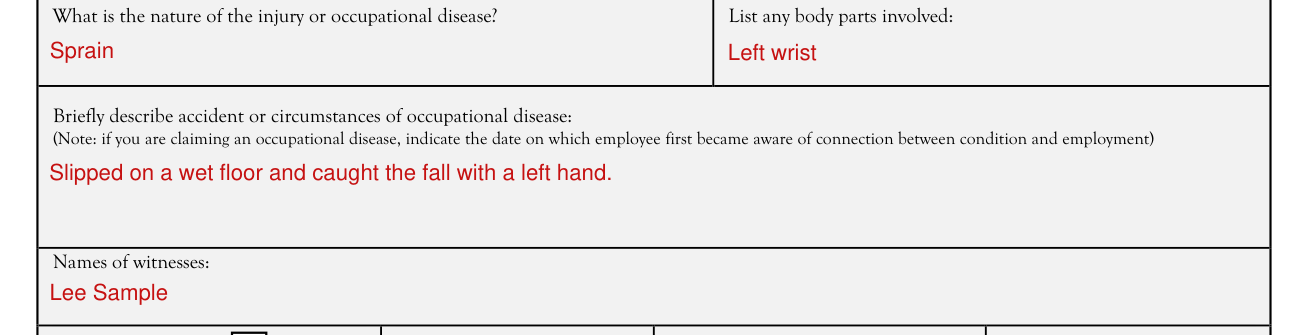
What is the nature of the injury or occupational disease? List any body parts involved.
Briefly describe accident or circumstances of occupational disease. (Note: if you are claiming an occupational disease, indicate the date on which employee first became aware of connection between condition and employment)
Enter the Names of witnesses.
Leaving and returning to work

Did the employee leave work because of the injury or occupational disease? YES or NO.
If yes, enter when (date and time). Has the employee returned to work? YES or NO.
First aid and treating physician

Was first aid provided? YES or NO.
If yes, enter by whom. Enter the Name and address of treating physician, if applicable or known.
Normal course of work

Did the accident happen in the normal course of work? (if applicable) YES or NO.
Others involved

Was anyone else involved? YES or NO. Enter the Names of others involved.
Signature of Injured or Disabled Employee and Supervisor's Signature

My employer/insurer may have made arrangements to direct me to a health care provider for medical treatment of my industrial injury or occupational disease. I have been notified of these arrangements.
Sign and date on the Signature of Injured or Disabled Employee line and the Supervisor's Signature line.
The employee should sign, date and retain a copy. Original to Employer, Copy to Employee.
Common questions about Form C-1
What is a C1 form in Nevada?
The form is the "NOTICE OF INJURY OR OCCUPATIONAL DISEASE" (Incident Report) Pursuant to NRS 616C.015. To file a claim for compensation, see the reverse side, section entitled Claim for Compensation (Form C-4).
Sources
[1] Form C-1 (Rev. 02/20), Notice of Injury or Occupational Disease, Nevada Division of Industrial Relations (the Official source link on this page).