

Form LIC 613 at a glance
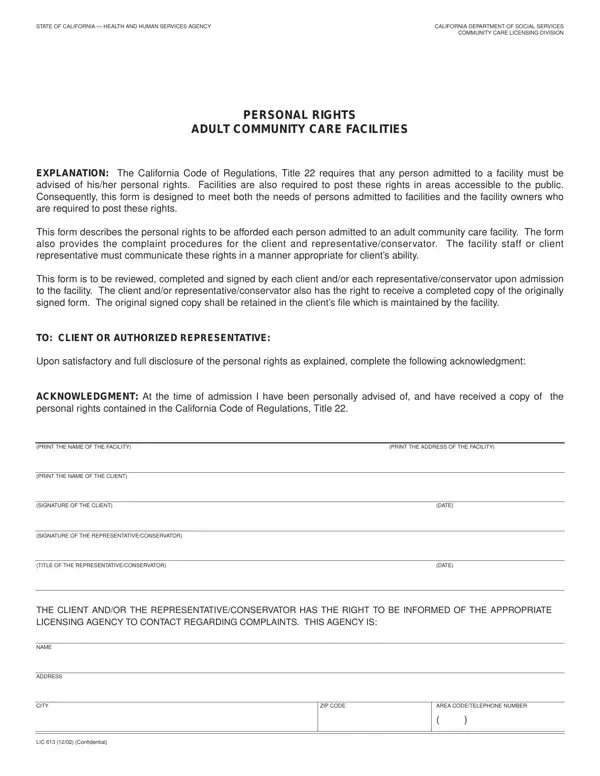
What it is: LIC 613 is the Personal Rights form for Adult Community Care Facilities, from the California Department of Social Services Community Care Licensing Division.
Who signs: Each client and/or each representative/conservator reviews, completes and signs this form upon admission to the facility.
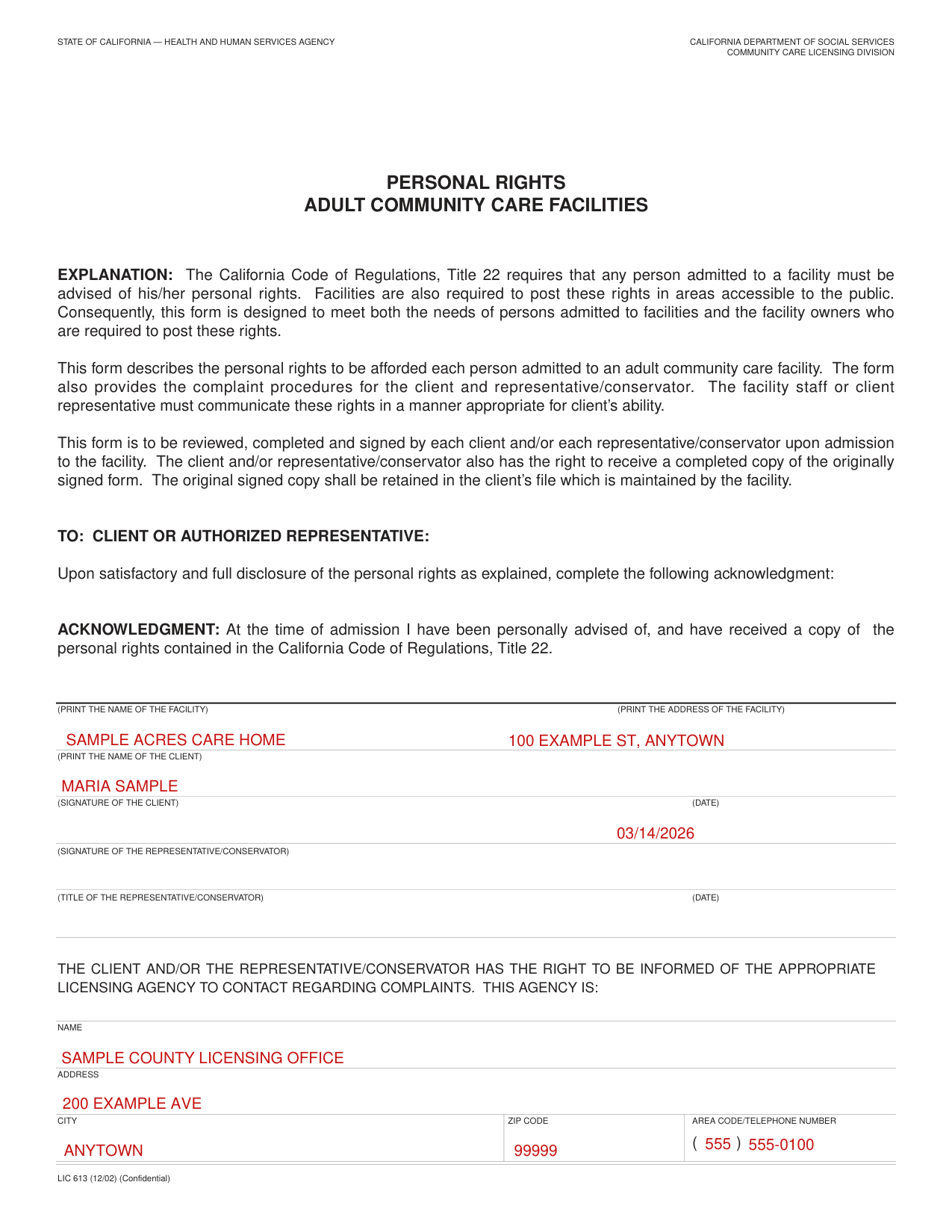
A filled-in Form LIC 613 example: a new client signs the acknowledgment
How to fill out Form LIC 613, box by box
Facility name, facility address and client name

Print the name of the facility and the address of the facility in the acknowledgment: At the time of admission I have been personally advised of, and have received a copy of the personal rights contained in the California Code of Regulations, Title 22.
Print the name of the client.
Client signature date, and the title and date of the representative/conservator

The client signs on the line marked (SIGNATURE OF THE CLIENT) and enters the date.
The representative/conservator signs on the line marked (SIGNATURE OF THE REPRESENTATIVE/CONSERVATOR), then enters the title of the representative/conservator and the date.
Licensing agency to contact regarding complaints

The client and/or the representative/conservator has the right to be informed of the appropriate licensing agency to contact regarding complaints: enter the NAME, ADDRESS, CITY, ZIP CODE and AREA CODE/TELEPHONE NUMBER of this agency.
(4) A right to be informed by the licensee of provisions in the law regarding complaints, including the address and telephone number of the licensing agency, and of information regarding confidentiality.
More rules for Form LIC 613
The California Code of Regulations, Title 22 requires that any person admitted to a facility must be advised of his/her personal rights. Facilities are also required to post these rights in areas accessible to the public.
The client and/or representative/conservator also has the right to receive a completed copy of the originally signed form.
The original signed copy shall be retained in the client's file which is maintained by the facility.
The facility staff or client representative must communicate these rights in a manner appropriate for client's ability.
Each client shall have rights, which include, but are not limited to the following: (1) A right to be treated with dignity, to have privacy and to be given humane care.
(2) A right to have safe, healthful and comfortable accommodations, including furnishings and equipment to meet your needs.
(3) A right to be free from corporal or unusual punishment, infliction of pain, humiliation, intimidation, ridicule, coercion, threat, mental abuse, or other actions of a punitive nature. To be free from restraining devices, neglect or excessive medication.
(5) A right to attend religious services and activities. Participation in religious services and other religious functions shall be on a completely voluntary basis.
(6) A right to leave or depart the facility at any time, and to not be locked into any room or building, day or night. This does not prohibit the development of house rules, such as the locking exterior doors or windows, for the protection of the consumer.
(7) A right to visit a facility with a relative or authorized representative prior to admission.
(8) A right to have communications between the facility and your relatives or authorized representative answered promptly and completely, including any changes to the needs and services plan or individual program plan.
(9) A right to be informed of the facility's policy concerning family visits. This policy shall encourage regular family involvement and provide ample opportunities for family participation in activities at the facility.
(10) A right to have visitors, including advocacy representatives, visit privately during waking hours provided the visits do not infringe upon the rights of other consumers.
(11) A right to possess and control your own cash resources.
(12) A right to wear your own clothes, to possess and use your own personal items, including your own toilet articles.
(13) A right to have access to individual storage space for your private use.
(14) A right to have access to telephones, to make and receive confidential calls, provided such calls do not infringe on the rights of other clients and do not restrict availability of the telephone in emergencies.
(15) A right to promptly receive your unopened mail.
(16) A right to receive assistance in exercising your right to vote.
(17) A right to receive or reject medical care or health-related services, except for those whom legal authority has been established.
(18) A right to move from a facility in accordance with the terms of the admission agreement.
Sources
[1] Form LIC 613 (12/02), Personal Rights Adult Community Care Facilities, California Department of Social Services (the Official source link on this page).