
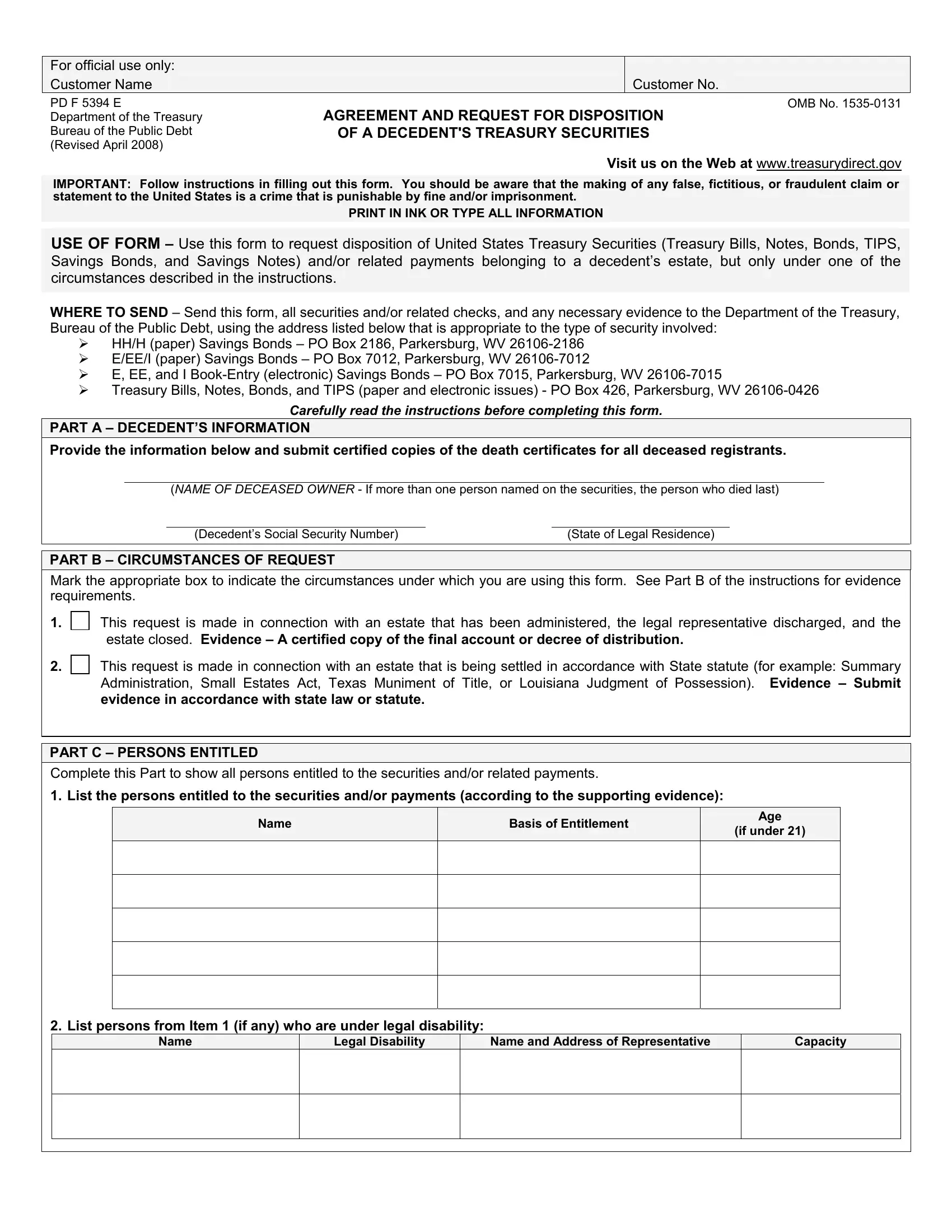
The PD F 5394 form, as outlined by the Department of the Treasury Bureau of the Public Debt, serves as a critical tool for handling the disposition of a decedent's United States Treasury securities, including various forms such as Treasury Bills, Notes, Bonds, TIPS, Savings Bonds, and Savings Notes. This form is necessary under specific circumstances described within its guidelines when the estate of a deceased individual possesses such securities. Detailed instructions accompany the form to guide users through the accurate completion process, emphasizing the importance of avoiding false statements, which are punishable by law. The form requires comprehensive information about the decedent, including their name, social security number, and state of legal residence. It specifies how to indicate the circumstances under which the request is made, such as whether the estate has been fully administered or is being settled according to state statutes. The form meticulously outlines how entitled individuals should list their claims to the securities or related payments, mandates the provision of necessary evidence supporting these claims, and defines the formula for the distribution of securities and payments. Additionally, it contains sections for direct deposit details, ensuring correct transfer of funds, and requires signatures under penalty of perjury, underscoring the legal obligation of the signees to provide truthful information and accept accountability for the request. The completion and submission of this form to the appropriate Treasury Department address, depending on the type of security, are crucial steps in the lawful management and distribution of a deceased's treasury assets, safeguarding the interests of all parties involved.
| Question | Answer |
|---|---|
| Form Name | Form Pd F 5394 |
| Form Length | 8 pages |
| Fillable? | No |
| Fillable fields | 0 |
| Avg. time to fill out | 2 min |
| Other names | what is a 5394 form, how to fill out form fs form 5394, instructilns for treadury form 5394, pdf 5394 form |