

GOS1 Form PDF Details

In the realm of healthcare and optical services within the NHS, the GOS1 form plays a pivotal role in streamlining the process of claiming for NHS sight tests, including both standard and mobile services. With the advent of electronic submissions, it's crucial for Primary Care Organisations (PCOs) and optical stores to familiarize themselves with the start-up requirements, which involve providing specific codes and agreeing to link by signing a form. This process encourages a cohesive approach before initiating electronic claims. Additionally, understanding the timing for starting claims, the choice between electronic or traditional manual submissions, and the recommended manual approval period for claims is essential. The guidance doesn't stop at the initial setup; there's comprehensive support available through a dedicated website, offering a user guide and further information to address common queries and enhance the submission process. The form addresses various procedural nuances, such as data formatting, validation checks, and the handling of claims with special circumstances like early retests or multiple reasons for entitlement. It's made clear that accurate data entry, especially concerning patient and practitioner details, is crucial for the smooth processing of claims. Notably, the system implements a range of automatic checks to ensure the integrity of submitted claims, which underscores the importance of adherence to guidelines and the provision of complete and accurate information. This interconnected system of requirements, guidance, and checks underscores the complexity and precision needed in the submission of GOS1 claims, aiming to facilitate a seamless operation for the benefit of both service providers and recipients.

QuestionAnswer
Form NameGOS1 Form
Form Length1 pages
Fillable?Yes
Fillable fields1
Avg. time to fill out27 sec
Other namesgos form, nhs gos1, gos1 mobile, form gos1 no download needed

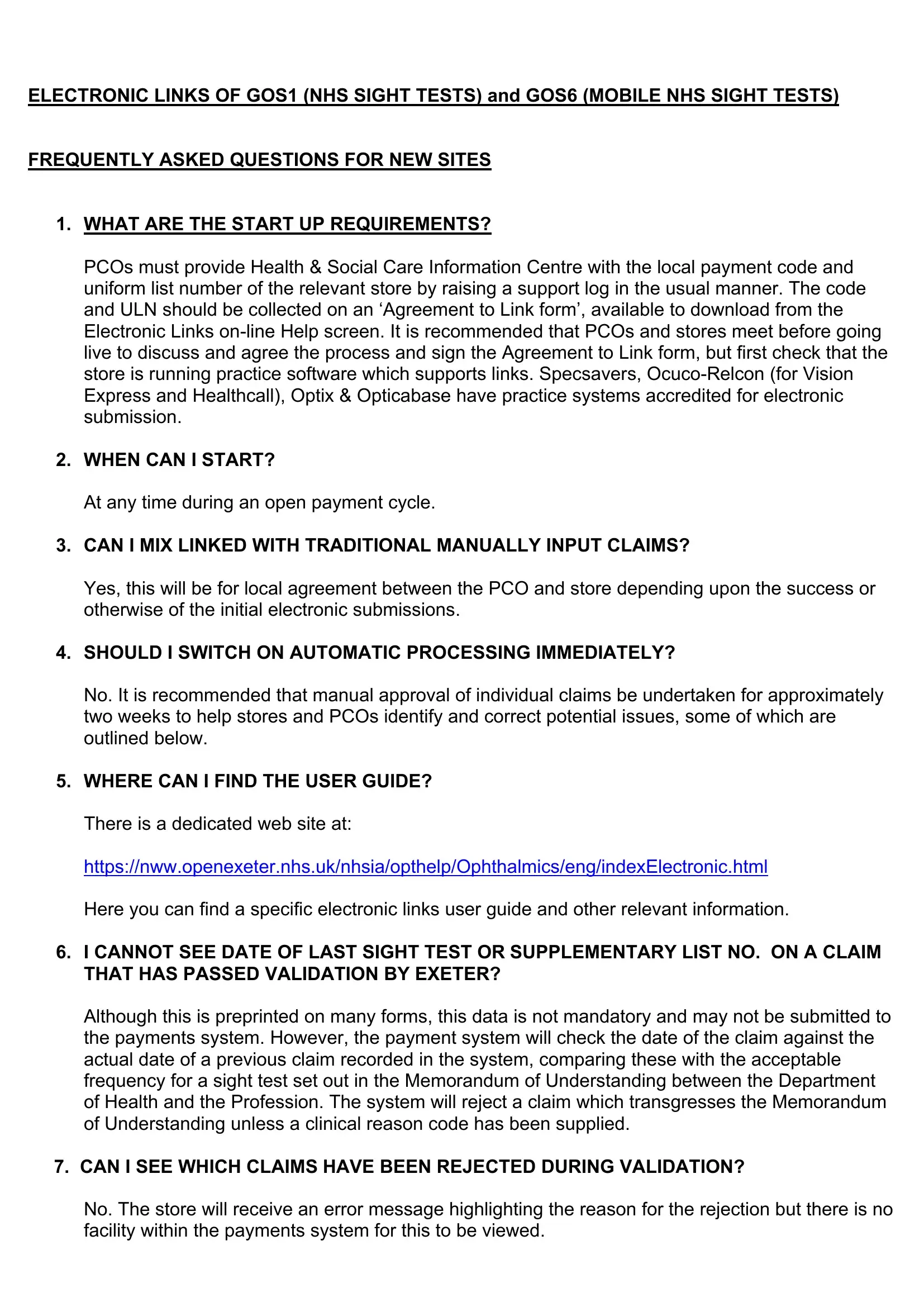
Form Preview Example

ELECTRONIC LINKS OF GOS1 (NHS SIGHT TESTS) and GOS6 (MOBILE NHS SIGHT TESTS)

FREQUENTLY ASKED QUESTIONS FOR NEW SITES

1.WHAT ARE THE START UP REQUIREMENTS?

PCOs must provide Health & Social Care Information Centre with the local payment code and uniform list number of the relevant store by raising a support log in the usual manner. The code and ULN should be collected on an ‘Agreement to Link form’, available to download from the Electronic Links on-line Help screen. It is recommended that PCOs and stores meet before going live to discuss and agree the process and sign the Agreement to Link form, but first check that the store is running practice software which supports links. Specsavers, Ocuco-Relcon (for Vision Express and Healthcall), Optix & Opticabase have practice systems accredited for electronic submission.

2.WHEN CAN I START?

At any time during an open payment cycle.

3.CAN I MIX LINKED WITH TRADITIONAL MANUALLY INPUT CLAIMS?

Yes, this will be for local agreement between the PCO and store depending upon the success or otherwise of the initial electronic submissions.

4.SHOULD I SWITCH ON AUTOMATIC PROCESSING IMMEDIATELY?

No. It is recommended that manual approval of individual claims be undertaken for approximately two weeks to help stores and PCOs identify and correct potential issues, some of which are outlined below.

5.WHERE CAN I FIND THE USER GUIDE? There is a dedicated web site at: https://nww.openexeter.nhs.uk/nhsia/opthelp/Ophthalmics/eng/indexElectronic.html Here you can find a specific electronic links user guide and other relevant information.

6.I CANNOT SEE DATE OF LAST SIGHT TEST OR SUPPLEMENTARY LIST NO. ON A CLAIM THAT HAS PASSED VALIDATION BY EXETER?

Although this is preprinted on many forms, this data is not mandatory and may not be submitted to the payments system. However, the payment system will check the date of the claim against the actual date of a previous claim recorded in the system, comparing these with the acceptable frequency for a sight test set out in the Memorandum of Understanding between the Department of Health and the Profession. The system will reject a claim which transgresses the Memorandum of Understanding unless a clinical reason code has been supplied.

7.CAN I SEE WHICH CLAIMS HAVE BEEN REJECTED DURING VALIDATION?

No. The store will receive an error message highlighting the reason for the rejection but there is no facility within the payments system for this to be viewed.

8. CAN STORES SUBMIT CLAIMS IN UPPER AND/OR LOWER CASE?

Any format is acceptable, however it is recommended that stores enter data in upper case. This makes sorting by patient name more effective and audit letters better presented.

9.WILL THE SYSTEM ACCEPT EARLY RETESTS WITHOUT AN APPROPRIATE CODE?

It may, but not if a previous claim exists in the system with a date which transgresses the Memorandum of Understanding between the Department of Health and the Profession.

10.WHAT HAPPENS TO CLAIMS WHEN MULTIPLE REASONS FOR ENTITLEMENT TO AN NHS SIGHT TEST HAS BEEN ENTERED?

Although not required, many stores also enter the reason for entitlement to a GOS 3 on the GOS1 claim. Both reasons will need to pass validation although only one will appear in the “REASON” field. The system will reject income support for patients over 60 and stores should be reminded of the need to enter pension credit for these claims.

11.SHOULD STORES ENTER GP/HOSPITAL DETAILS FOR PATIENTS WITH DIABETES/GLAUCOMA?

Yes, this information is pulled through into the payments system it is also subject to validation and relevant claims will be rejected without this information. For the GP/Hospital details (and also for school/college details for students) a supplementary address is required, e.g., Town, District etc.

12.IS THERE INCONSISTENCY IN THE TREATMENT OF EVIDENCE NOT SEEN?

The Specsavers computer system has a field for “Evidence Seen”. This has a default setting of YES. Specsavers stores must be reminded to change that default when the Evidence Not Seen roundel is ticked on the form.

13.THE UNIFORM LIST NUMBER IS WRONG, WHAT SHOULD I DO?

You can’t change a Practitioner’s Uniform List Number in the system because this can only be done by the Ophthalmic Payment team at NHSCFH. Raise a support log via the normal National Support desk, 01392 251289.

You will be required to provide the full current Uniform List Number and name of the Practitioner involved and the full Uniform List Number that you wish it to be.

14.WHAT VALIDATION CHECKS ARE AUTOMATICALY COMPLETED ON AN ELECTRONICALLY SUMITTED GOS CLAIM?

a.General checks applied to all GOS claim types:-

Rejection

Description

Condition

Code


1

Record Status is invalid

The record status field has not been


set as REQUESTED

2

Version is missing or is invalid

The version field is missing or is an


invalid value

3

Currency is missing or is invalid

The currency field is missing or is an


invalid value

4

Record type is missing or is

The record type field is missing or is


invalid

an invalid value

5

Date of file creation is missing

The date of file creation field is


or is invalid

missing or is an invalid date or is in


the future

6

Time of file creation is missing

The time of file creation field is


or is invalid

missing or is an invalid time

7

Responsible organisation is

The responsible organisation code


missing or is unknown

field is missing or is unknown to the


central ophthalmic payments system

8

Batch reference or record

The submitting organisation batch


reference number are too big

reference or record reference


number are too big

9

Invalid Title

The patient’s title field is an invalid


value

10

Surname is missing

The patient’s surname field is


missing or is an invalid value

11

Forenames is missing

The patient’s forenames field is


missing or is an invalid value

12

Address line is missing

The patient’s address detail is


missing or is an invalid value

13

Postcode is missing

The patient’s postcode field is


missing or is an invalid value

14

Patient’s date of birth is

The patient’s date of birth field is


missing, is invalid or is in the

missing, is an invalid date or is a


future

date in the future


15

Date of last sight test,

The date of the last sight test or


prescription is an invalid value

prescription field is an invalid value


or before patient’s date of birth


16

NHS reason is missing or is

The patient’s NHS reason field is


invalid

missing or contains an invalid value


17

Evidence not seen is missing

The evidence not seen field is


missing

18

Who signed is missing or is

The who signed field is missing or is


invalid

an invalid value


19

Payment account code is

The payment account code is


missing or is invalid

missing or is an invalid value


20

Local practitioner code is

The local practitioner code field is


missing or is an unknown value to


missing or is invalid

the central ophthalmic payments


system

21

Practitioner’s uniform list

The practitioner’s uniform list


number is missing, is unknown

number field is missing, is not


to the central ophthalmic

registered on the practitioner list


payments system or is an

within the specified responsible


invalid format

organisation or is an invalid format


22

Date of claim is missing, is

The date of claim field is missing, is


invalid or is in the future

invalid, is a date before the service


date or is a date in the future

23

Record end is missing or is

The record end field is missing or


invalid

not set to REND


24

Practitioner is no longer active

The practitioner identified by the


on the responsible NHS

practitioner list number is no longer


organisations practitioner list

active on the responsible NHS


and the date of the GOS

organisation practitioner list and the


service is after their date off list

date of the GOS service is after their


date off list

25

Practitioner is yet to be

The practitioner identified by the


activated onto the responsible

practitioner list number is yet to be


NHS organisations practitioner

activated on the responsible NHS


list and the date of the GOS

organisation practitioner list and the


service is before their date on

date of the GOS service is before


list

their date on list


26

Patient reason is Over 60 and

The NHS patient reason field has


the patient was not 60 or over

been set to Over 60 and the patient


when the GOS service was

was not 60 or over when the GOS


performed

service was performed by the


practitioner

27

Patient reason is Under 16 and

The NHS patient reason field has


the patient was not under 16

been set to Under 16 and the patient


when the GOS service was

was not under 16 when the GOS


performed

service was performed by the


practitioner

28

Patient reason is HC2 and the

The NHS patient reason field has


certificate number has not been

been set to HC2 and the certificate


supplied when the evidence not

number field has not been supplied


seen field is set to No

when the evidence not seen field


has been set to No

29

Patient reason is HC3 and the

The NHS patient reason field has


certificate number has not been

been set to HC3 and the certificate


supplied when the evidence not

number field has not been supplied


seen field is set to No

when the evidence not seen field


has been set to No

30

Patient reason is Student and

The NHS patient reason field has


the patient was not aged

been set to Student and the patient


between 16 and 18 when the

was not aged 16, 17 or 18 when the


GOS service was performed

GOS service was performed by the


practitioner

31

GOS service date is before 1st

No GOS fees are available within


April 1995, no known payment

the central ophthalmic payments


fee

system for any GOS claims where


the service date is before 1st April


1995

32

Supplementary Name is

The supplementary name field


missing

should contain a value when the


NHS reason has been set to


student, diabetic, glaucoma,


glaucoma risk, blind or prisoner on


leave


See section GOS Claim Notes for


further information on the


supplementary name

33

Supplementary Town is

The supplementary town field should


missing

contain a value when the NHS


reason has been set to student,


diabetic, glaucoma or glaucoma risk


See section GOS Claim Notes for


further information on the


supplementary town


34

Date of GOS service is before

The GOS service date is before the


patent’s date of birth

patient’s date of birth


35

Beneficiary’s date of birth is

The beneficiary’s date of birth is an


invalid or is in the future

invalid date or is in the future


36

Possible Duplicate claim

This is a possible duplicate claim.


See Appendix C for GOS Sight Test


Intervals

37

NHS Number to large

The patient’s NHS Number is to


large

38

NI Number to large

The patient’s NI Number is to large


39

Beneficiary NHS Number to

The beneficiary’s NHS Number is to


large

large


40

Beneficiary NI Number to large

The beneficiary’s NI Number is to


large

41

NHS Sight Test fee to large

Sight Test fee is too large or is a


negative number

42

National Code to large

National Code is too large


43

NHS Domiciliary fee to large

Domiciliary fee is too large or is a


negative number

44

Total GOS Claim value to large

Total claim value is too large or is a


negative number

45

Beneficiary name to large

The beneficiary’s name is to large


46

Patient reason is Income

The NHS patient reason field has


Support and patient not aged

been set to Income Support and the


between 16 and the National

patient was not aged between 16


Retirement age when the GOS

and National Retirement age when


service was performed

the GOS service was performed by


the practitioner. Refer to Appendix


E for further information on benefit


age regulations

47

Patient reason is Pension

The NHS patient reason field has


Credit and patient not reached

been set to Pension Credit and the


the State Pension age when

patient had not reached the State


the GOS service was

Pension age when the GOS service


performed

was performed by the practitioner.


Refer to Appendix E for further

How to Edit GOS1 Form Online for Free

You may prepare form gos1 no download needed easily in our online PDF editor. Our team is focused on providing you with the ideal experience with our tool by regularly introducing new functions and upgrades. Our tool is now even more useful with the most recent updates! So now, filling out PDF files is easier and faster than before. Starting is easy! Everything you should do is take the next simple steps down below:

Step 1: Firstly, access the editor by pressing the "Get Form Button" at the top of this site.

Step 2: With the help of this online PDF file editor, you could accomplish more than simply fill out blank fields. Try each of the features and make your docs look great with custom textual content added in, or optimize the original input to perfection - all that supported by the capability to add almost any graphics and sign the document off.

This PDF form will need some specific details; to guarantee accuracy, please make sure to pay attention to the following suggestions:

1. Begin completing the form gos1 no download needed with a group of major fields. Get all of the information you need and make certain there is nothing overlooked!
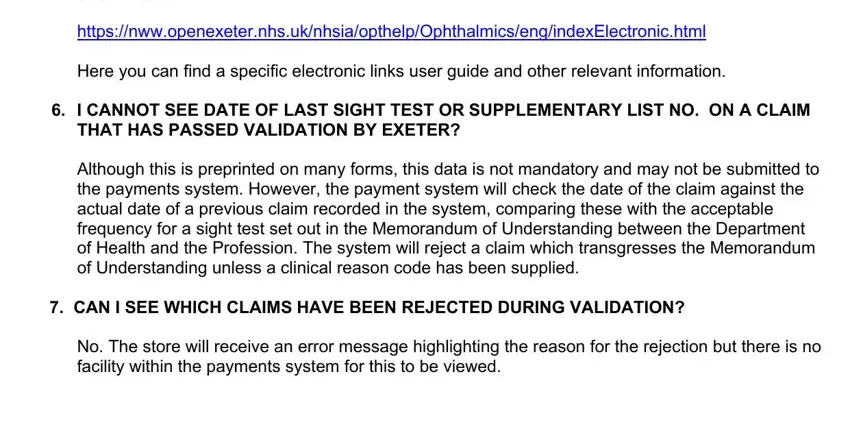
Completing part 1 of gos1 forms

Step 3: Make certain your details are right and click on "Done" to complete the process. Join FormsPal right now and instantly obtain form gos1 no download needed, all set for download. Every single modification you make is conveniently preserved , making it possible to edit the document at a later time if necessary. FormsPal is focused on the confidentiality of our users; we make sure all personal information going through our tool continues to be protected.