Please rate Hvac Air Balance Report Form

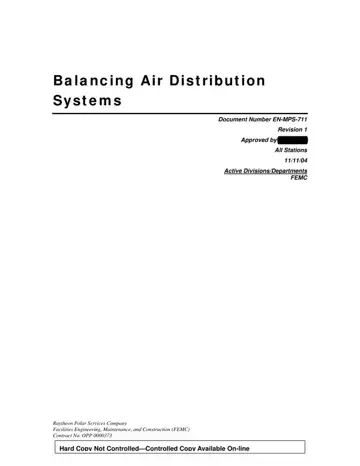
The HVAC Air Balance Report form, officially known as EN-MPS-711 and revised under the approval of Ric Morris on 11/11/04, plays a crucial role in standardizing air balancing within HVAC systems for construction projects. This comprehensive document spans six pages and originates from Raytheon Polar Services Company under contract No. OPP 0000373, not bound to physical copies but accessible online, highlighting its contemporary approach to document control. Designed to streamline the procedures for balancing air distribution systems, the form is anchored in ensuring efficiency and effectiveness across HVAC deployments. It delineates responsibilities among key parties including the Facilities Engineering, Maintenance, and Construction (FEMC) team, Field Engineer/Project Engineer or their designee, Certified Technicians, and inspectors from the NSF and Title II. Essential steps outlined for pre-balance checks include assessing equipment cleanliness, integrity, and proper operation; and system checks ensure all balance dampers are installed, and the Air Handling Unit (AHU) operates without overloading. The form underscores the importance of not only the initial setup and checks but also the precise adjustments needed for air handling equipment balance, demanding specific measurements and calculations to meet outdoor air quality standards. References and records sections underline the form’s utility as a procedural guide and record-keeping tool, ensuring that every aspect of air distribution system balancing is conducted to stringent standards.
| Question | Answer |
|---|---|
| Form Name | Hvac Air Balance Report Form |
| Form Length | 8 pages |
| Fillable? | No |
| Fillable fields | 0 |
| Avg. time to fill out | 2 min |
| Other names | hvac air balance report template, test and balance form, hvac balancing report forms, air balance sheet |
Hvac Air Balance Report Form isn’t the one you’re looking for?
Please rate Hvac Air Balance Report Form
