
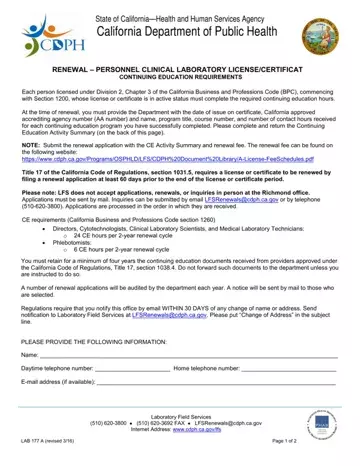
In the realm of health and human services in California, the importance of continuous professional education cannot be overstated, especially for those in the medical and clinical laboratory field. To this end, the State of California, through its Health and Human Services Agency and the California Department of Public Health, mandates the renewal of personnel clinical laboratory licenses or certificates contingent upon the fulfillment of specific continuing education (CE) requirements. This process is formalized through the submission of the Lab 177 form, a crucial document that outlines the CE activities of the applicant. At the heart of the renewal process, individuals must detail their engagement in approved continuing education programs, including program titles, course numbers, the accrediting agency, and the hours earned, ensuring their professional knowledge remains current and comprehensive. The form serves as a testament to the dedication of clinical laboratory personnel towards maintaining the highest standards of competency in their field. Moreover, it highlights the procedural steps for renewal, including the submission timeline, fee schedules, and the necessity to retain CE documentation for audit purposes. This protocol solidifies the commitment of the California Department of Public Health to uphold quality and reliability within clinical laboratory services, ensuring that personnel are well-equipped with the latest knowledge and skills in their respective domains.
| Question | Answer |
|---|---|
| Form Name | Lab 177 Form |
| Form Length | 2 pages |
| Fillable? | No |
| Fillable fields | 0 |
| Avg. time to fill out | 30 sec |
| Other names | lab 101 form, lfs form lab 101, lab 177, lab 101 |
