



Any time you desire to fill out msp form polygraph screening printable, there's no need to download any kind of programs - simply give a try to our PDF editor. We at FormsPal are committed to giving you the best possible experience with our tool by continuously introducing new functions and enhancements. With these updates, working with our editor becomes better than ever before! Starting is effortless! All you need to do is take these basic steps directly below:
Step 1: Access the PDF file inside our tool by pressing the "Get Form Button" at the top of this page.
Step 2: With the help of this online PDF editor, it is easy to do more than merely complete forms. Express yourself and make your docs appear perfect with customized textual content incorporated, or fine-tune the original input to excellence - all that comes along with an ability to add stunning pictures and sign the file off.
Completing this form calls for thoroughness. Make certain all necessary blanks are filled out accurately.
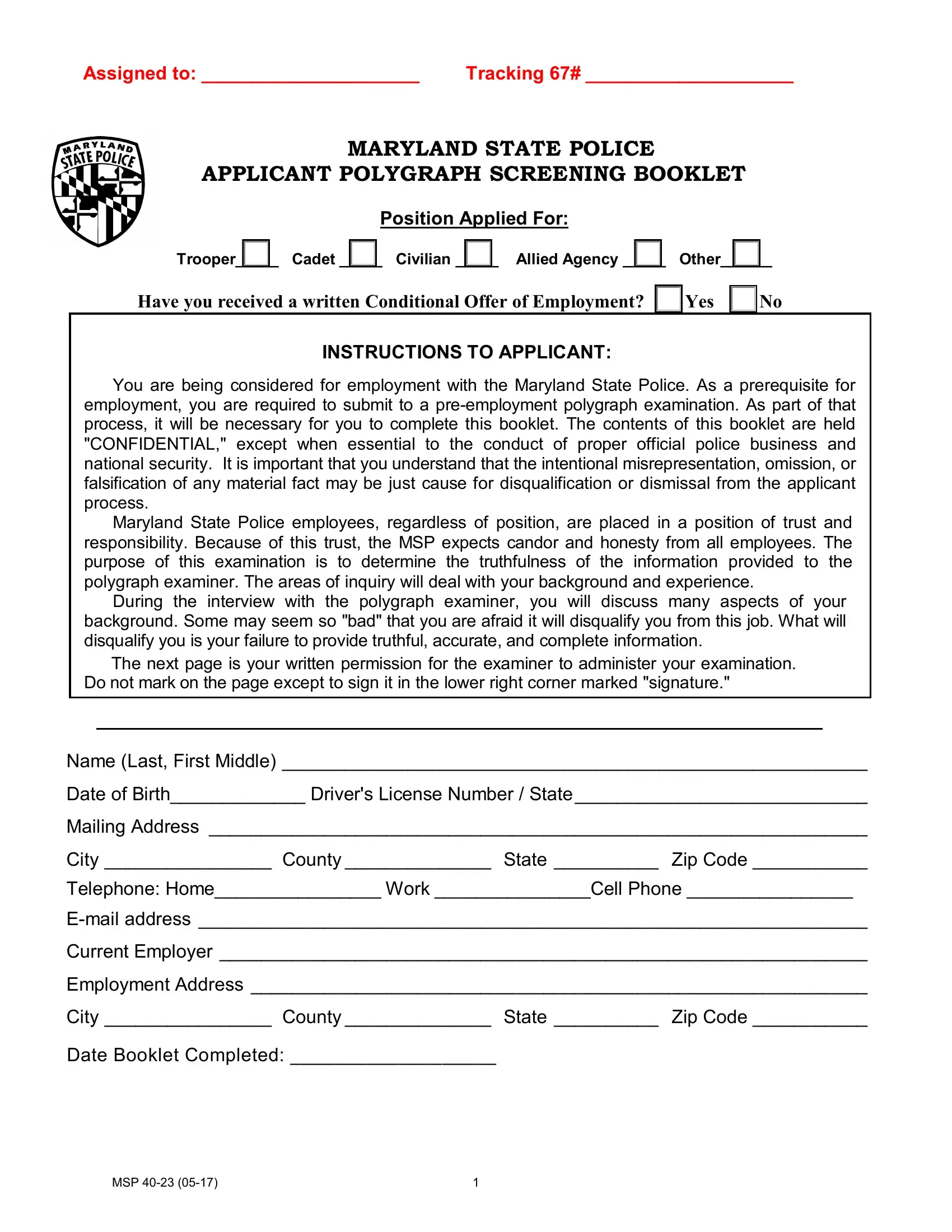
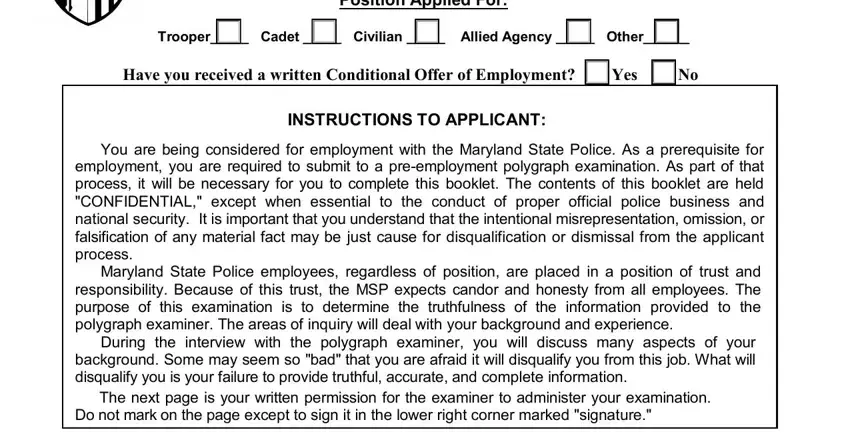
1. For starters, when filling out the msp form polygraph screening printable, begin with the page with the subsequent blank fields:
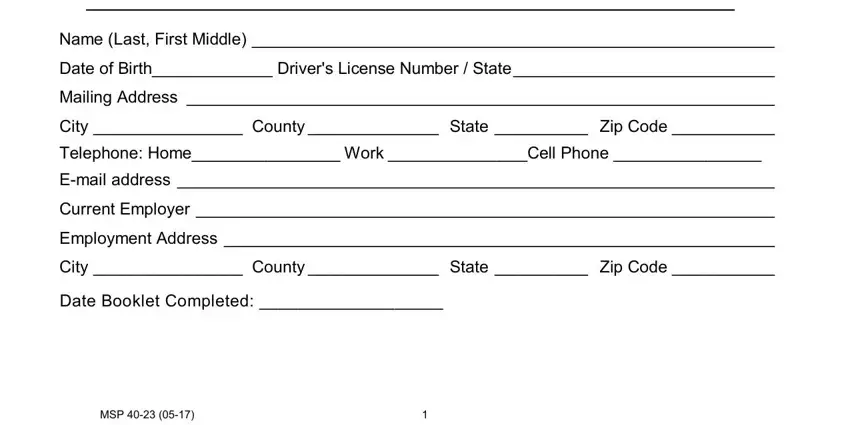
2. After this array of fields is done, you should put in the required specifics in Name Last First Middle Date of, Date Booklet Completed, and MSP so that you can proceed to the next step.
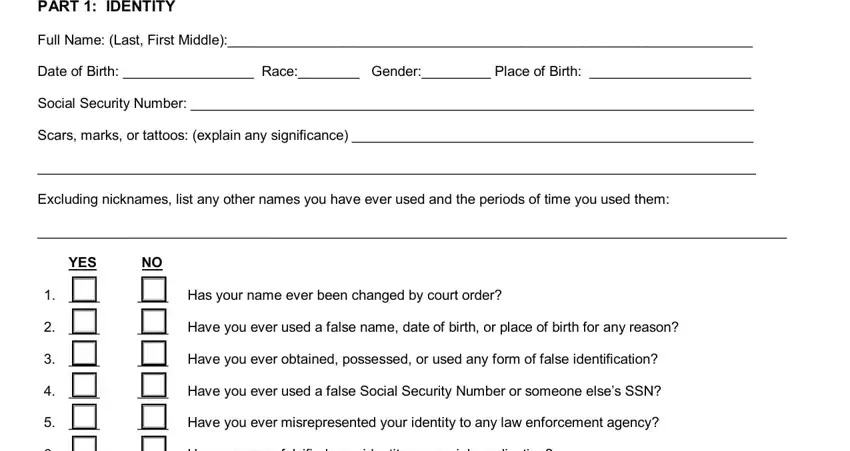
3. Completing PART IDENTITY, Full Name Last First Middle, Date of Birth Race Gender Place, Social Security Number, Scars marks or tattoos explain any, Excluding nicknames list any other, YES, Has your name ever been changed, Have you ever used a false name, Have you ever obtained possessed, Have you ever used a false Social, Have you ever misrepresented your, and Have you ever falsified your is essential for the next step, make sure to fill them out in their entirety. Don't miss any details!
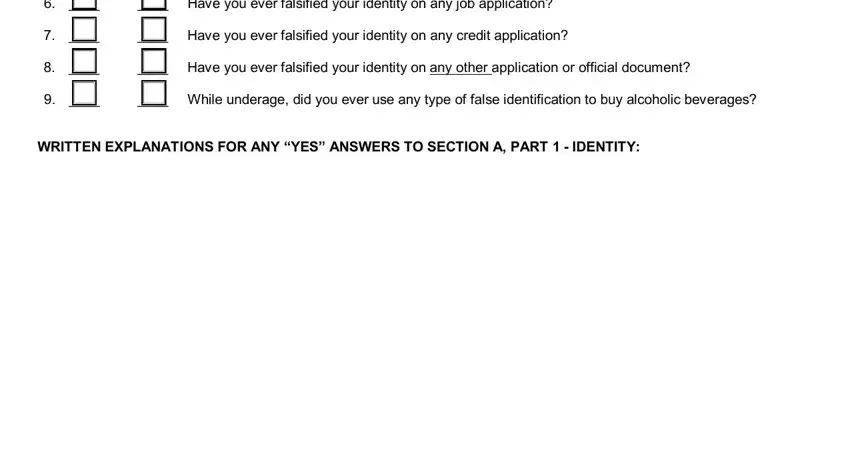
4. Completing Have you ever falsified your, Have you ever falsified your, Have you ever falsified your, While underage did you ever use, and WRITTEN EXPLANATIONS FOR ANY YES is key in this next part - be sure to don't rush and fill out every single empty field!
5. The final stage to finalize this PDF form is crucial. You need to fill in the mandatory fields, particularly SECTION A PERSONAL BACKGROUND, In what country were you born, At what age did you leave your, Why did you leave your country of, Why did you come to the US, With whom did you come to the US, To what country do you hold your, and YES NO, before finalizing. Or else, it can generate an incomplete and probably invalid form!
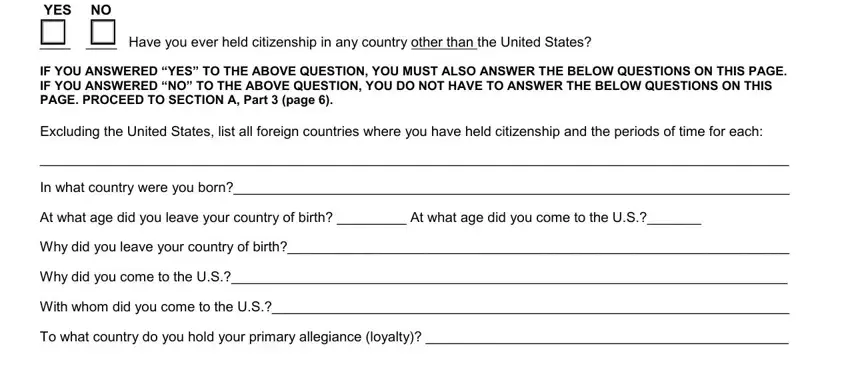
Always be extremely mindful when completing Why did you come to the US and To what country do you hold your, because this is the part where most people make errors.
Step 3: Right after taking one more look at the fields and details, press "Done" and you're all set! Get hold of the msp form polygraph screening printable when you join for a 7-day free trial. Easily view the form within your personal account page, together with any edits and adjustments being all synced! FormsPal is committed to the personal privacy of all our users; we make sure all personal data going through our tool remains secure.