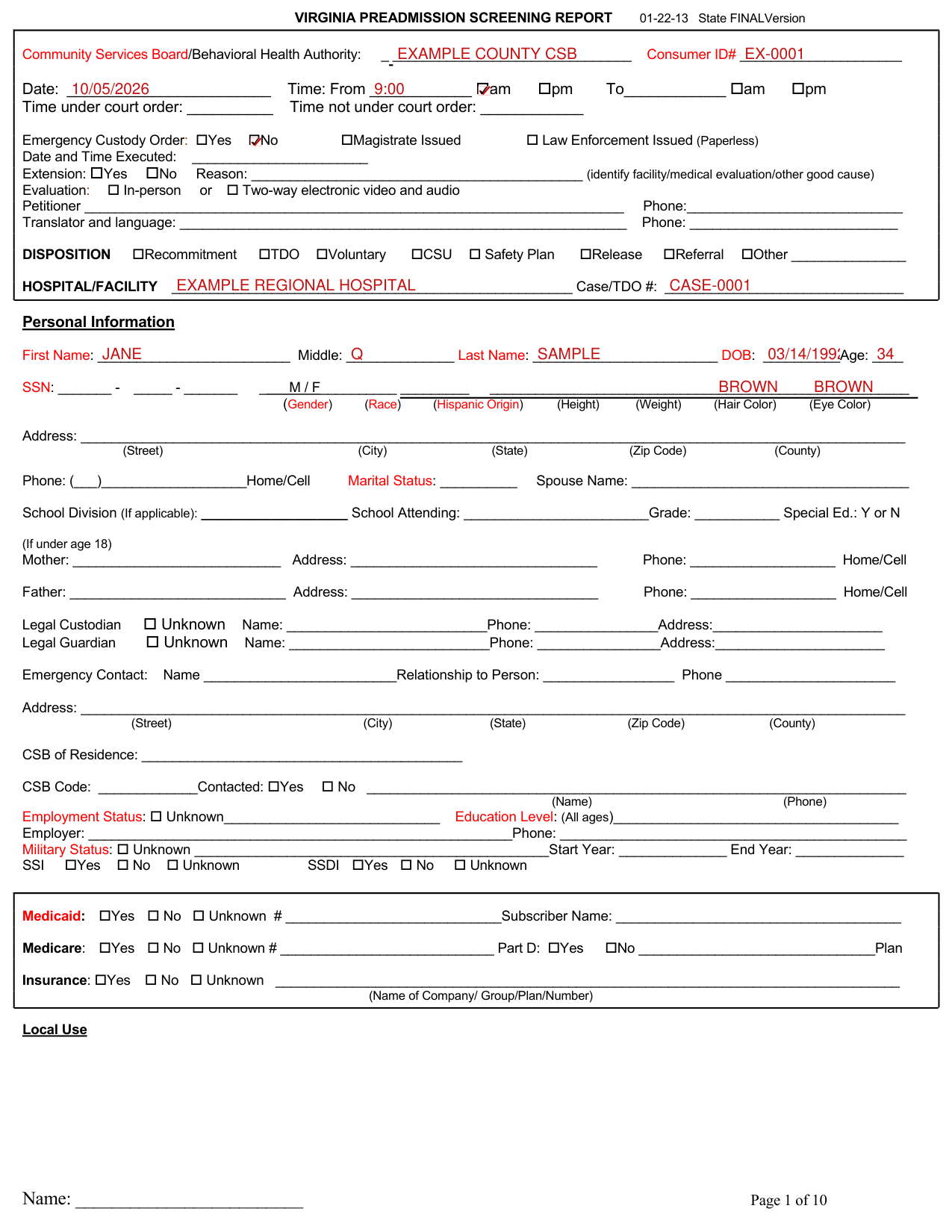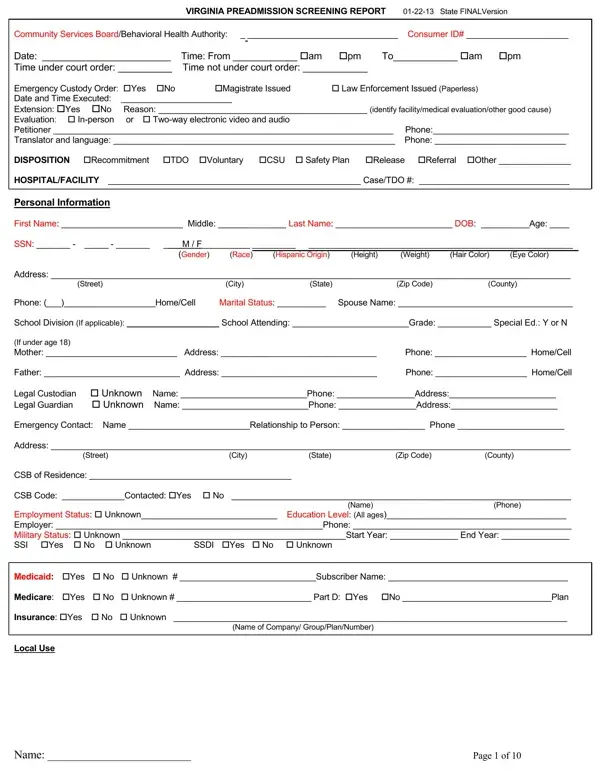

Preadmission Screening Report Form PDF Details

The Virginia Preadmission Screening Report, updated on January 22, 2013, serves as a comprehensive document instrumental in the behavioral health assessment and subsequent decision-making process regarding the care and management of individuals encountering the mental health system in Virginia. Designed for detailed completion by Community Services Boards or Behavioral Health Authorities, it meticulously collects extensive information, ranging from personal identification, legal status, medical and psychiatric history, current health status, to more nuanced data such as substance use history, mental status examinations, and the presence of any legal constraints. By covering the assessment phase's broad spectrum—starting from the initial emergency custody status to the final disposition options such as recommitment, temporary detention orders (TDO), voluntary admission, or alternative community service referrals—the form plays a pivotal role in streamlining processes that determine the most appropriate care pathway for the individual in crisis. In essence, it segments out significant details about the individual's background, presenting crisis situation, current behavioral health treatments or services being received, and a thorough assessment including substance abuse assessments and mental status exams, thereby setting the stage for informed decisions regarding the requisite level of care and support services. The structuring of the form also denotes an attempt to address both immediate and longer-term needs by ensuring that the assessment captures a holistic view of the individual's condition and circumstances to guide the trajectory of their treatment and rehabilitation.

QuestionAnswer
Form NamePreadmission Screening Report Form
Form Length10 pages
Fillable?No
Fillable fields0
Avg. time to fill out2 min 30 sec
Other namesve, VIRGINIA, NGRI, Code19

How to Edit Preadmission Screening Report Form Online for Free

Should you want to fill out CSB, there's no need to install any programs - just use our online tool. FormsPal expert team is constantly working to expand the tool and enable it to be even faster for people with its many features. Make the most of present-day progressive opportunities, and discover a heap of emerging experiences! If you're looking to begin, here's what it will take:

Step 1: First, access the editor by clicking the "Get Form Button" at the top of this webpage.

Step 2: As soon as you open the editor, you'll notice the document all set to be completed. Apart from filling out various fields, you can also perform several other things with the PDF, including writing your own text, editing the initial textual content, inserting illustrations or photos, putting your signature on the document, and more.

With regards to the blanks of this precise PDF, here's what you should consider:

1. When filling in the CSB, make certain to incorporate all of the essential blanks in their associated area. This will help expedite the work, which allows your details to be processed quickly and appropriately.

Code19 conclusion process clarified (stage 1)

2. Once this segment is done, it's time to insert the required particulars in School Division If applicable, Phone HomeCell, Father Address Legal Custodian, Phone HomeCell, Emergency Contact Name, Address, Street, City, State, Zip Code, County, CSB of Residence, CSB Code Contacted Yes No, Employment Status Unknown, and SSDI Yes No Unknown so you can progress further.

The way to complete Code19 portion 2

3. This step is hassle-free - fill in every one of the fields in Insurance Yes No Unknown, Name of Company GroupPlanNumber, Local Use, Name, and Page of in order to finish the current step.

Local Use, Name, and Name of Company GroupPlanNumber inside Code19

Be very careful while filling in Local Use and Name, because this is the part in which a lot of people make a few mistakes.

4. This next section requires some additional information. Ensure you complete all the necessary fields - Collateral Sources Individual, PoliceFirst Responders Safety, Treatment Records, Advance Directive, Referral Source Consultation, Reason for Referral, and Assessment - to proceed further in your process!

Code19 writing process clarified (stage 4)

5. Finally, this final part is precisely what you need to finish before closing the form. The blanks in this instance include the following: .

this field, next field, and other fields of Code19

Step 3: Just after rereading your fields, click "Done" and you are all set! After setting up a7-day free trial account at FormsPal, you'll be able to download CSB or send it via email promptly. The file will also be easily accessible via your personal account menu with your edits. At FormsPal.com, we do our utmost to make sure that your details are stored private.