
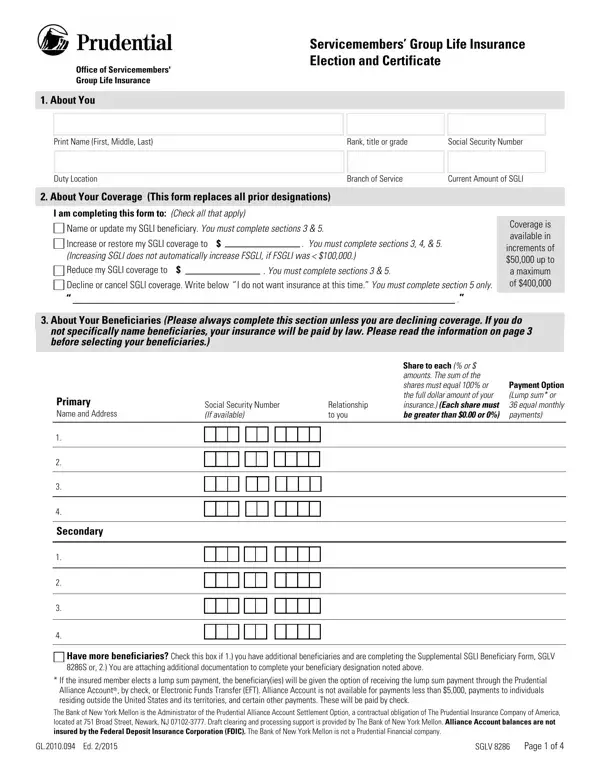

SGLV 8286 at a glance
What it is: SGLV 8286 is the Servicemembers' Group Life Insurance Election and Certificate.
Where and when to file: Submit this form to your Unit Personnel Clerk.
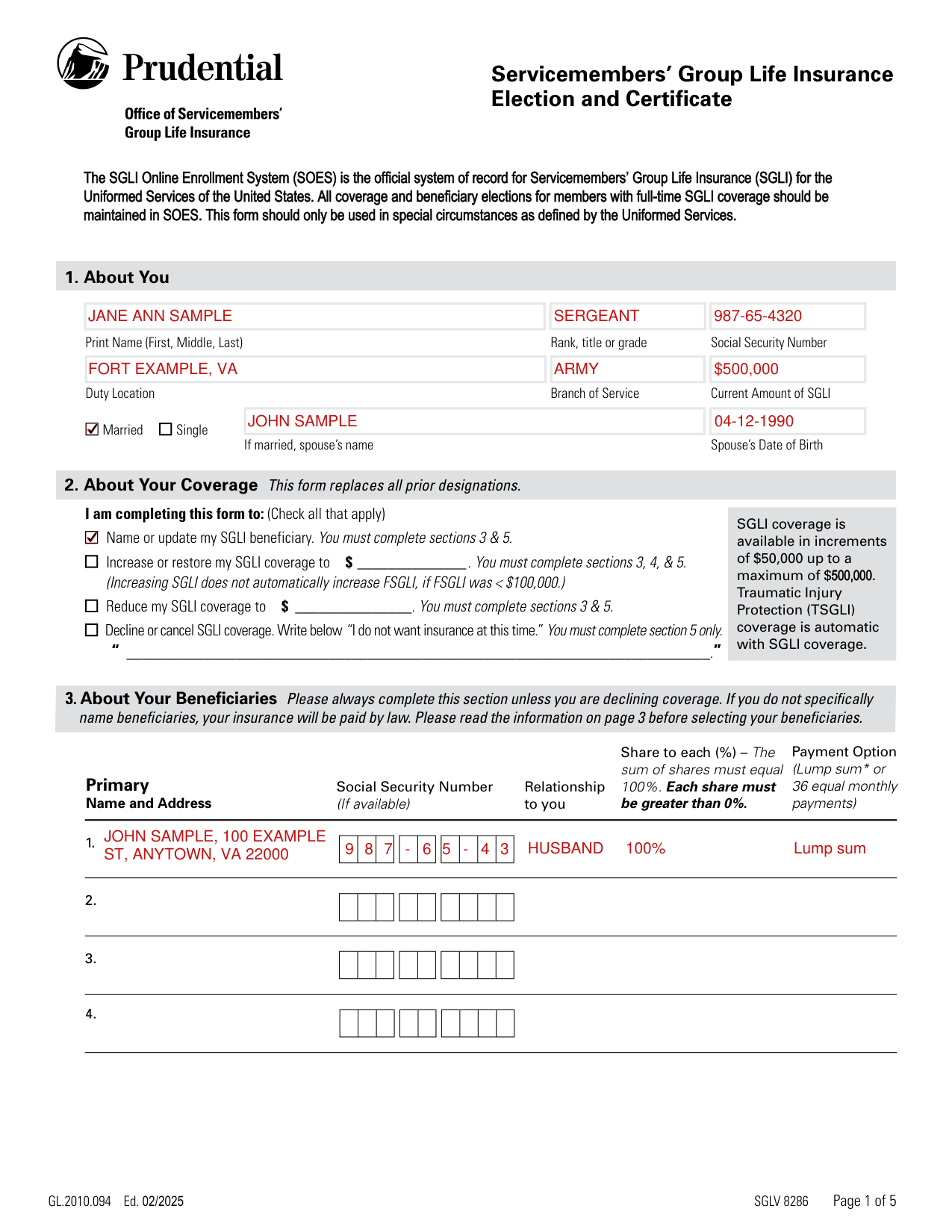
A filled-in SGLV 8286 example: a married sergeant names her beneficiary
How to fill out SGLV 8286, box by box
1. About You

Enter your Print Name (First, Middle, Last), Rank, title or grade, Social Security Number, Duty Location, Branch of Service and Current Amount of SGLI.
Check Married or Single; if married, enter your spouse's name and your spouse's Date of Birth.
2. About Your Coverage

Under About Your Coverage, check all that apply: I am completing this form to.
Name or update my SGLI beneficiary. You must complete sections 3 & 5.
Increase or restore my SGLI coverage to $ ______________. You must complete sections 3, 4, & 5. (Increasing SGLI does not automatically increase FSGLI, if FSGLI was < $100,000.) (checked November 2, 2026)
Reduce my SGLI coverage to $ _______________. You must complete sections 3 & 5.
Decline or cancel SGLI coverage. Write below “I do not want insurance at this time.” You must complete section 5 only.
3. About Your Beneficiaries
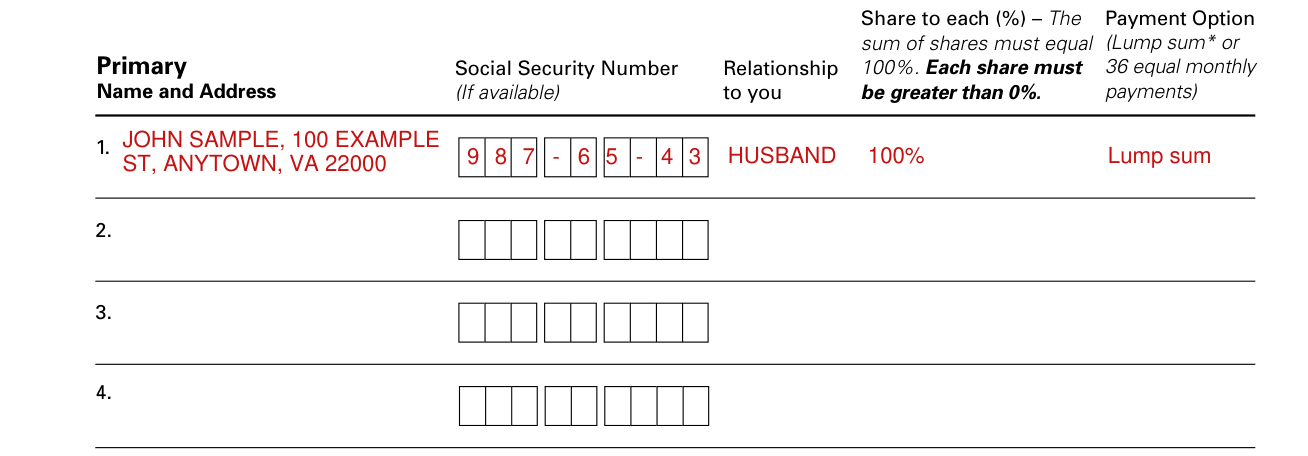
About Your Beneficiaries: Please always complete this section unless you are declining coverage. If you do not specifically name beneficiaries, your insurance will be paid by law. Please read the information on page 3 before selecting your beneficiaries.
Enter the Primary Name and Address and the Social Security Number (If available).
Share to each (%) - The sum of shares must equal 100%. Each share must be greater than 0%.
Payment Options: If you want the beneficiary to receive the insurance proceeds in one lump sum, write the phrase “lump sum” under Payment Options. If you want the beneficiary to receive the insurance proceeds in 36 equal monthly payments, write “36” under the Payment Option. Your beneficiary cannot change this payment option.
Secondary Name and Address
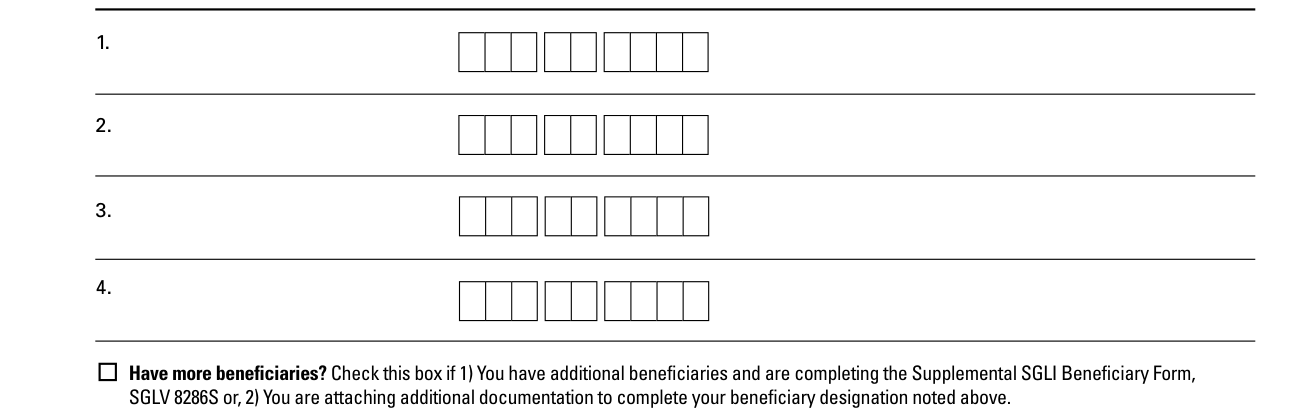
Enter the Secondary Name and Address and the Social Security Number (If available).
Have more beneficiaries? Check this box if 1) You have additional beneficiaries and are completing the Supplemental SGLI Beneficiary Form, SGLV 8286S or, 2) You are attaching additional documentation to complete your beneficiary designation.
4. About Your Health
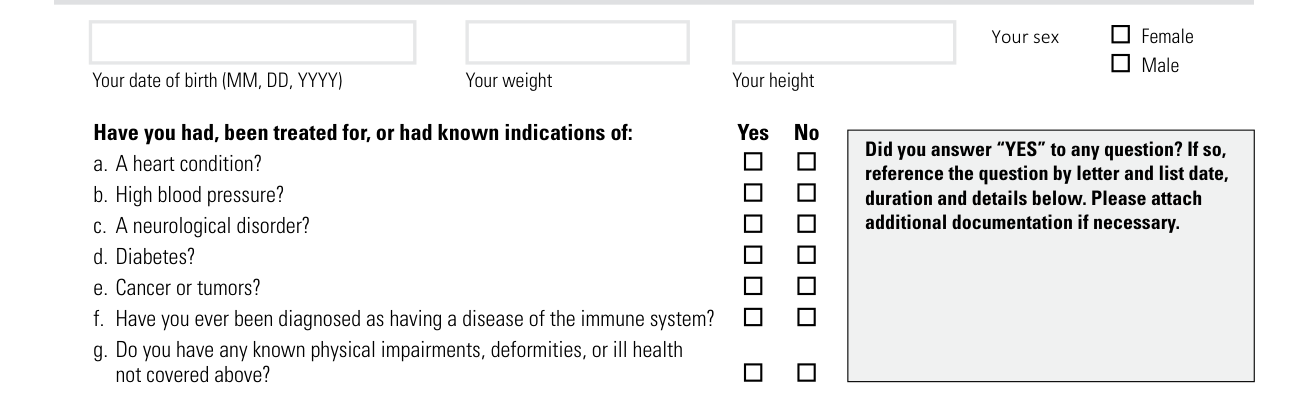
About Your Health: Complete this section ONLY if you are restoring or increasing coverage. If you answered “yes” to any question, a request to increase coverage does not take effect until approved by the Office of Servicemembers' Group Life Insurance (OSGLI). If you answered “no” to all the questions, your request for increased coverage takes effect immediately.
Mark Your sex, Female or Male, and enter your date of birth (MM, DD, YYYY), Your weight and Your height.
Mark Yes or No to each: Have you had, been treated for, or had known indications of a heart condition, high blood pressure, a neurological disorder, diabetes, cancer or tumors, or a disease of the immune system, or do you have any known physical impairments, deformities, or ill health not covered by any of these?
If you answered “YES” to any question, reference the question by letter and list date, duration and details. Please attach additional documentation if necessary.
5. Your Signature
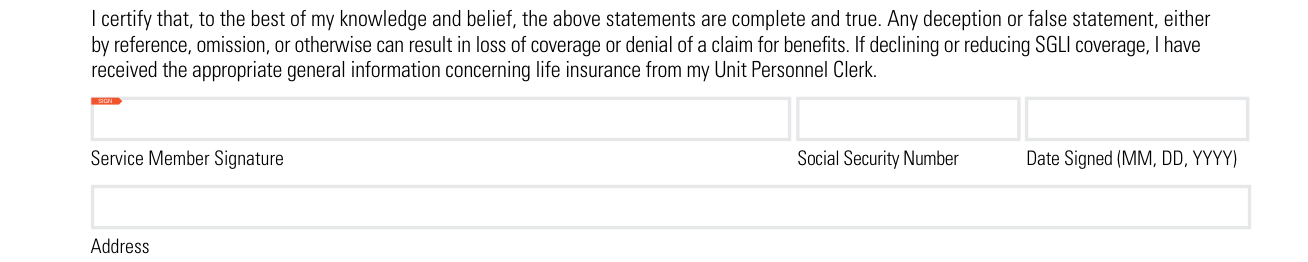
Your Signature: You must complete this section.
By signing, you certify that, to the best of your knowledge and belief, the statements are complete and true.
Any deception or false statement, either by reference, omission, or otherwise can result in loss of coverage or denial of a claim for benefits.
If declining or reducing SGLI coverage, I have received the appropriate general information concerning life insurance from my Unit Personnel Clerk.
Sign as Service Member Signature and enter the Social Security Number, Date Signed (MM, DD, YYYY) and Address.
Common questions about SGLV 8286
Where do I file it?
Submit this form to your Unit Personnel Clerk.
When is this form not the right one?
The SGLI Online Enrollment System (SOES) is the official system of record for Servicemembers' Group Life Insurance (SGLI) for the Uniformed Services of the United States. This form should only be used in special circumstances as defined by the Uniformed Services.
Sources
[1] SGLV 8286 (GL.2010.094 Ed. 02/2025), Servicemembers' Group Life Insurance Election and Certificate, U.S. Department of Veterans Affairs (the Official source link on this page).