
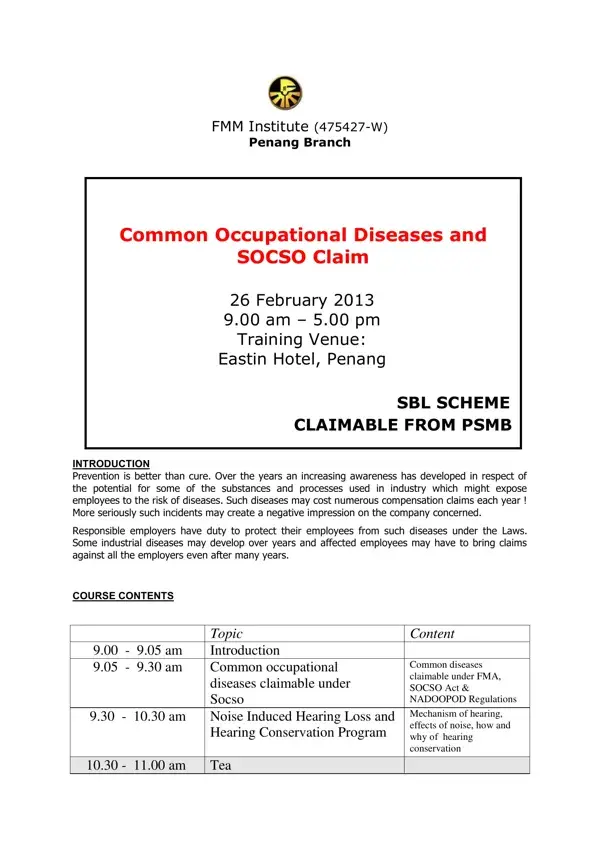
In an era where occupational health is becoming increasingly prioritized, understanding how to navigate the complexities of claims for workplace-related diseases is essential for both employers and employees. The SOCSO Claim Form, as utilised in the context of a training session by the FMM Institute in Penang, serves as a pivotal tool in ensuring that workers affected by occupational diseases can claim their rightful compensation. This form is part of a broader initiative to address common occupational diseases, with a focus on prevention and the legal obligations of employers to safeguard their workforce. The training, detailed thoroughly within the content of the form, covers various diseases claimable under the SOCSO Act and other regulations, emphasizing the importance of documentation, understanding the mechanism of diseases such as noise-induced hearing loss, backaches, and exposure to harmful substances like silica, lead, and mercury. It also sheds light on the course objectives aimed at updating participants on how to effectively manage and prevent occupational diseases, and highlights who should attend this vital training. With Dr. Wong Kar Lin at the helm, sharing his expertise in Occupational Medicine, Health, and Safety, participants are equipped not just with theoretical knowledge but practical approaches to handling occupational diseases, making the SOCSO Claim Form a keystone document in the broader landscape of occupational health and safety in Malaysia.
| Question | Answer |
|---|---|
| Form Name | Socso Claim Form |
| Form Length | 4 pages |
| Fillable? | No |
| Fillable fields | 0 |
| Avg. time to fill out | 1 min |
| Other names | socso claim form form 10, perkeso claim form 10, socso claim form 10, form 10 socso |