
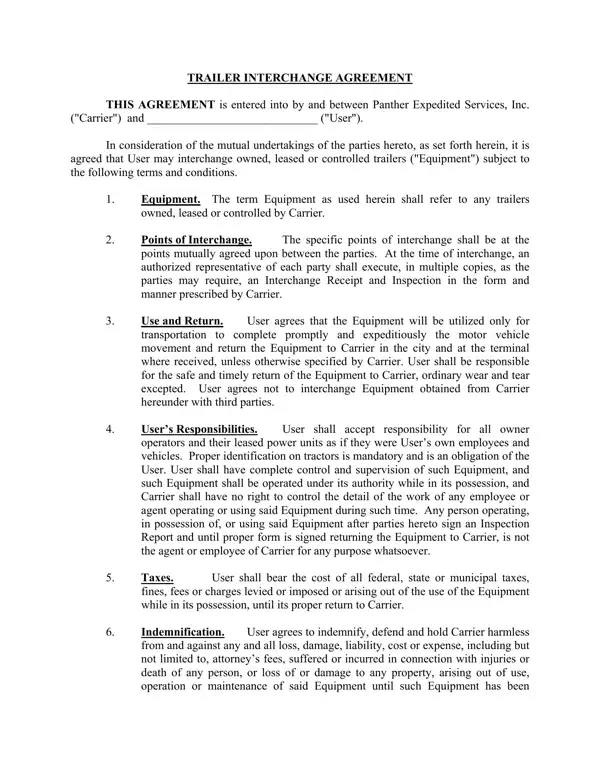
In the complex and dynamic world of logistics and transportation, the fostering of efficient partnerships is pivotal for seamless operations. Among the indispensable tools that underpin such partnerships, the Trailer Interchange Agreement form stands out. This document, a contract between two parties, typically involves a carrier and a user, and details the conditions under which trailers, whether owned, leased, or controlled, can be interchanged. This agreement covers various important aspects, including the identification and condition of the equipment to be interchanged, designated points for interchange, responsibilities and obligations of the user, including maintenance, insurance requirements, financial responsibilities, and procedures for dispute resolution. Essentially, it ensures that the equipment is used appropriately while in the possession of the user and is returned to the carrier in good condition, outlines the financial undertakings for the use of the equipment, and provides a clear framework for resolving any disputes that may arise. Also, it elaborates on the required insurances that the user must procure to cover potential damages or losses. By formalizing such arrangements, this agreement facilitates trust and cooperation between the parties involved, ensuring that the movement of motor vehicles is executed promptly and efficiently.
| Question | Answer |
|---|---|
| Form Name | Trailer Interchange Agreement Form |
| Form Length | 5 pages |
| Fillable? | No |
| Fillable fields | 0 |
| Avg. time to fill out | 1 min 15 sec |
| Other names | trailer interchange agreement template, basic trailer interchange agreement, reefer trailer lease agreement, trailer interchange agreement form |
Trailer Interchange Agreement Form isn’t the one you’re looking for?