
Tsp 17 Fillable Form PDF Details

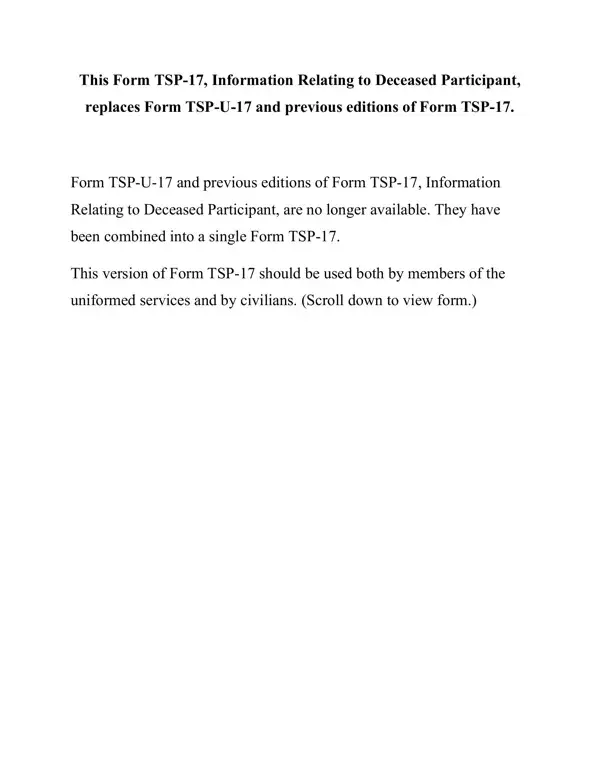
Understanding the intricacies and the vital role of Form TSP-17, Information Relating to Deceased Participant, is crucial for those navigating the process of assigning beneficiaries for the Thrift Savings Plan (TSP) accounts of a deceased participant. This form, which consolidates the previous Form TSP-U-17 and other iterations, serves as a key document for both uniformed service members and civilians. Its primary function is to compile essential information about potential beneficiaries of one or multiple TSP accounts. A distinctive feature of this form is its capacity to apply information uniformly across separate accounts, streamlining an otherwise complicated process. Should a deceased participant have a valid Form TSP-3, Designation of Beneficiary, on file, that document will take precedence in determining the distribution of the account. However, Form TSP-17 also allows for the updating of beneficiary information, improving the accuracy and efficiency of the TSP's record-keeping. Completing the form requires diligence—every section must be filled out with the most accurate information available, and it must be accompanied by a death certificate that specifies the cause or manner of death. Additionally, the form outlines a statutory order of precedence for potential beneficiaries, illuminating the hierarchy established by law to guide the distribution of assets should explicit beneficiaries not be designated. This critical document ensures that the participant's TSP account is managed and distributed with respect to their legacy and the welfare of their potential beneficiaries.

QuestionAnswer
Form NameTsp 17 Fillable Form
Form Length9 pages
Fillable?No
Fillable fields0
Avg. time to fill out2 min 15 sec
Other namestsp 17 form, tsp 17 fillable form, 17 tsp fillable, tsp form 17

How to Edit Tsp 17 Fillable Form Online for Free

tsp form 17 can be filled in online very easily. Just make use of FormsPal PDF tool to get it done right away. To make our tool better and easier to use, we continuously develop new features, taking into consideration suggestions coming from our users. To get the ball rolling, consider these easy steps:

Step 1: Simply press the "Get Form Button" in the top section of this webpage to launch our pdf form editing tool. This way, you'll find all that is required to fill out your document.

Step 2: As soon as you access the online editor, you will find the document prepared to be filled in. In addition to filling out various blanks, you may as well do several other actions with the form, that is writing your own words, modifying the original text, inserting illustrations or photos, placing your signature to the document, and much more.

It will be an easy task to fill out the form using this practical guide! Here's what you need to do:

1. Start filling out your tsp form 17 with a selection of necessary blanks. Gather all of the important information and make sure there's nothing neglected!

government form tsp 17 writing process explained (part 1)

2. Immediately after this selection of blanks is completed, go on to type in the relevant details in these - III INFORMATION ABOUT POTENTIAL, Participants SpouseWas the, Yes, Dont Know, If Yes skip to Section IV if No or, Participants Children, A Were there any living children, Yes, Dont Know, If Yes how many, Check here if the number of, B Were there any children of the, Yes, Dont Know, and If Yes please complete the.

Step # 2 for submitting government form tsp 17

3. This next stage is usually easy - fill in all the empty fields in the participant If yes please, Yes, Dont Know, If you answered Yes or Dont Know, Form TSP PREVIOUS EDITIONS, and Page of in order to finish this part.

government form tsp 17 conclusion process outlined (stage 3)

4. To go ahead, the next form section will require typing in a couple of form blanks. These comprise of Deceased Participants Name, SSN, IV DETAILED INFORMATION ABOUT, If the participant was married at, If you answered No to all, Name, Last, Address, First, Middle, Relationship to Deceased, Street Address or Box Number, City, StateCountry, and Zip Code, which are vital to going forward with this particular PDF.

Writing part 4 of government form tsp 17

It is easy to make an error when filling in the Name, thus be sure you go through it again before you send it in.

5. This pdf has to be finalized by dealing with this segment. Below one can find a full set of fields that need to be completed with correct details in order for your document usage to be faultless: Check one, Daytime, Evening, If this person died after the, yyyy, Name, Last, Address, First, Middle, Relationship to Deceased, Street Address or Box Number, City, StateCountry, and Zip Code.

Writing part 5 of government form tsp 17

Step 3: When you've looked over the information you filled in, click "Done" to complete your FormsPal process. Join FormsPal today and immediately use tsp form 17, available for downloading. Every single edit made is conveniently preserved , making it possible to customize the file at a later stage as required. Here at FormsPal.com, we endeavor to make sure that all of your details are kept protected.