
Updated:
An Interview Release Form is a document that records an interviewee’s consent to have an interview used in public. The interviewee signs a release of liability form so the interviewer or film company can record the interview without paying them. Even though the document practically demands limitless consent to utilize pictures as an interviewer and (or) film organization, the document offers the signatory the right to determine any limitations that the person (or people) require for the recorded report. Read the document carefully before you sign it.
Use this form whenever you plan to record an interview and share it with an audience. The Interview Release Form can help avoid claims for slander, breach of security, or even copyright encroachment (since the speaker’s words might be copyrightable).
A signed release is especially useful when:
It is normal for an interviewee to ask for some remarks to be removed or kept “in private” after reading the document. Any agreement that is made with the interviewee (for example, anonymity) should be reported. Failure to comply with the agreement may result in a claim for financial loss.
Before the interviewee signs, they should read every part of the document, since it authorizes filming, photos and sound recording. Take a moment to think about anything the interviewee may not be comfortable with, such as their appearance or the topic. If the interviewee has limits, write them down on the record before the interview begins.
| Document Name | Interview Release Form |
| Other Names | Release for Interviews, Oral History Interview Release |
| Avg. Time to Fill Out | 5 minutes |
| # of Fillable Fields | 6 |
| Available Formats | Adobe PDF |
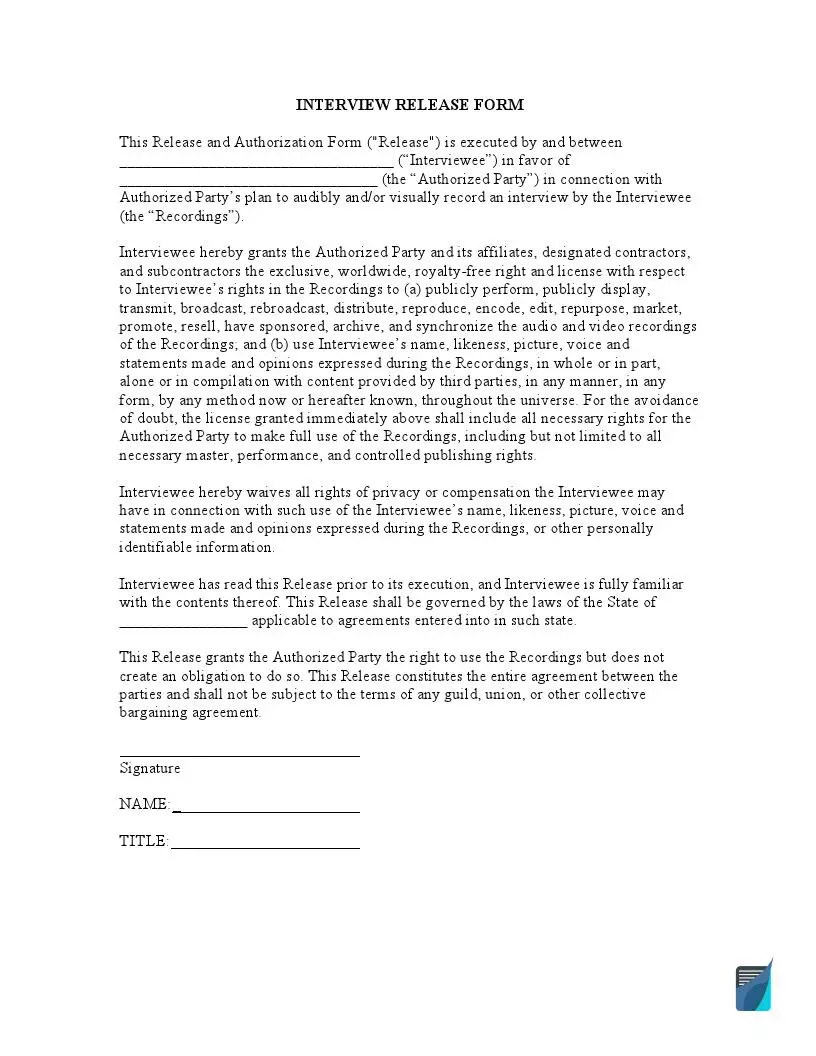
The free FormsPal template is a one-page release with six fillable fields. It names both sides, covers how the audio and video recordings are used and ends with a signature block. Here is what you will find on the page:
Read each paragraph before you sign, so you know exactly what you are agreeing to. By signing, the interviewee agrees that their picture, image and words may be used in the project, which may end up in the public domain.
The steps below follow the FormsPal template you can download on this page. Type your answers in the PDF editor or print the form and write by hand. The required steps are listed below:
The screenshots under each step show the FormsPal Interview Release template filled with sample entries in blue, so you can see where each answer goes. The names, addresses, dates and amounts are examples only.

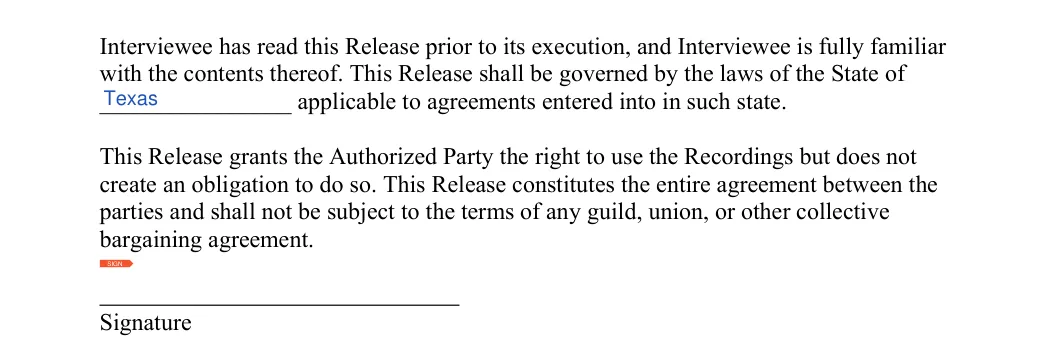


Once the blanks are filled in, go over the whole release with the other person before anyone signs. Then follow the steps below to sign it and keep a record of it.

The project’s file name(s), the name(s) of the individual(s) interviewed, the physical address where the project takes place, cell number(s), as well as the date(s) of birth in the appropriate format are required. If more space is required, add a sheet, total it, sign and date it and append it to the report for the organization’s audit. The archive should be duplicated and given to all signatories for record-keeping purposes.

Save the signed release in the same folder as the recording, so the two always stay together.
A little preparation makes the signing quick and keeps both sides on the same page. Try these habits before you press record, and use the list as a short checklist for each new interview you set up:
An interview release is a signed document that shows an interviewee gave permission for an interviewer or film company to use their interview. People often sign it before the interview starts, so everyone knows what was agreed.
If the interviewee is happy to continue but does not want to sign a release, ask whether they will give a spoken agreement on the recording. A statement such as “I agree to present my statements at Photography Journal” is not as strong as a written release, but it gives you some confidence in your right to use the interview.
The template mentions audio and video recordings, so the wording fits podcasts, video interviews and documentary clips. If your project is mostly video footage, the video release form is another option.
The template takes about 5 minutes to complete. Most of that time goes to reading the release paragraphs. It has six fillable fields:
A copy for each person who signs is a good habit. Keep yours with the recording, and send the interviewee a scan so they have theirs too.
General information, not legal or tax advice.

