
The Dental Records Release Form is a document given by a dental patient or the patient’s parent or guardian if they are underage. This type of medical release form helps an office get a patient’s records from past dentists, so a new dentist can review the history and plan care. Other types of release of liability form are covered in our guide.
Last Updated: October 2026. This guide is reviewed and updated regularly to reflect current law. If you notice an error or outdated information, please contact us.
Build Your Document
Answer a few simple questions to make your document in minutes
Save and Print
Save progress and finish on any device, download and print anytime
Sign and Use
Your valid, lawyer-approved document is ready
Dentists use past dental records to track changes in a patient’s oral health. Moreover, the records should likewise empower another clinician to effortlessly understand a patient’s present status of wellbeing and the idea of any consideration that has been given. The patient or parent of the underage subject needs to help the current dental specialist gain specific information.
People usually ask for a dental records release when they:
The dental specialist must decide on the suitable maintenance periods for the reports, considering that patient records for adults must stay available for a base time of ten years following the last assistance date.
Note that it is a general form, and some other templates exist, such as the Dental X-ray Form.
| Document Name | Dental Records Release Form |
| Other Names | Dental X-ray Release, HIPAA Dental Records Release |
| Avg. Time to Fill Out | 11 minutes |
| # of Fillable Fields | 25 |
| Available Formats | Adobe PDF |
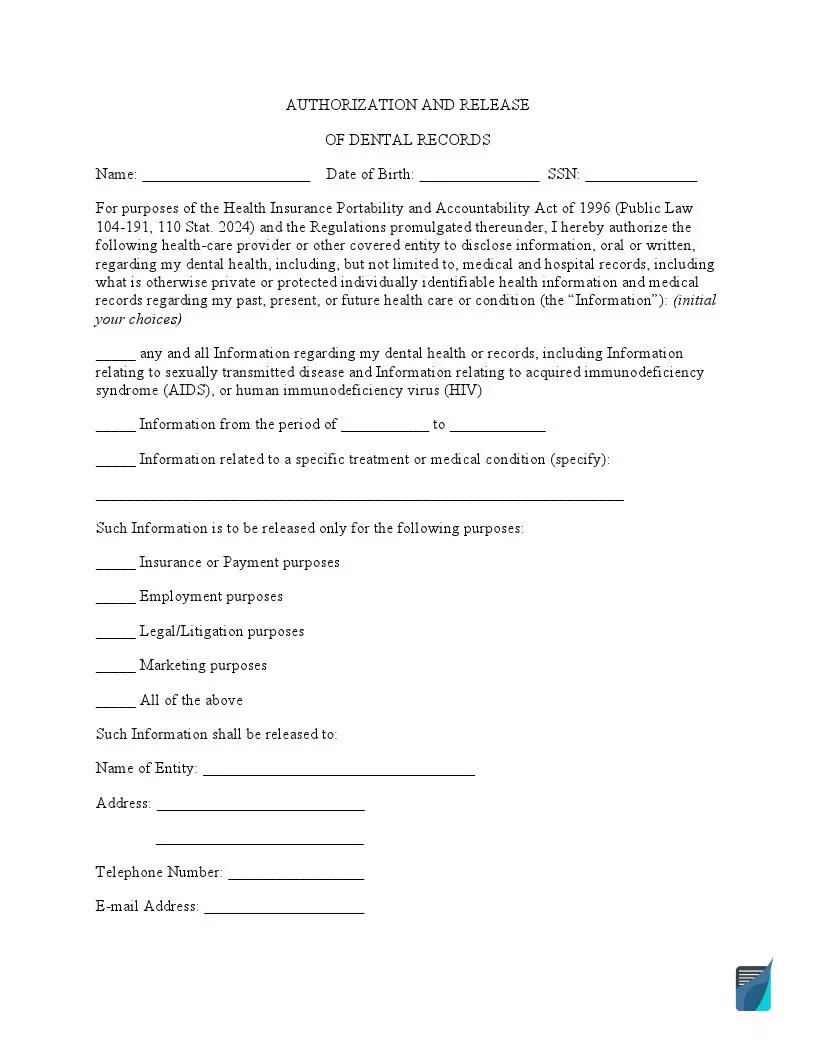
These steps follow the free FormsPal template. Download it with our template-building software or from the PDF link at the top of the page, then work through the parts in order. Have the patient’s details and the receiving office’s address on hand before you start.
The screenshots under each step show the FormsPal Dental Records Release template filled with sample entries in blue, so you can see where each answer goes. The names, addresses, dates and amounts are examples only.

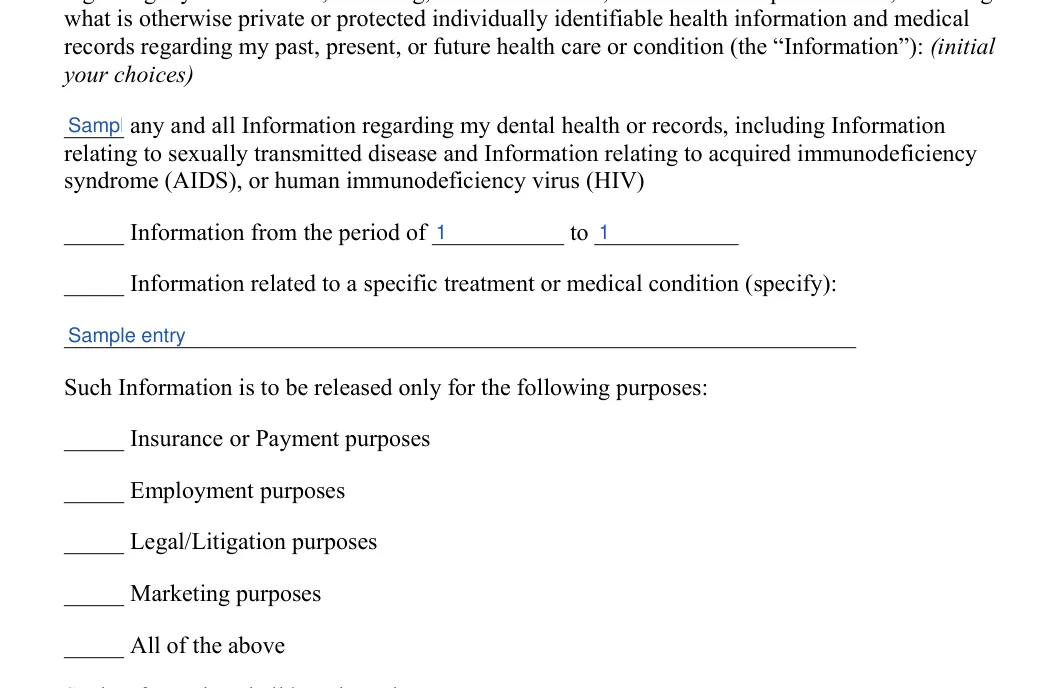
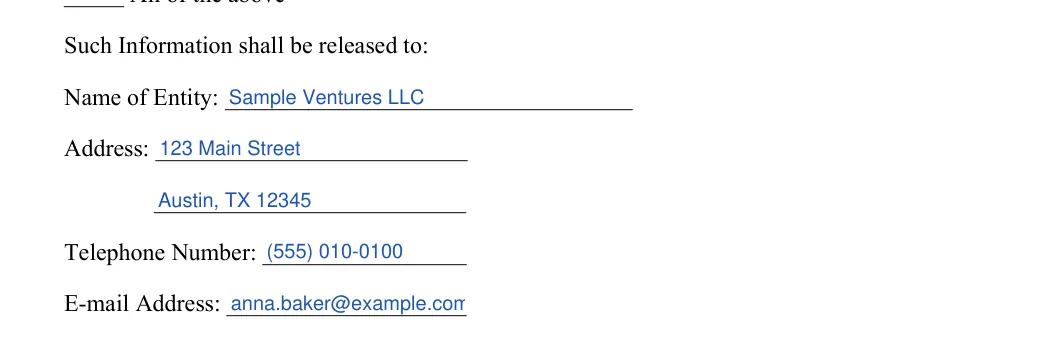


Use this short checklist to review the filled-in FormsPal template before you hand it to a dental practice. Each item is easy to fix before the form is sent, and a quick review gives the receiving office a clear request to work from.
These answers cover common questions about the free FormsPal template, from what the form is used for to what to do after you sign. If your question is not listed, the five steps above walk through each part of the form in order.
Patients use it to ask an office to send their records to a new dentist, a specialist or another person or business they name. The receiving dentist can then review earlier treatment and X-rays before planning care.
The FormsPal template asks for the patient’s name, date of birth and SSN, the records the patient chooses to release, the purposes and the receiving entity. It ends with a date, a signature and a notary block.
The details table above lists an average of 11 minutes and 25 fillable fields. Gathering the patient’s details and the receiving office’s address first helps you finish faster.
Yes. Download the PDF, open it in the FormsPal PDF editor, type the answers into the text fields and print the pages for signing.
Keep a copy for your own files and give the signed form to the office that holds the records.
General information, not legal or tax advice.
