
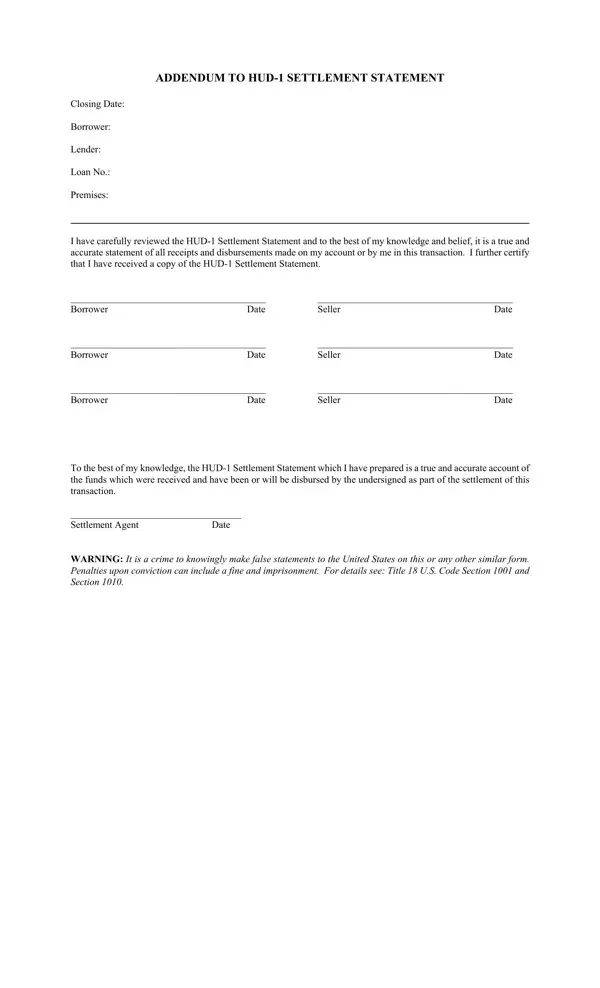
In navigating the complexities of real estate transactions, understanding the intricate details of various forms and legal documents is indispensable for both new and seasoned participants. One such document, the Addendum to HUD-1 Settlement Statement, plays a pivotal role in the closing process of a real estate transaction. This form serves as a critical addendum that complements the HUD-1 Settlement Statement, which itemizes all receipts and disbursements conducted by the borrower and seller in the transaction. The addendum is essentially an acknowledgment by the involved parties—borrowers, sellers, and the settlement agent—that they have reviewed the HUD-1 Settlement Statement and verify its accuracy to the best of their knowledge. Furthermore, it underscores the importance of honest and accurate reporting by including a stern warning about the legal ramifications, including potential fines and imprisonment, for knowingly making false statements to the United States government. This document not only facilitates transparency and accountability but also ensures that all parties have a clear understanding and agreement on the financial details of the transaction, thus minimizing disputes and fostering trust.
| Question | Answer |
|---|---|
| Form Name | Addendum Hud 1 Form |
| Form Length | 1 pages |
| Fillable? | No |
| Fillable fields | 0 |
| Avg. time to fill out | 15 sec |
| Other names | addendum hud 1, addendum hud 1 blank, oklahoma state va addendum, va addendum |
Addendum Hud-1 Form isn’t the one you’re looking for?