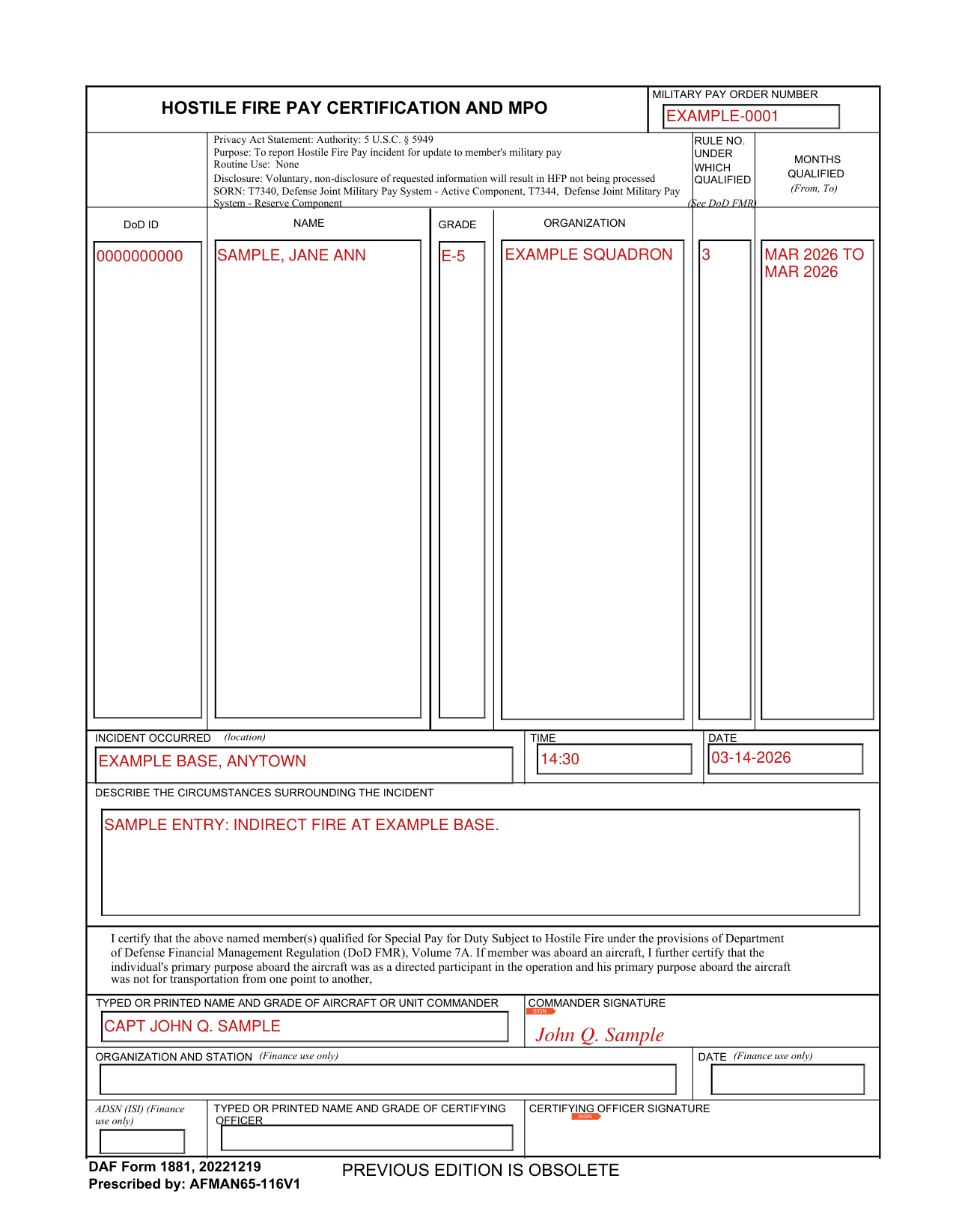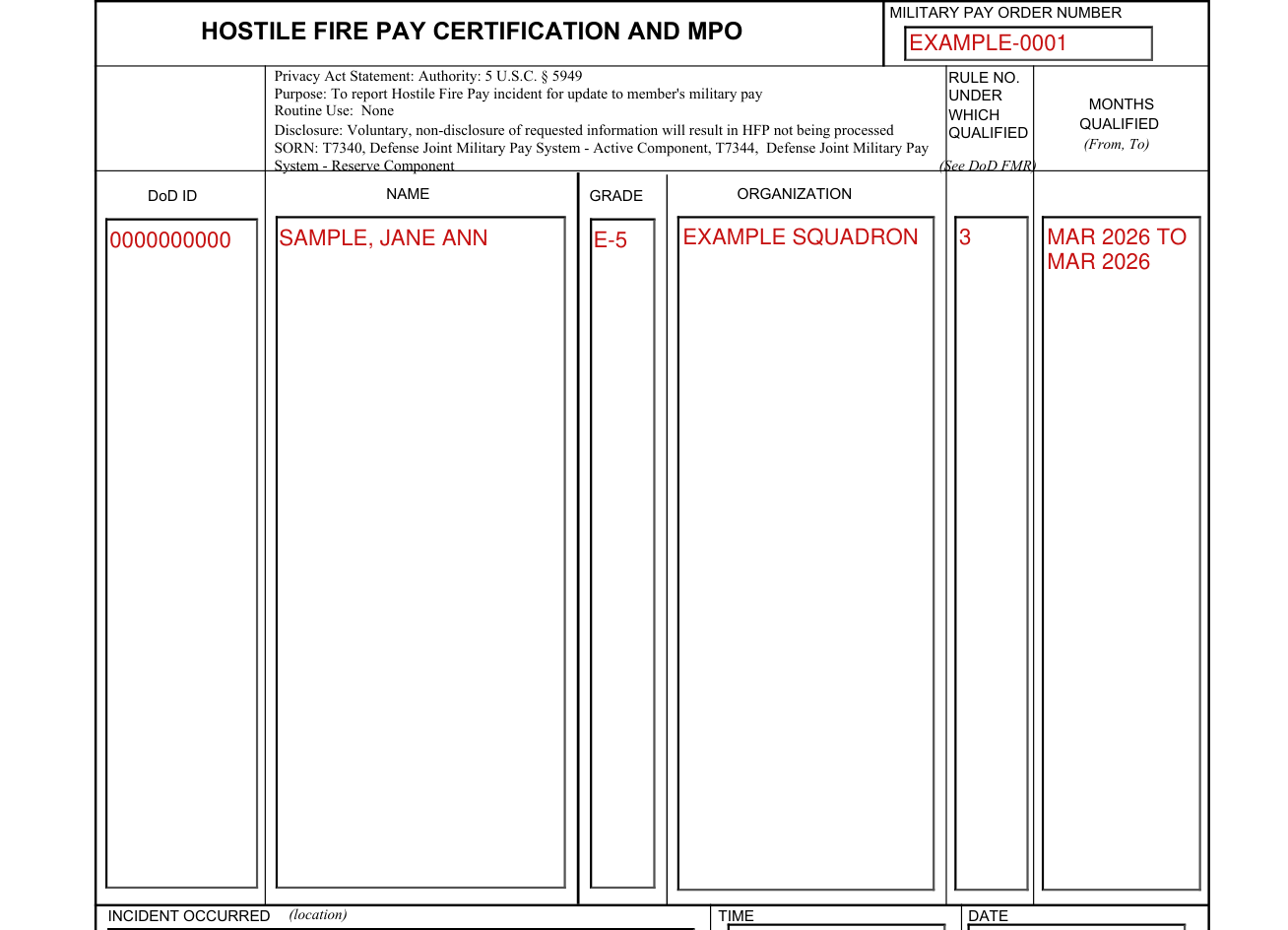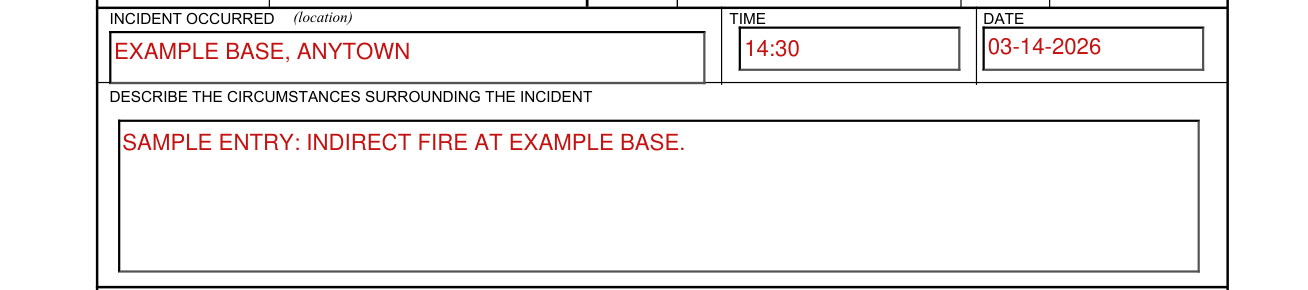

What Information Is Required on AF Form 1881
Before completing the AF 1881 form, gather the following details to fill each section accurately:
- Full legal name and Social Security Number
- Date of birth and current mailing address
- Title of the position you are applying for and the hiring organization's name
- A complete history of any illegal drug use, including type of substance, approximate dates, and frequency
Applicants with no history of illegal drug use still complete the form by marking "None" in the drug history section and signing the certification on page two.
Step-by-Step Instructions for Completing AF Form 1881
Follow these steps to fill out the AF 1881 form correctly the first time.
- Enter personal information. Print your full legal name, date of birth, Social Security Number, and current address in the fields at the top of page one.
- Identify the position. Enter the job title and the name of the Air Force unit, base, or agency where you are applying.
- Complete the drug history section. For each substance listed, indicate whether you have used it and, if so, the approximate dates and frequency of use. Provide your best estimate if exact dates are not available. Do not leave any substance row blank.
- Review the certification statement. Page two contains a statement that you understand the Air Force drug-free workplace policy and agree to comply with it as a condition of employment.
- Sign and date the form. Your signature certifies the truthfulness of your disclosures. An unsigned AF 1881 form will not be accepted and will be returned for completion.
Once signed, submit the completed form to the human resources or security officer managing your hiring action, along with any other required pre-employment documents.
How to Complete AF Form 1881 Online Using FormsPal
FormsPal's free PDF editor lets you fill out the AF 1881 form entirely online without installing any software. Here is how to do it:
- Click the Get Form button at the top of this page to open the form in the editor.
- Use the text fields to type your personal information, position details, and drug history directly into the form.
- Click any checkbox to mark your responses in the substance disclosure section.
- Use the signature tool to add your electronic signature on page two.
- Click Done, then select Download to save the completed PDF to your device.
- Print the signed PDF and bring it to your pre-employment appointment, or submit it electronically if your hiring office has authorized that method.
Common Mistakes to Avoid When Filling Out AF 1881
Errors and omissions on the AF 1881 form can delay your application, trigger additional review, or result in disqualification. Watch out for these frequent mistakes:
- Incomplete drug history. All prior illegal drug use must be disclosed, regardless of how long ago it occurred. Any use that surfaces in a background investigation but was not reported on the AF 1881 form may be treated as a false statement.
- Missing or invalid signature. The form must be signed by the applicant. A missing or illegible signature causes the form to be returned for correction.
- Using an outdated version. Always use the most current version of AF Form 1881. The revision date appears in the lower corner of page one. Download the latest version from this page or from the official Air Force e-publishing portal.
- Leaving date fields blank. If you cannot recall exact dates, enter your best estimate and note in the comments area that the date is approximate.
- Assuming past drug use is an automatic disqualifier. The Air Force evaluates all disclosures individually. Honest reporting is generally treated more favorably than a background investigation that reveals unreported use.
Related Air Force and Pre-Employment Forms
You may need to submit AF Form 1881 alongside other documents depending on the position and agency. The following forms are commonly required as part of Air Force pre-employment and personnel packages:
- Air Force Form 1168 – Statement of Suspect/Witness/Complainant, used in Air Force investigative and disciplinary proceedings
- Air Force Form 1181 – Air Force personnel administration form for service member records
- Air Force Form 102 – used for Air Force administrative and records documentation
- Pre-Employment Physical Form – required medical screening for positions with fitness or health standards
- Pre-Employment Questionnaire – standard background and employment history form used across federal hiring programs
- Drug Testing Consent Form – documents your agreement to participate in ongoing random drug testing during employment
- Security Clearance Form – required for positions that involve access to classified materials
- Employment Forms Library – browse FormsPal's full collection of federal, state, and civilian hiring documents
Frequently Asked Questions
What is the AF 1881 form used for?
AF Form 1881 is the Air Force Pre-employment Drug Abuse Statement. It is used to screen applicants for Air Force civilian and military positions by requiring a signed disclosure of any prior illegal drug use and a written commitment to comply with the Air Force drug-free workplace policy.
Is AF Form 1881 required for all Air Force positions?
It is required for positions subject to the Department of Defense Drug-Free Workplace Program, which includes most sensitive, law enforcement, and testing-designated roles. Contact your hiring office to confirm whether the specific position you applied for requires the form.
Will disclosing past drug use on AF 1881 disqualify me?
Not automatically. The Air Force reviews each disclosure individually. The type of substance, the frequency of use, and the amount of time that has passed since the last use are all factors in the review. Honest disclosure that is consistent with background investigation records is generally evaluated more favorably than omissions that surface during the investigation process.
Can I complete AF Form 1881 online?
Yes. Use the FormsPal PDF editor on this page to fill in all required fields, add your signature, and download the completed form. The editor works in your browser without any software installation. Once downloaded, print and submit the form according to your hiring office's instructions.
Where do I submit the completed AF 1881 form?
Submit the form to the human resources or security office managing your application. In most cases you will be instructed to bring the signed original to your pre-employment appointment. Do not mail or email the form without explicit instructions from your hiring contact, as submission requirements vary by installation and hiring program.
What is another name for AF Form 1881?
AF Form 1881 is also referred to as AF IMT 1881, the Air Force Pre-employment Drug Abuse Statement, or the "AF 1881 drug statement." All names refer to the same document used in the Air Force pre-employment screening process.