
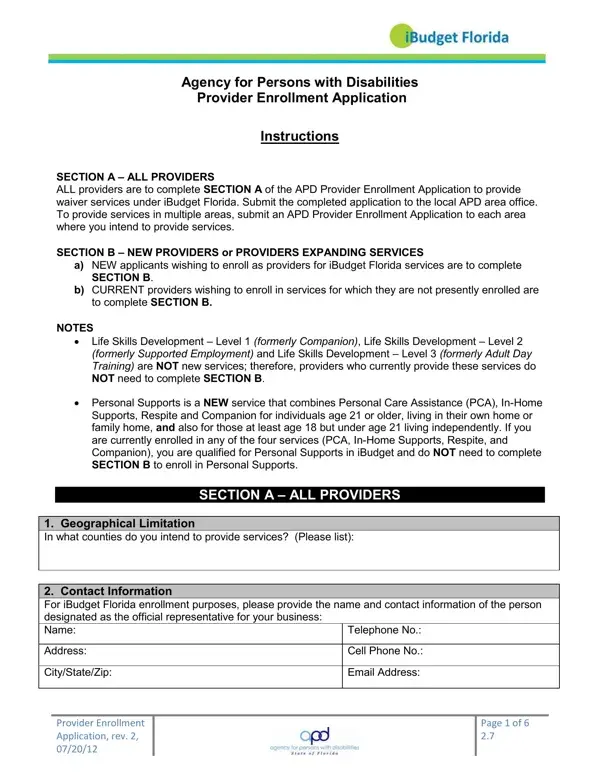
The Agency for Persons with Disabilities (APD) Provider Enrollment Application is the official request form for agencies and individuals seeking to offer waiver program benefits under Florida's iBudget initiative. This initiative provides flexible budgets to support individuals with developmental disabilities in obtaining personalized care and assistance.
The application form is divided into two main parts. The first part is required for all applicants and captures geographic coverage areas, contact information, applicant designation, and the specific iBudget waiver programs offered. The second part applies to new applicants and agencies expanding their programs, and requires detailed educational background, professional qualifications, licensing information, and past service delivery history. Please review all requirements before starting your request.
Any organization or individuals wishing to offer APD waiver program benefits in Florida must complete and file this application at their local area office. This includes first-time applicants and established agencies adding new program categories such as support coordination, residential habilitation, personal assistance, or supported living coaching. Please contact your local area office to learn the current submission requirements for your region.
Applicants must supply their FEIN or SSN, treating provider ID (for support coordinators), applicable licenses, registrations, and certifications. Agencies offering residential and supported living programs must also include a written 24-hour support plan. All information must be current and complete at the time the application is filed at the area office. The form contains 141 fillable fields and typically takes about 29 minutes to complete. Please gather all required documents before starting your request.
| Question | Answer |
|---|---|
| Form Name | APD Provider Enrollment Application Form |
| Form Length | 4 pages |
| Fillable? | Yes |
| Fillable fields | 141 |
| Avg. time to fill out | 29 min 16 sec |
| Other names | apd provider enrollment, apd provider application, apd enrollment, fl apd application |
APD Provider Enrollment Application Form isn’t the one you’re looking for?