
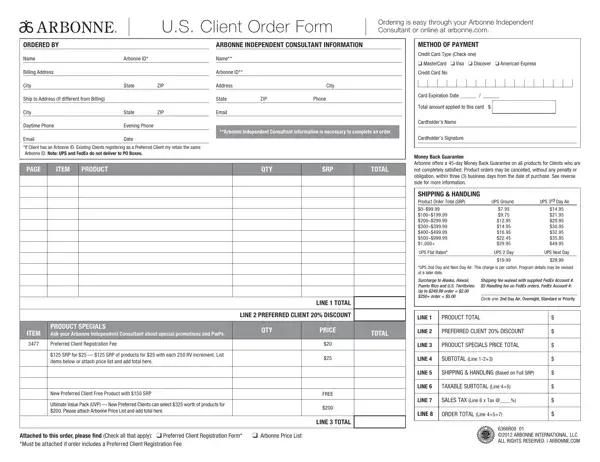
Placing an order with Arbonne, the health and wellness products company, is simplified through the U.S. Client Order Form, which can be completed with an Arbonne Independent Consultant or online via their official website. This client order document requires vital information to process a purchase, including the client's and consultant's names, Arbonne ID (if available), billing and shipping addresses, contact details, and email addresses. A unique aspect of the Arbonne ordering experience includes options for existing clients to retain their Arbonne ID when transitioning to Preferred Client status, emphasizing the company's effort to maintain a seamless customer experience. Furthermore, the document outlines the preferred client 20% discount, product specials, and information about the Preferred Client registration fee, showcasing exclusive deals like receiving $125 worth of products for $25 with each 250 RV increment, along with a compelling offer for new Preferred Clients who can avail $325 worth of products for $200. Payment methods, shipping and handling charges, applicable sales tax, and a comprehensive money-back guarantee policy offer transparency and customer reassurance. Arbonne also includes instructions for order cancellation within specified timeframes, adding a layer of trust and flexibility for clients. This meticulously designed client order document embodies Arbonne's commitment to customer satisfaction and ease of access to their health and wellness offerings.
| Question | Answer |
|---|---|
| Form Name | Arbonne Order Form |
| Form Length | 2 pages |
| Fillable? | No |
| Fillable fields | 0 |
| Avg. time to fill out | 30 sec |
| Other names | arbonne order form 2019, arbonne w2, how to place an arbonne order for a client, Hawaii |