
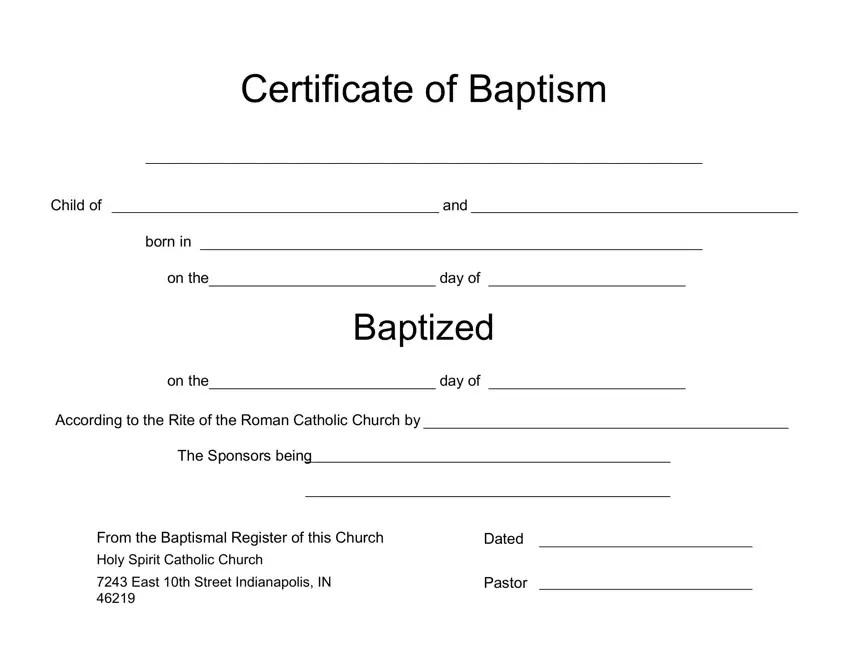

Editing this baptism certificate PDF is quick using our free online editor. Follow these steps to complete and save the form:
Step 1: Click the orange "Get Form Now" button to open the PDF editor.
Step 2: Fill in all required fields, including the baptized person’s name, parents’ names, date of birth, and date of baptism.
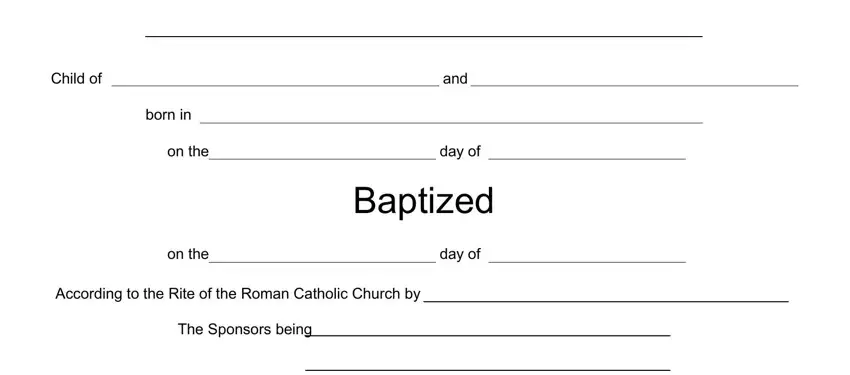
Step 3: Enter the church name, street address, officiating clergy’s name, and godparents’ names in the appropriate fields.

Step 4: Click "Done" to finalize. Download the PDF to your device or send it by email. Keep at least two printed copies for your records.
Frequently Asked Questions
What is the difference between a baptismal certificate and a baptism record?
A baptismal certificate is the physical document given to the family at the time of baptism. A baptism record is the official entry in the church’s parish registry. The certificate is a copy of that record and can be reissued by contacting the church directly.
How do I get a replacement baptism certificate?
Contact the church where the baptism took place. Most parishes can issue a certified copy from their registry. Provide the baptized person’s full name, approximate date of baptism, and parents’ names to help locate the record.
Is a baptism certificate a legal document?
In most countries, a baptism certificate is a religious document rather than a civil one. For legal purposes, a civil birth certificate is the appropriate document. However, some countries accept baptismal records for genealogical or historical research.
Looking for related documents? You may also need a confirmation certificate, a marriage certificate, or a birth certificate application form.
