
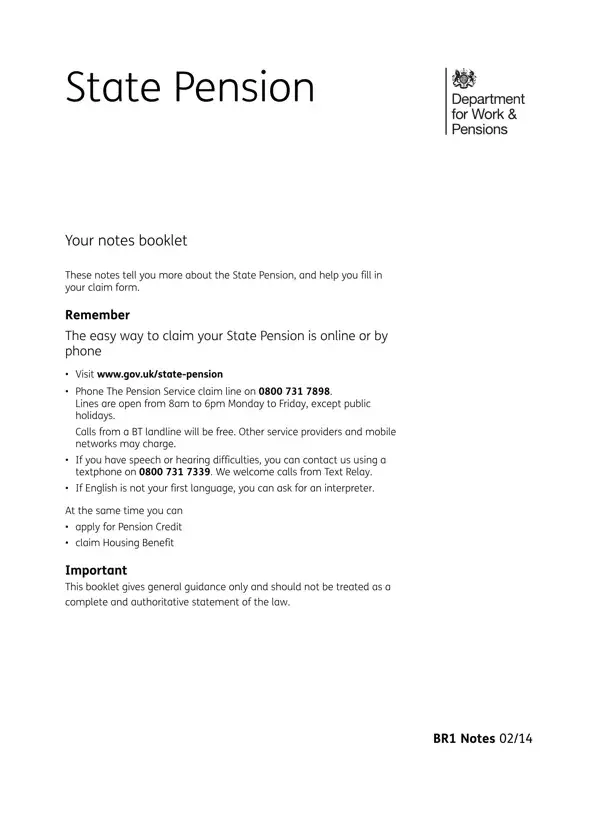
The BR1 Pension form is a comprehensive guide and application document for claiming the UK State Pension. It covers eligibility requirements, NI contribution records, claim methods, and how life events such as marriage, divorce, or widowhood can affect your pension entitlement.
The BR1 form is for individuals approaching State Pension age (currently 66 for both men and women) who wish to claim their Basic or New State Pension. To qualify for any State Pension, you need at least 10 qualifying years of National Insurance (NI) contributions. To receive the full New State Pension of £221.20 per week (2024 to 2025 rate), you need 35 qualifying years.
Each qualifying year of NI contributions adds a portion of the full pension to your entitlement. If you have gaps in your NI record, the BR1 guide explains how to make voluntary Class 3 NI contributions to fill those gaps before reaching State Pension age. Related form: National Insurance Form.
Life events including marriage, civil partnership, divorce, separation, and widowhood can all affect your State Pension amount. In some cases, you may be able to increase your pension based on your spouse's or civil partner's NI record. The BR1 booklet provides specific guidance for each situation. See also: Pensioners Validation Form.
The BR1 booklet outlines three main ways to claim your State Pension: online at the official government website, by telephone, or by post. The online route is fastest and provides instant confirmation. For those with speech or hearing difficulties, Textphone and British Sign Language (BSL) options are available. You can also request the guide in Welsh, Braille, large print, or audio format. Related resource: NHS GP Pension Form.
Yes. The BR1 form outlines options for boosting your State Pension, including making voluntary NI contributions and deferring your claim. Deferring by one year adds approximately 5.8% to your weekly amount. The booklet also explains how to trace lost occupational or personal pensions through the Pension Tracing Service. See related forms: SSS Pension Form.
| Question | Answer |
|---|---|
| Form Name | BR1 Pension Form |
| Form Length | 15 pages |
| Fillable? | Yes |
| Fillable fields | 181 |
| Avg. time to fill out | 10 min |
| Other names | state pension form, form br1, state pension form online, state pension claim form 2021 |
BR1 Pension Form isn’t the one you’re looking for?