
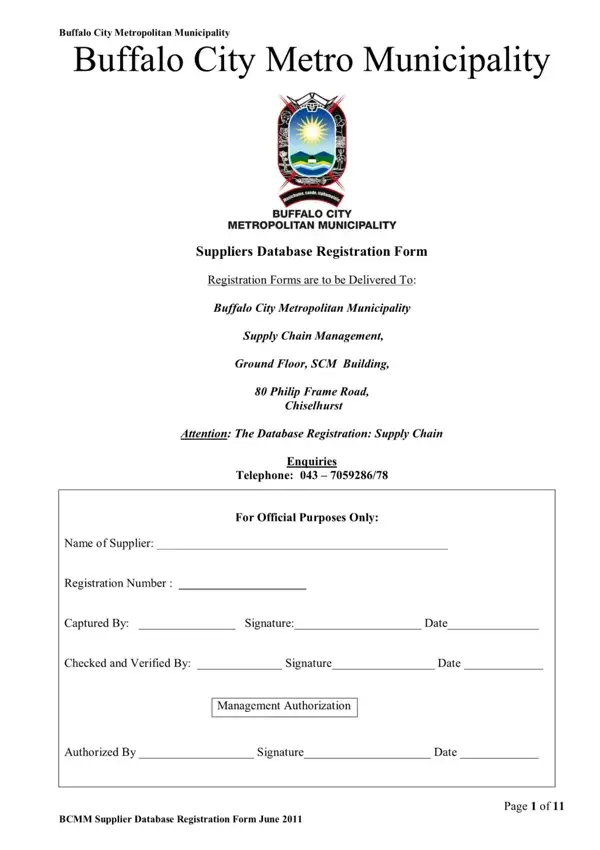
The Buffalo City Municipality Database form is an official registration document for businesses and service providers that want to supply goods or services to Buffalo City Metropolitan Municipality (BCMM). With 11 pages of required data, the form helps the municipality maintain an accurate supplier registration database. Completing this BCMM database registration is a required step for any vendor seeking to access municipal contracts or submit tenders in Buffalo City.
Buffalo City Metropolitan Municipality operates a supplier database system that allows businesses in Buffalo City and surrounding areas to register as approved vendors. The supplier database registration form is the official document suppliers must complete before they can be listed in the BCM vendor portal. Registration is a requirement for any business wishing to supply goods or services to the municipality, whether for routine municipal services, infrastructure projects, or community programs.
The database registration form captures details that allow Buffalo City metro officials to assess supplier eligibility, verify business credentials, and ensure compliance with procurement regulations. Once registered, suppliers gain access to tender opportunities and municipal service contracts through the BCMM procurement system. The municipality updates its supplier database regularly to ensure contact details, service categories, and compliance documents remain current.
The Buffalo City municipal database registration form is intended for the following groups:
If your business already appears in the National Treasury Central Supplier Database (CSD), you may still need to complete the separate Buffalo City municipality registration to qualify for local procurement opportunities in the metro area.
To complete the BCMM supplier database registration correctly, gather the following documents and details before you start filling in the form:
Gather all documents before you begin. The Buffalo City municipality procurement office does not accept incomplete registration forms. Any missing page or attachment will result in your registration being returned for correction.
If you supply goods and services across multiple municipalities in South Africa, you may need to complete more than one database registration form. The UGU Municipality Database Form covers supplier registration in the uMgungundlovu District. The Mangaung Metro Municipality Form is the equivalent registration for the Mangaung metropolitan area around Bloemfontein. For national government procurement through departments and state entities, the LOGIS Supplier Registration Form is a common requirement in addition to your local metro municipality registration.
| Question | Answer |
|---|---|
| Form Name | Buffalo City Municipality Database Form |
| Form Length | 11 pages |
| Fillable? | No |
| Fillable fields | 0 |
| Avg. time to fill out | 2 min 45 sec |
| Other names | bcmm supplier database registration, buffolo city municipality database, bcm vendor portal, data base registration form online at bcmm |
Buffalo City Municipality Database Form isn’t the one you’re looking for?