
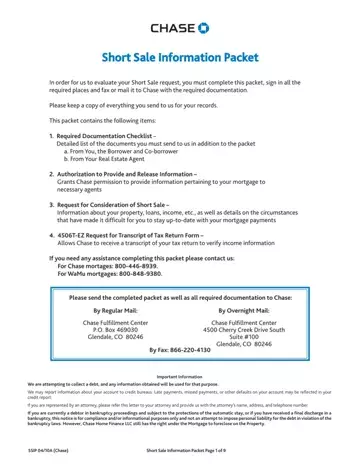
The Chase Short Sale Packet is a complete set of forms that homeowners submit to request that Chase Bank accept less than the full mortgage balance when selling the property. A short sale is a structured alternative to foreclosure, providing a path for homeowners facing financial hardship to sell their home and satisfy their mortgage debt even when the sale price is less than the amount owed.
The packet contains four core components that homeowners and their real estate agents must complete together:
This packet is for Chase mortgage borrowers who are experiencing a documented financial hardship and have determined that they can no longer maintain their mortgage payments. Common qualifying hardship situations include job loss, reduced income, divorce or legal separation, a medical emergency, or a necessary relocation for employment. Homeowners in this situation may also want to consider a deed in lieu of foreclosure or a loan modification agreement as alternative options before committing to a short sale.
Before submitting this packet, retain copies of every document for your personal records. Chase requires all submissions to be complete and signed before evaluation can begin.
| Question | Answer |
|---|---|
| Form Name | Chase Short Sale Packet Form |
| Form Length | 9 pages |
| Fillable? | No |
| Fillable fields | 0 |
| Avg. time to fill out | 2 min 15 sec |
| Category | Banking / Mortgage Assistance |
| Other names | chase bank short sale packet, short chase sale, chase short sale forms, chase bank short sale process |
