
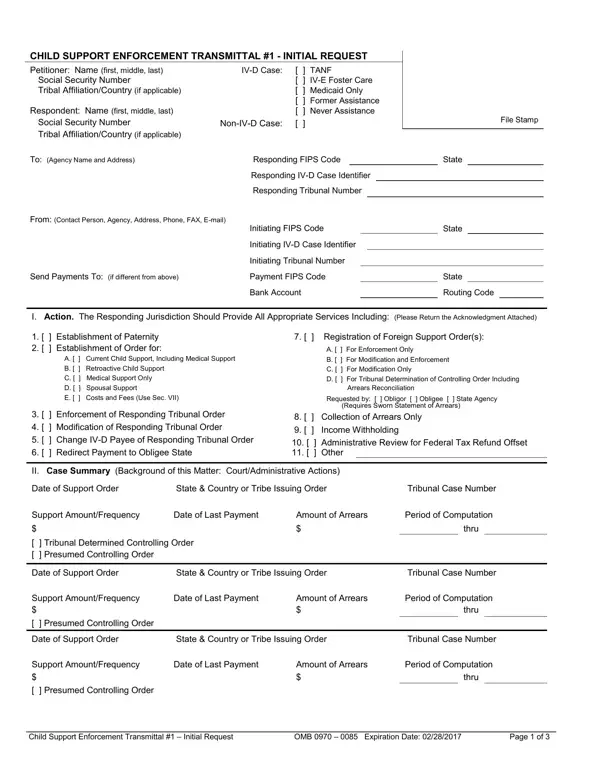

Child Support Enforcement Transmittal #1, Initial Request at a glance
What it is: Child Support Enforcement Transmittal #1, Initial Request, is required for initiating an intergovernmental case to any responding state's central registry.
Where and when to file: Whenever possible, a Transmittal #1 request should be sent electronically using the appropriate CSENet transaction. However, some states also require a paper Transmittal #1.
The initiating agency is listed in the space marked “From:”, and the initiating jurisdiction is the jurisdiction that referred the case to the responding jurisdiction for services. The CSE Transmittal #1-Initial Request form is required for initiating an intergovernmental case to any responding state's central registry. The form can be used to request a number of different actions, including establishment of parentage and/or a support obligation, modification, and/or enforcement.
What to bring and attach to Child Support Enforcement Transmittal #1, Initial Request
The Child Support Agency Confidential Information Form must be attached.
The form does not take the place of, and therefore must be accompanied by, the appropriate standard intergovernmental forms (e.g., Uniform Support Petition, Personal Information Form for UIFSA §311, General Testimony, Declaration in Support of Establishing Parentage, Letter of Transmittal Requesting Registration) and supporting documentation.
If sending by mail, attach two copies of the order(s), including one certified copy, which you are asking the responding jurisdiction to enforce. Send only one certified copy, if sending by EDE.
A filled-in Child Support Enforcement Transmittal #1, Initial Request example: a request to register and enforce an order
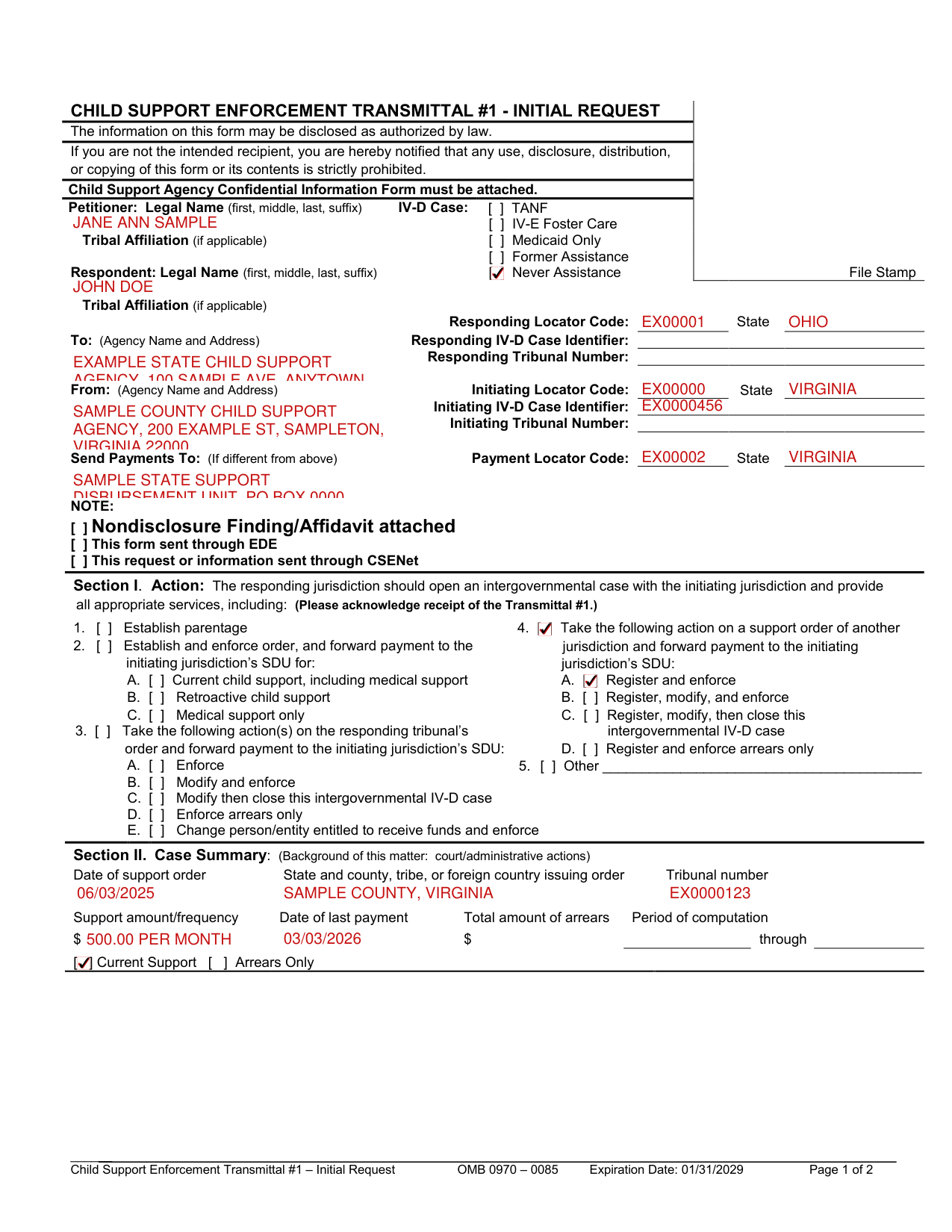
How to fill out Child Support Enforcement Transmittal #1, Initial Request, box by box
Petitioner, respondent and the type of IV-D case

Identify the petitioner and respondent by full legal name (first, middle, last, suffix) and, if applicable, include the name of the tribe with which the petitioner or respondent is affiliated.
Check the appropriate box to identify the type of IV-D case: TANF, IV-E foster care, Medicaid only, former assistance, or never assistance.
TANF means the obligee's family is currently receiving IV-A cash payments.
To, From and Send Payments To
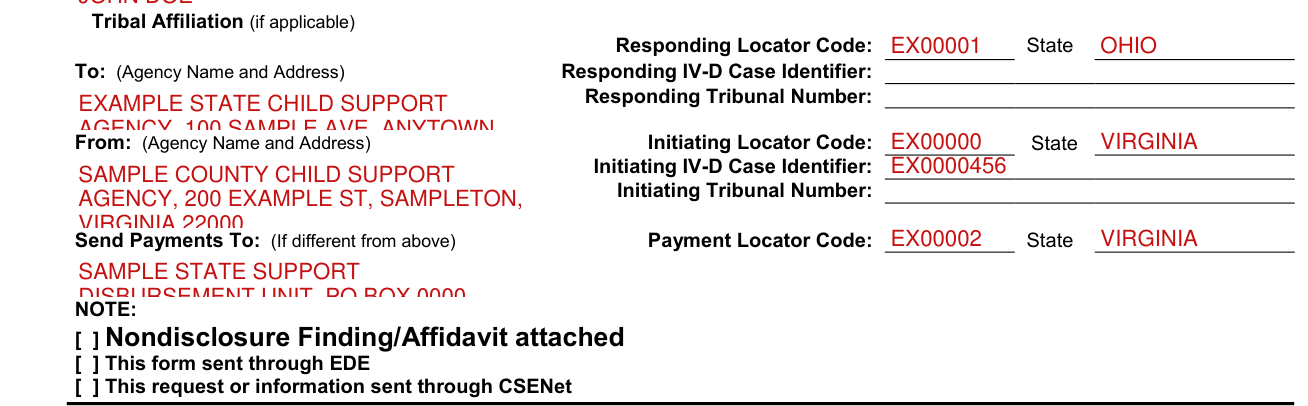
In the space marked “To:”, list the name and address (street, PO Box, city, state, and zip code) of the agency to which you are sending the CSE Transmittal #1.
In the space marked “From:” list the initiating agency's name and address (street, PO Box, city, state, and zip code).
In the space marked “Send Payments To:”, list the name and address (street, PO Box, city, state, and zip code) of your agency's support disbursement unit (SDU) if it is not the same information as listed in “To:”. In the appropriate spaces, enter the locator code and state where payments should be sent.
The responding jurisdiction is the jurisdiction that is working the case at the request of the initiating jurisdiction. In the appropriate spaces, enter the responding jurisdiction's locator code, state, and, if applicable and known, IV-D case identifier and tribunal number.
The initiating jurisdiction is the jurisdiction that referred the case to the responding jurisdiction for services. In the appropriate spaces, enter the initiating jurisdiction's locator code, state, IV-D case identifier, and, if applicable, tribunal number.
Under “IV-D case identifier”, enter the number/identifier identical to the one submitted on the Federal Case Registry, which is a left-justified up to 15-character alphanumeric field, allowing all characters except asterisk and backslash, and with all characters in uppercase.
NOTE: nondisclosure, EDE and CSENet

In the “NOTE:” section, check any of the following that apply: Nondisclosure Finding/Affidavit attached - If there is a finding prohibiting disclosure of a party's or child(ren)'s address/identifying information or an affidavit alleging that disclosure of such information would result in risk of harm, check the box for “Nondisclosure Finding/Affidavit” and attach a copy of the finding/affidavit in accordance with section 312 of UIFSA.
This form sent through EDE - Check if this form was sent through the Electronic Document Exchange (EDE). This request or information sent through CSENet - Check if this request or information was sent through CSENet.
Section I. Action
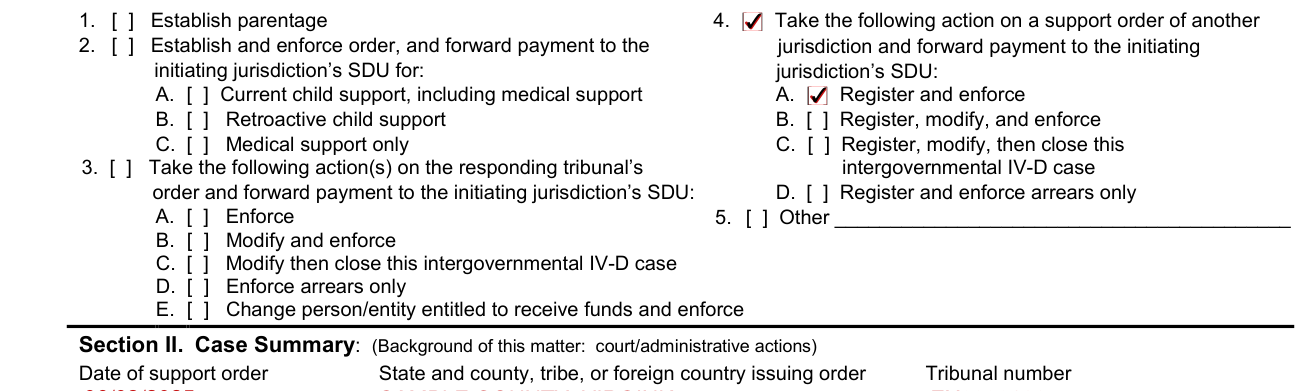
Section I. Action: Check the appropriate box(es) to indicate which actions are requested. Multiple actions may be requested, as appropriate.
Check item 1 “Establish parentage” when parentage has not been legally determined. Be sure to attach a separate “Declaration in Support of Establishing Parentage” for each child whose parentage is at issue.
Check item 2 “Establish and enforce order, and forward payment to the initiating jurisdiction's SDU for” to request the establishment of an order. Indicate the type of order by checking the appropriate box(es).
Check item 2A “Current child support, including medical support” to request the initial establishment of a new child support order. Check item 2B “Retroactive child support” to request support for a prior period.
Check item 2C “Medical support only” in a Medicaid case in which a child support order does not exist and is not sought.
Check item 3 “Take the following action(s) on the responding tribunal's order and forward payment to the initiating jurisdiction's SDU:” when the responding tribunal has already issued a support order. More than one action can be chosen.
Check item 3A “Enforce” to enforce the support order. Check item 3B “Modify and enforce” to modify and enforce the support order.
Check item 4 “Take the following action on a support order of another jurisdiction and forward payment to the initiating jurisdiction's SDU:” when the responding jurisdiction has not issued the support order that you are seeking to modify and/or enforce. Check item 4A “Register and enforce” to register and enforce the support order.
Check item 4B “Register, modify, and enforce” to register, modify, and enforce the support order.
Check item 5 “Other” for an action that is not listed and describe the action requested.
Section II. Case Summary

Section II. Case Summary: NOTE: This is a summary document. Refer to the order for additional information.
Enter: Date of support order State and county, tribe, or foreign country issuing order Tribunal number Support amount/frequency Date of last payment Total amount of arrears Period of computation - enter the month, day, and year for both the beginning and ending dates.
NOTE: For a breakdown of “Total amount of arrears,” refer to the order and, if applicable, the Letter of Transmittal Requesting Registration.
Section II. Case Summary (Continued)

Check whether the order is for current support or arrears only. Check “Additional orders or information attached” if you are sending more than two orders or additional information to the responding jurisdiction.
Section III. Obligee Information

Obligee Information: This section provides basic information about the obligee. Check the appropriate box to indicate if the obligee is the parent or caretaker. Provide the obligee's full legal name (first, middle, last, suffix). If the obligee is the caretaker, indicate the caretaker's relationship to the child(ren) (e.g., grandmother, cousin). Check “Has legal custody/guardianship of child(ren)” if the caretaker has legal custody/guardianship of the child(ren).
Section IV. Obligor Information

Obligor Information: This section provides basic information about the obligor. Provide the obligor's full legal name (first, middle, last, suffix).
Section V. Dependent Child(ren) Information

Dependent Child(ren) Information: List all child(ren) for whom support is owed or being sought. For each child, provide the child's full legal name (first, middle, last, suffix).
Section VI. Other Pertinent Information
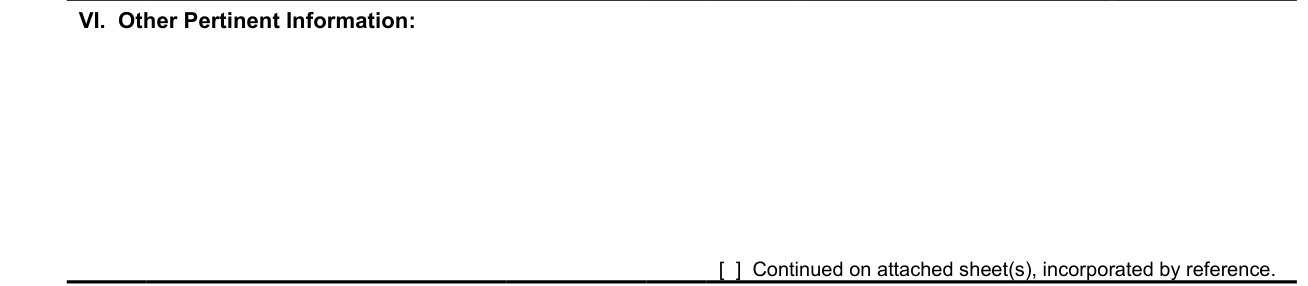
Other Pertinent Information: Provide additional information that may be useful to the responding jurisdiction. If additional space is needed, check “Continued on attached sheet(s), incorporated by reference.”
Section VII. Attachments
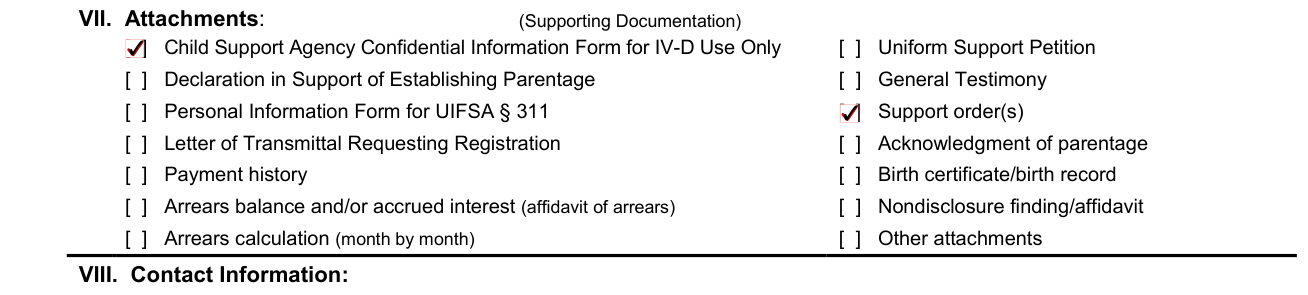
Check the appropriate box(es) to indicate all documents attached. For attachments other than those listed, check “Other attachments”.
Section VIII. Contact Information
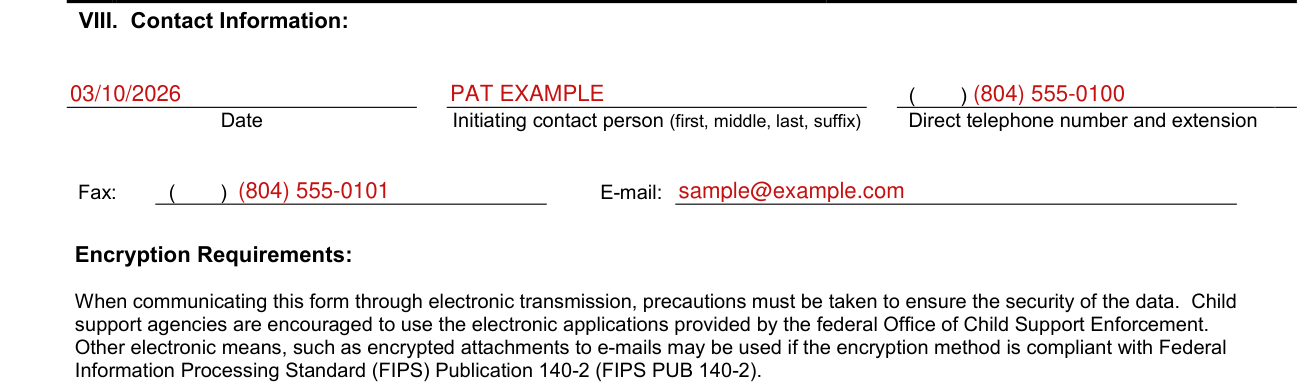
At the bottom of page 2, provide a specific contact person's name, a direct telephone number (with extension if necessary), a fax number, and an e-mail address to expedite communication between jurisdictions.
When communicating this form through electronic transmission, precautions must be taken to ensure the security of the data.
Sources
[1] Child Support Enforcement Transmittal #1 - Initial Request (OMB 0970-0085), Office of Child Support Services, Administration for Children and Families (the Official source link on this page).