
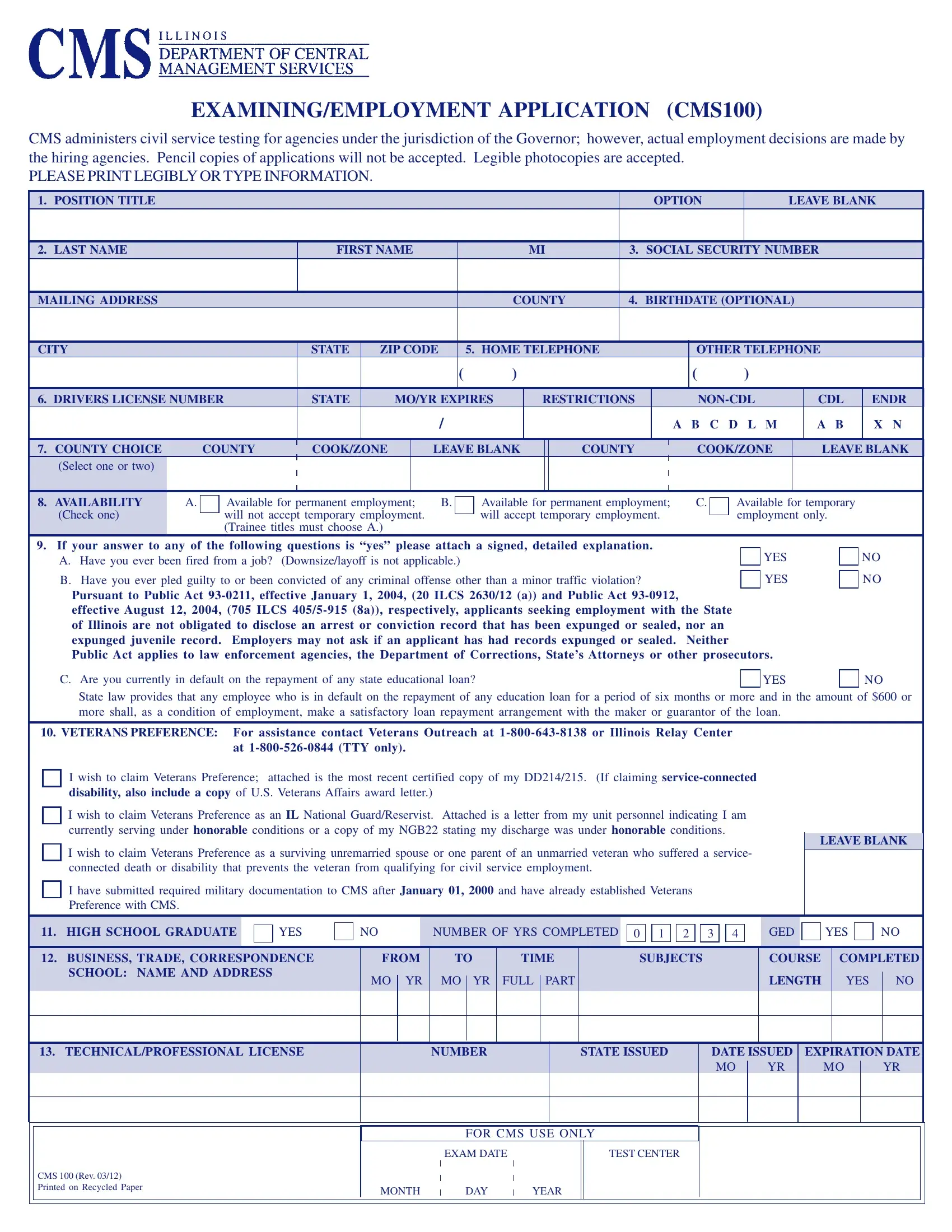
The CMS100 Application Form is the official employment application for civil service positions managed by the Illinois Department of Central Management Services (CMS). If you want to apply for a job with an Illinois state agency under the Governor's authority, this form is your starting point.
The CMS100 is required for anyone applying to civil service positions within Illinois state agencies under the Governor's jurisdiction. This includes departments such as the Department of Human Services, the Department of Revenue, and the Department of Employment Security. Both permanent and temporary job seekers must complete this form.
Applicants who also need a general employment application can find one on FormsPal. Those applying for civil service positions in other states may need the Ohio Civil Service Application for positions in Ohio state government.
The form gathers detailed information across seven key areas. You will need to provide:
All entries on the CMS100 must be typed or printed clearly in ink. The CMS does not accept forms completed in pencil. Incomplete or illegible applications may be delayed or disqualified. Check every section carefully before submitting.
For certain civil service titles, the CMS100 itself serves as the qualifying examination. The information you enter, especially your work and education history, is scored to rank applicants. Leaving sections blank can directly reduce your placement score and your chances of selection.
Non-discrimination policies apply throughout the Illinois civil service hiring process. All candidates are evaluated based on job-related qualifications. Those applying under Section 55-b may also need the Civil Service 55-B Form for state civil service accommodations.
| Question | Answer |
|---|---|
| Form Name | CMS100 Application Form |
| Form Length | 6 pages |
| Fillable? | Yes |
| Fillable fields | - |
| Avg. time to fill out | 10 min |
| Other names | cms 100 employment application, illinois cms100, cms100 form, cms 100 application |
| Jurisdiction | State of Illinois |
| Issuing Agency | Department of Central Management Services (CMS) |
| Purpose | Civil Service Employment Application |
| Form Type | Government Employment Form |