
The PDF editor was developed to be as straightforward as it can be. Since you follow the following steps, the procedure for filling in the carrier packet sample document is going to be simple and easy.
Step 1: To start out, hit the orange button "Get Form Now".
Step 2: Now you are going to be within the document edit page. It's possible to add, modify, highlight, check, cross, add or delete fields or words.
These areas are what you are going to fill out to get the finished PDF form.
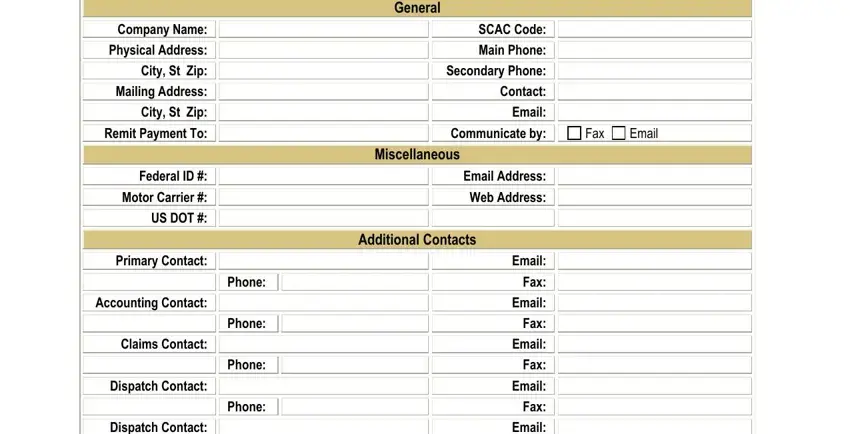
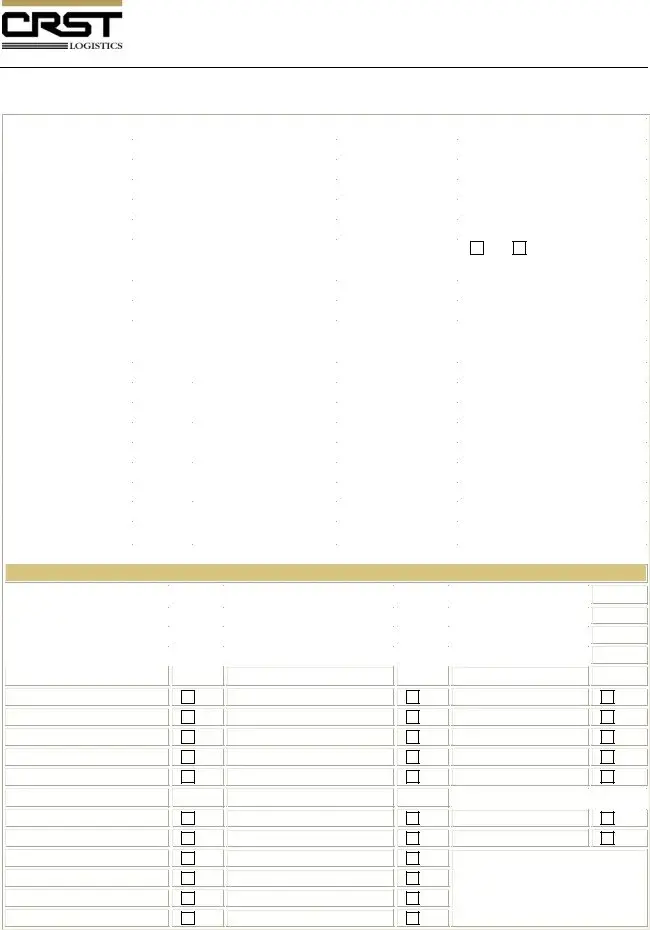
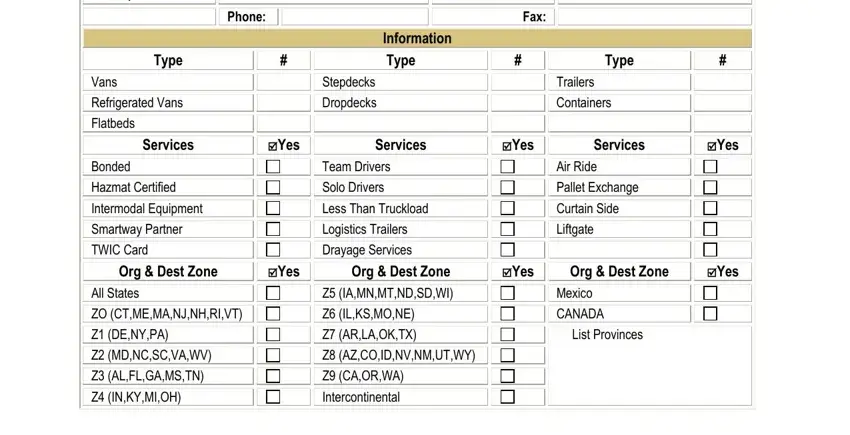
Write the details in Dispatch Contact, Phone, Email Fax Email Fax Email Fax, Fax, Type, Vans Refrigerated Vans Flatbeds, Information Type, Stepdecks Dropdecks, Type, Trailers Containers, Services, cidYes, Services, cidYes, and Services.
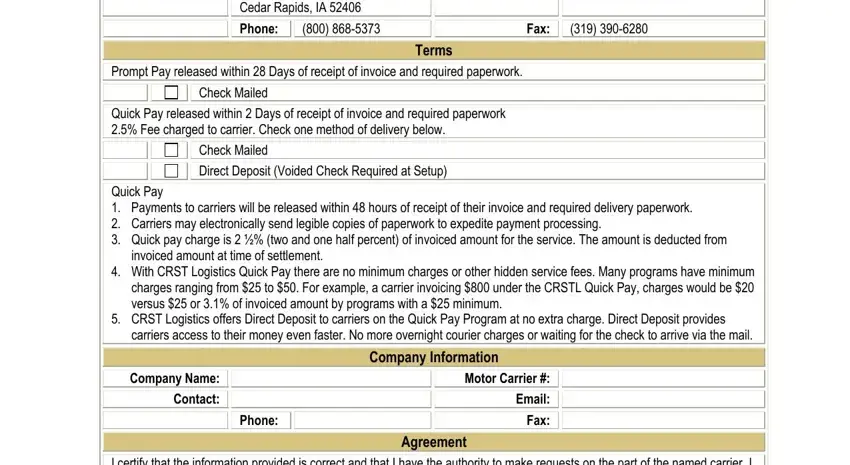
Outline the essential details in the PO Box Cedar Rapids IA Phone, Fax, Terms, Prompt Pay released within Days, Check Mailed, Quick Pay released within Days of, Check Mailed Direct Deposit Voided, Quick Pay Payments to carriers, invoiced amount at time of, With CRST Logistics Quick Pay, CRST Logistics offers Direct, carriers access to their money, Company Name Contact, Phone, and Company Information area.
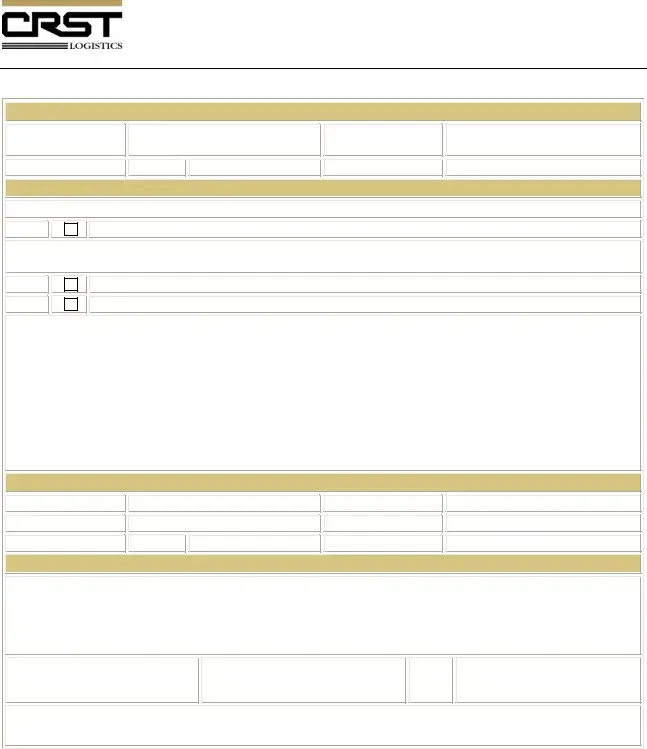
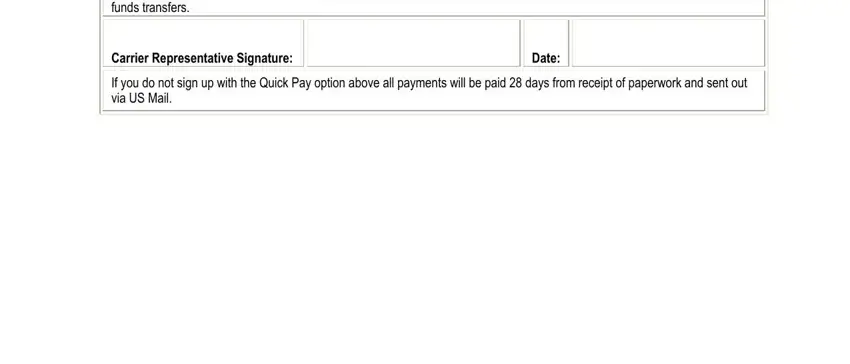
Make sure you place the rights and responsibilities of the parties inside the Agreement I certify that the, Carrier Representative Signature, Date, and If you do not sign up with the paragraph.
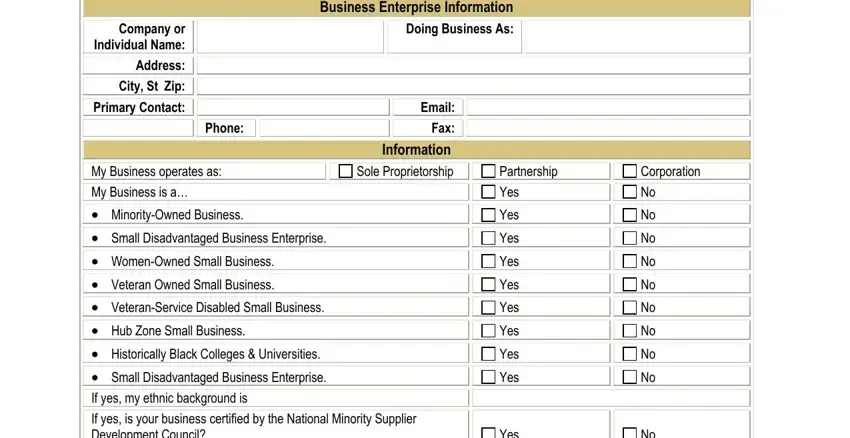
Review the fields Company or Individual Name Address, Phone, My Business operates as My, MinorityOwned Business, Small Disadvantaged Business, WomenOwned Small Business, Veteran Owned Small Business, VeteranService Disabled Small, Hub Zone Small Business, Historically Black Colleges, Business Enterprise Information, Email Fax Information Sole, Partnership Yes, Corporation No, and Yes and next fill them out.
Step 3: As soon as you select the Done button, your prepared file may be exported to each of your gadgets or to email stated by you.
Step 4: It can be simpler to maintain copies of the form. You can be sure that we are not going to publish or view your data.
