

Form DH 430 at a glance
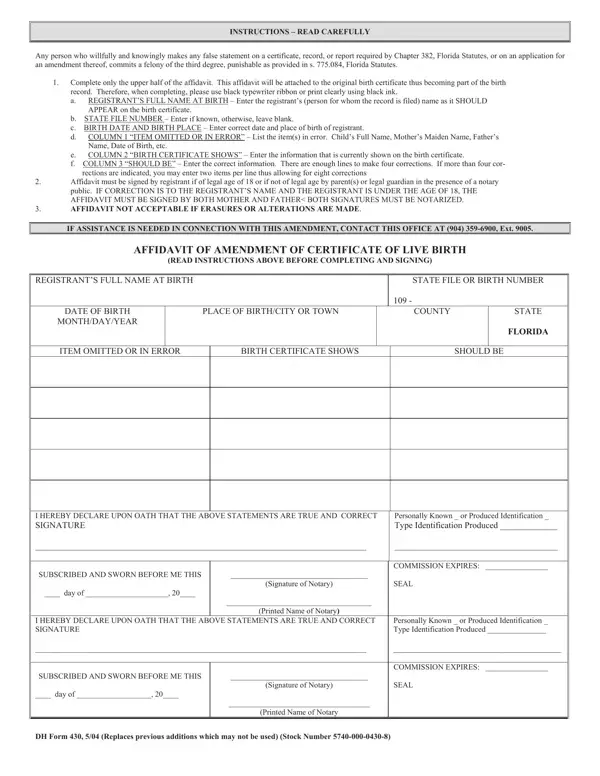
What it is: Form DH 430 is the Affidavit of Amendment of Certificate of Live Birth of the State of Florida Department of Health Bureau of Vital Statistics.
Who signs: 2) Who MUST sign the affidavit in the presence of a notary public? a) If registrant is under the age of 18, a parent listed on the birth certificate or legal guardian MUST sign.
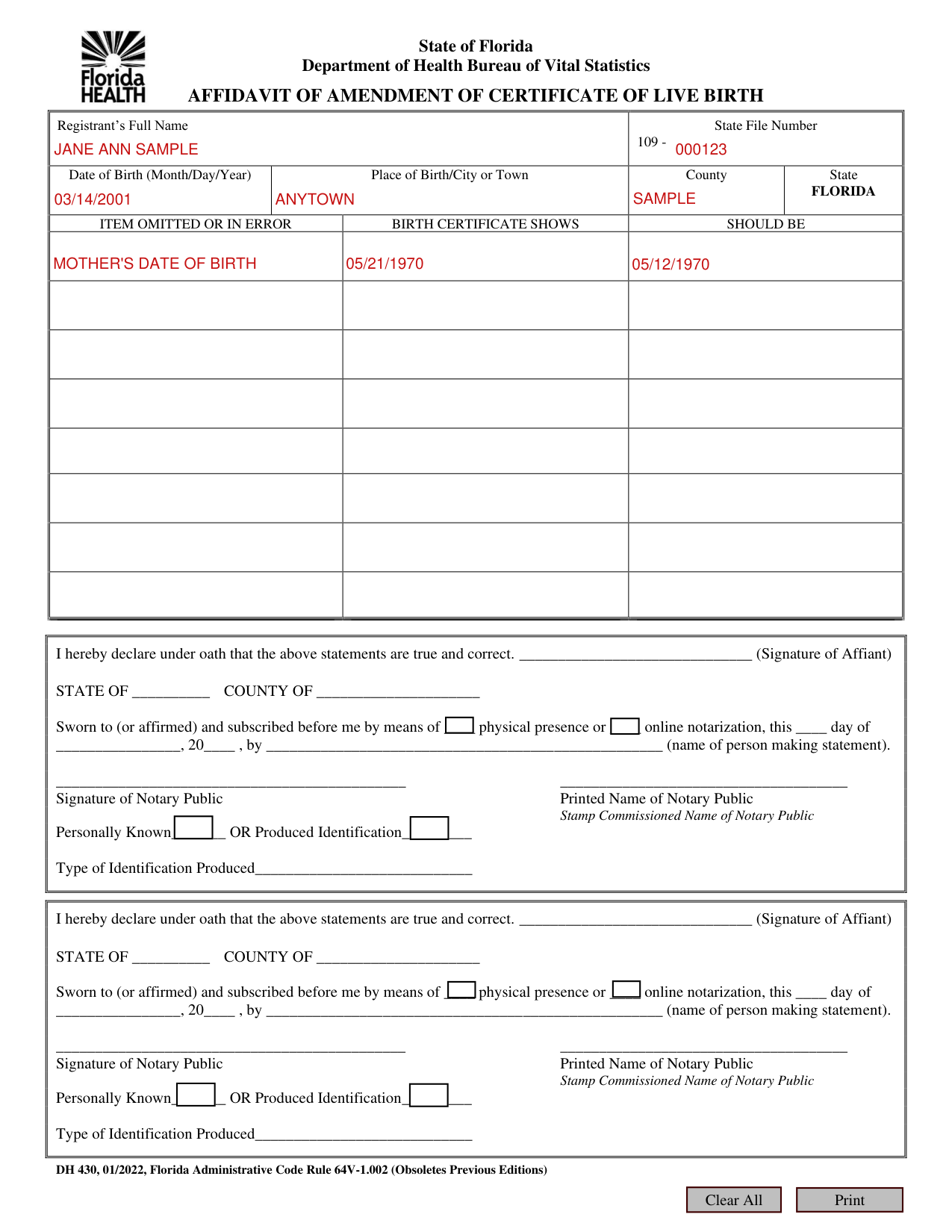
A filled-in Form DH 430 example: an adult corrects her mother's date of birth
How to fill out Form DH 430, box by box
Registrant's Full Name, State File Number, Date of Birth, Place of Birth and County

1) Complete only the upper half of the affidavit. This affidavit will be linked to the original birth certificate thus becoming part of the birth record.
Therefore, when completing, please print clearly. a) Registrant's Full Name: Enter the registrant's name (person named on birth record) as it should appear. b) State File Number: Enter if known, otherwise, leave blank. c) Date of Birth: Enter the registrant's correct date of birth. d) Place of Birth: Enter the registrant's city or town of birth. e) County: Enter the registrant's county of birth if known, otherwise, leave blank. f) ITEM OMITTED OR IN ERROR: List the item(s) in error. "Child's Full Name", "Mother's/Parent's Name", "Father's/Parent's Name", "Child's Date of Birth", "Mother's Date of Birth", "Father's Date of Birth", etc.
Birth certificate shows and Should be
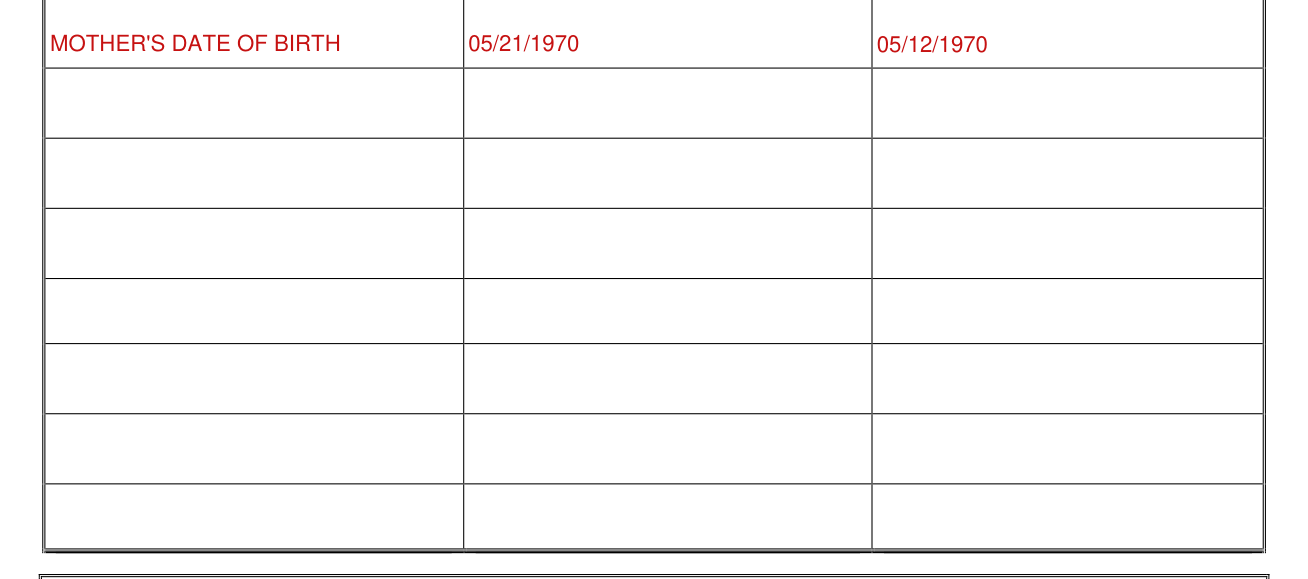
g) BIRTH CERTIFICATE SHOWS: Enter the information as currently shown on the birth certificate. h) SHOULD BE: Enter the correct information.
Sworn statement and notary public
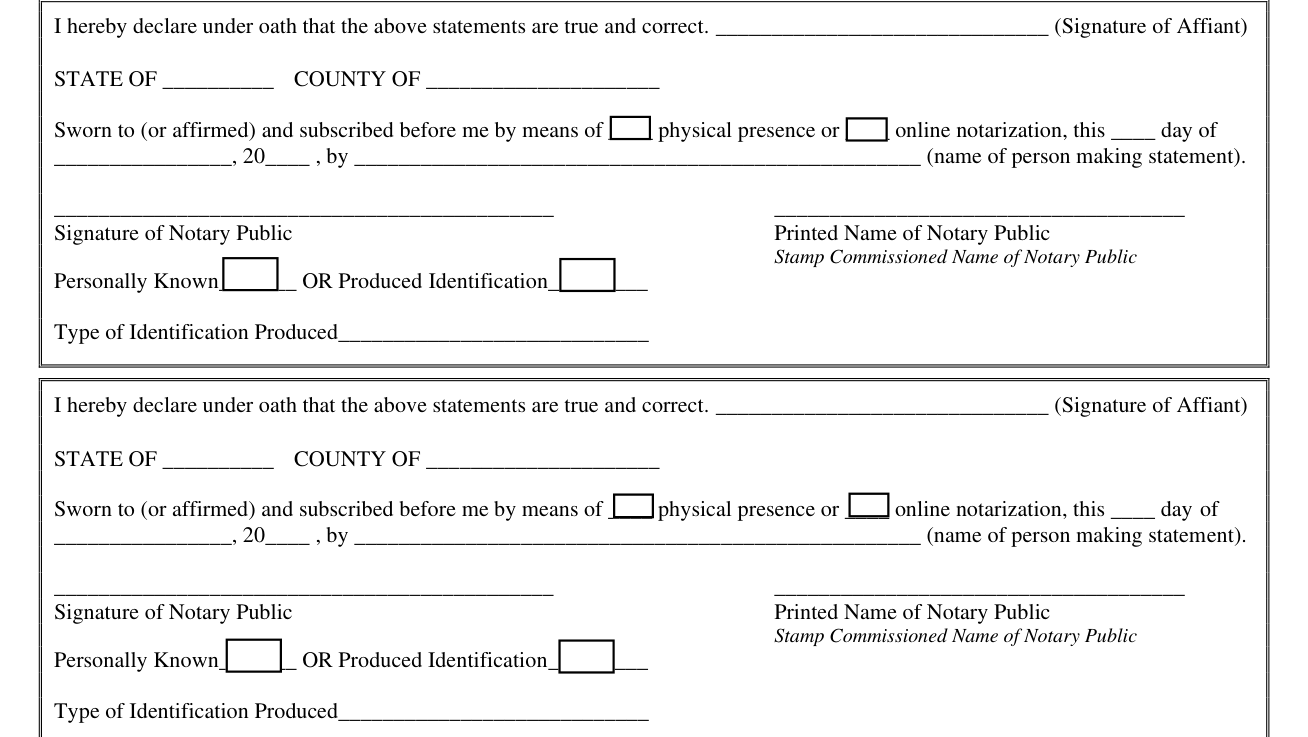
(a) If the name of the registrant is to be changed, the parent(s) as listed or legal guardian(s) MUST sign. b) If the registrant is 18 years or older, registrant MUST sign.
I hereby declare under oath that the statements are true and correct. (Signature of Affiant) STATE OF __________ COUNTY OF _____________________ Sworn to (or affirmed) and subscribed before me by means of ____ physical presence or ____ online notarization, this ____ day of ________________, 20____ , by ___________________________________________________ (name of person making statement). Signature of Notary Public, Printed Name of Notary Public, Stamp, Commissioned Name of Notary Public, Personally Known_______ OR Produced Identification_________ Type of Identification Produced____________________________
AFFIDAVIT IS NOT ACCEPTABLE IF ERASURES OR ALTERATIONS ARE MADE.
DH 430, 01/2022, Florida Administrative Code Rule 64V-1.002 (Obsoletes Previous Editions), information and instructions: Any person who willfully and knowingly makes any false statement in a certificate, record, or report required by Chapter 382, Florida Statutes, or in an application for an amendment thereof, commits a felony of the third degree, punishable as provided in s. 775.084, Florida Statutes.
If your situation is different
Mailing the affidavit
MAIL THIS AFFIDAVIT AND APPLICATION (DH 429) WITH PAYMENT TO: DEPARTMENT OF HEALTH BUREAU OF VITAL STATISTICS ATTN: CORRECTION UNIT P.O. BOX 210, JACKSONVILLE, FL 32231-0042. Express Mail and Courier Deliveries to: 1217 North Pearl Street, Jacksonville, Florida, 32202. If assistance is needed, contact the Correction unit at (904) 359-6900, ext. 9005. Website: www.floridahealth.gov/certificates
Sources
[1] Form DH 430 (01/2022), Affidavit of Amendment of Certificate of Live Birth, Florida Department of Health (the Official source link on this page).