Please rate Dmv Form 14 11-2021

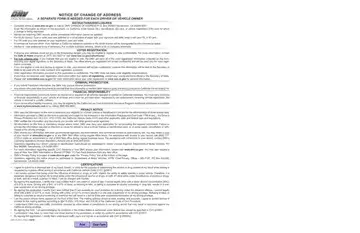
Names not matching DMV records and/or unreadable information cannot be updated.
DL or ID card: type or write your new address on a small piece of paper with your signature and date, and keep it with your DL or ID card.
Registration card: write your new address on your registration card and initial.
Both pages: your application cannot be processed without both pages.
Voter change of address: use only with DL/ID change of address; your voting address will be updated unless you check the box.
Commercial licensed driver: must maintain a California residence address or the driver license will be downgraded to non commercial status.
| Question | Answer |
|---|---|
| Form Name | DMV 14 |
| Form Length | 3 pages |
| Fillable? | Yes |
| Fillable fields | 752 |
| Avg. time to fill out | 60+ min |
| Edition | 11/2021 |
| Where to send | DMV CHANGE OF ADDRESS, PO Box 942859, Sacramento, CA 94259-0001 |
| Matches the agency's file | Yes, checked October 2, 2026 |
| Other names | DMV 14, DMV14, DMV 14 form, REG 14, California DMV 14, CA DMV 14, DMV Notice of Change of Address |
| Official source | DMV 14 (Rev 11/2021), California Department of Motor Vehicles |
Dmv Form 14 isn’t the one you’re looking for?
Please rate Dmv Form 14 11-2021
